Design Studio
▷ Bespoke website page design made simple - a "Game Changer" solution from RecruiterWEB - you'll never need to repurchase a new website again, because you, people you nominate or we can refresh your page design from over 1 million combinations.
▷ Design Studio gives unmatched control over how you showcase your brand online, giving you the all-important unique online presence you need without the huge design bill you don't want.
▷ Design Studio is included as standard on all our websites; existing customers can upgrade to the new platform.
Design Studio Widget Examples
The following provides a guide to the Widget designs we have, with links to working examples.
Buttons Examples
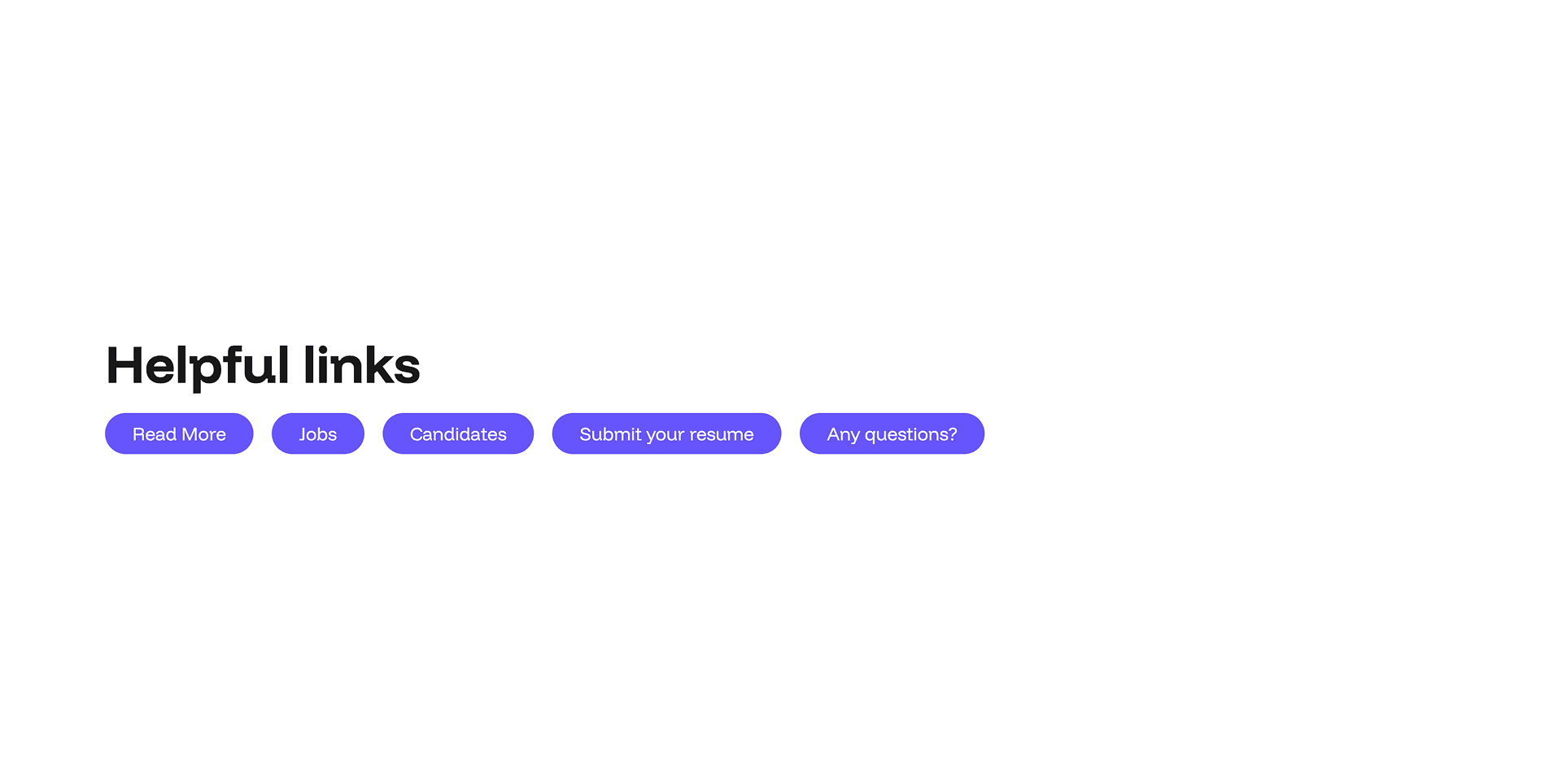
Adding clear, clickable calls-to-action has never been easier. Design Studio's button panel lets website admins drop beautifully styled buttons onto any page in seconds — no developers, no coding, no delays.
Every layout is fully responsive and optimised for mobile, SEO, and AI visibility. No coding required, just add your content in the admin panel and let your pages do the talking.
Content Widget 1 Examples
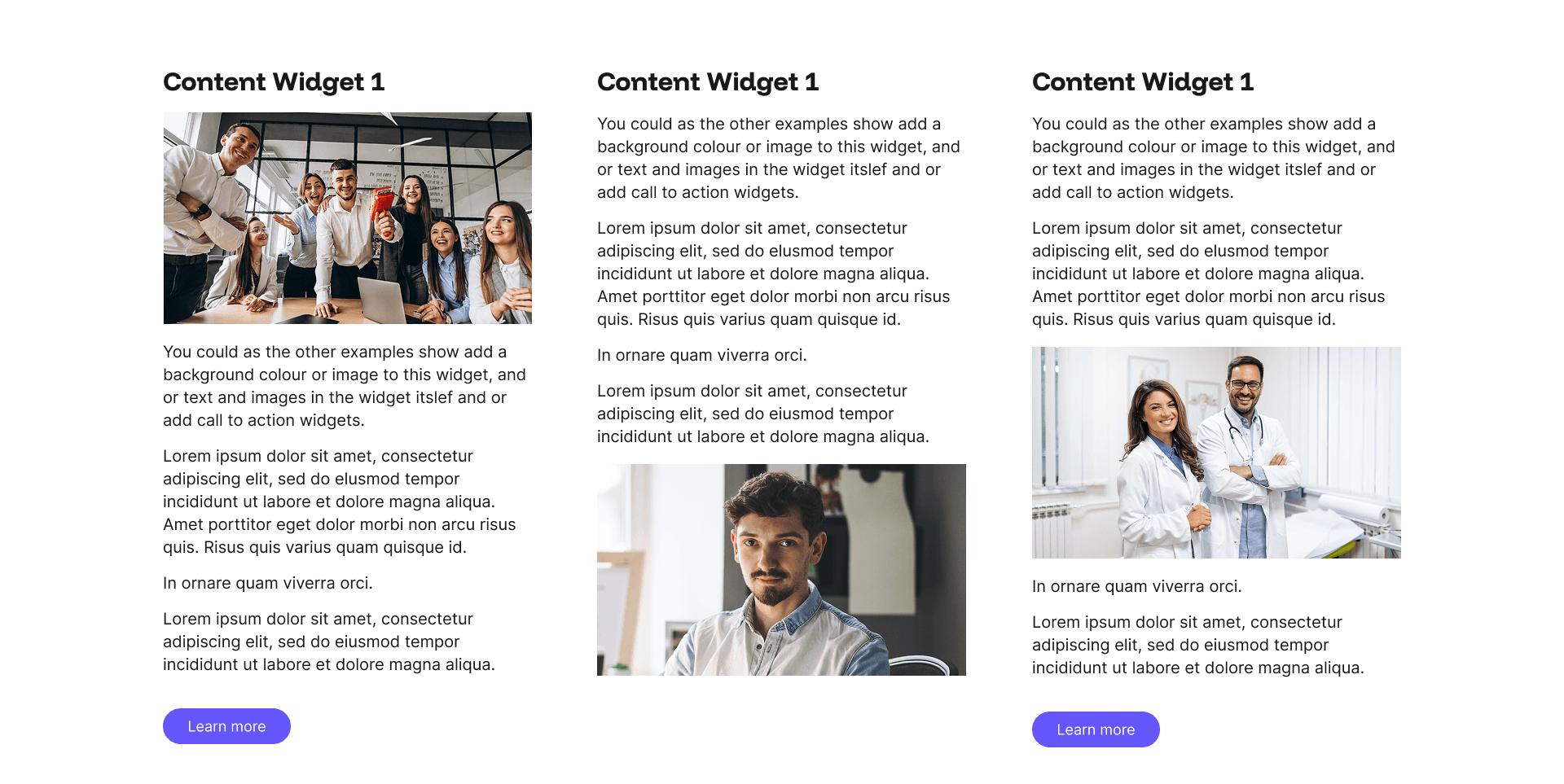
Use it to build About Us sections, sector breakdowns, service descriptions, candidate messaging, or anything else that needs clean, structured text on your website.
Every layout is fully responsive and optimised for mobile, SEO, and AI visibility. No coding required, just add your content in the admin panel and let your pages do the talking.
Content Widget 2 Examples
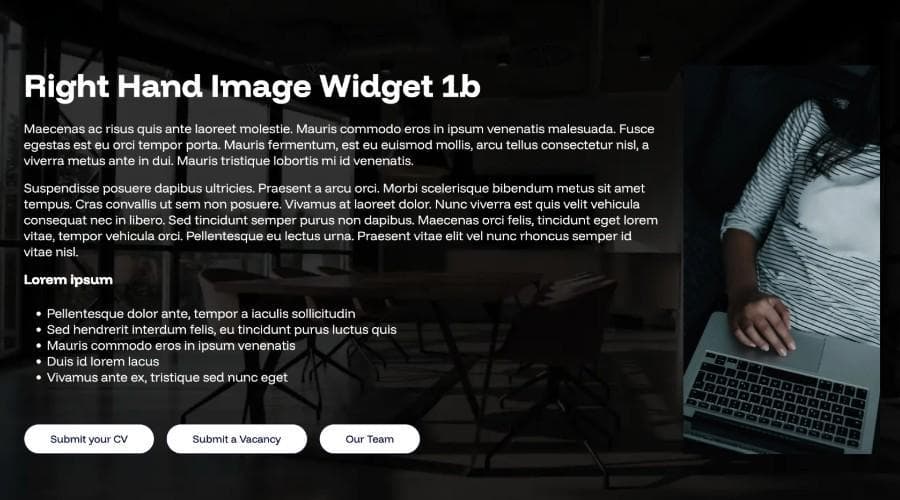
Another versatile widget in Design Studio. Use it to build About Us sections, sector breakdowns, service descriptions, candidate messaging, or anything else that needs clean, structured text on your website.
Every layout is fully responsive and optimised for mobile, SEO, and AI visibility. No coding required, just add your content in the admin panel and let your pages do the talking.
Flipbox 1 Example
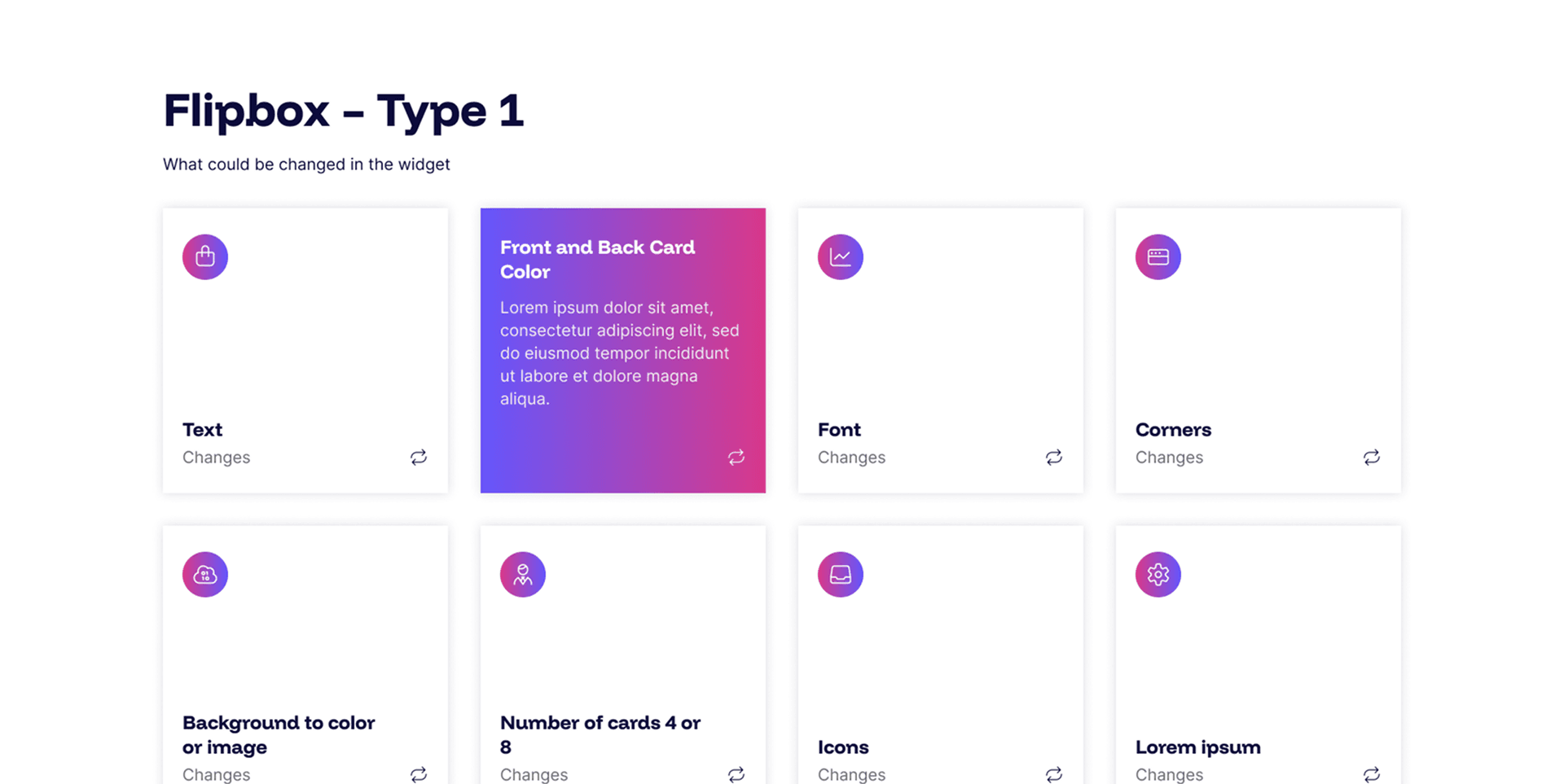
The Flipbox widget transforms static content into an engaging, interactive experience. Each card displays a headline and tagline on the front, then flips to reveal richer detail on hover, perfect for showcasing services, sectors, process steps, or candidate benefits without overwhelming the page.
Every layout is fully responsive and optimised for mobile, SEO, and AI visibility. No coding required, just add your content in the admin panel and let your pages do the talking.
Flipbox 2 Example
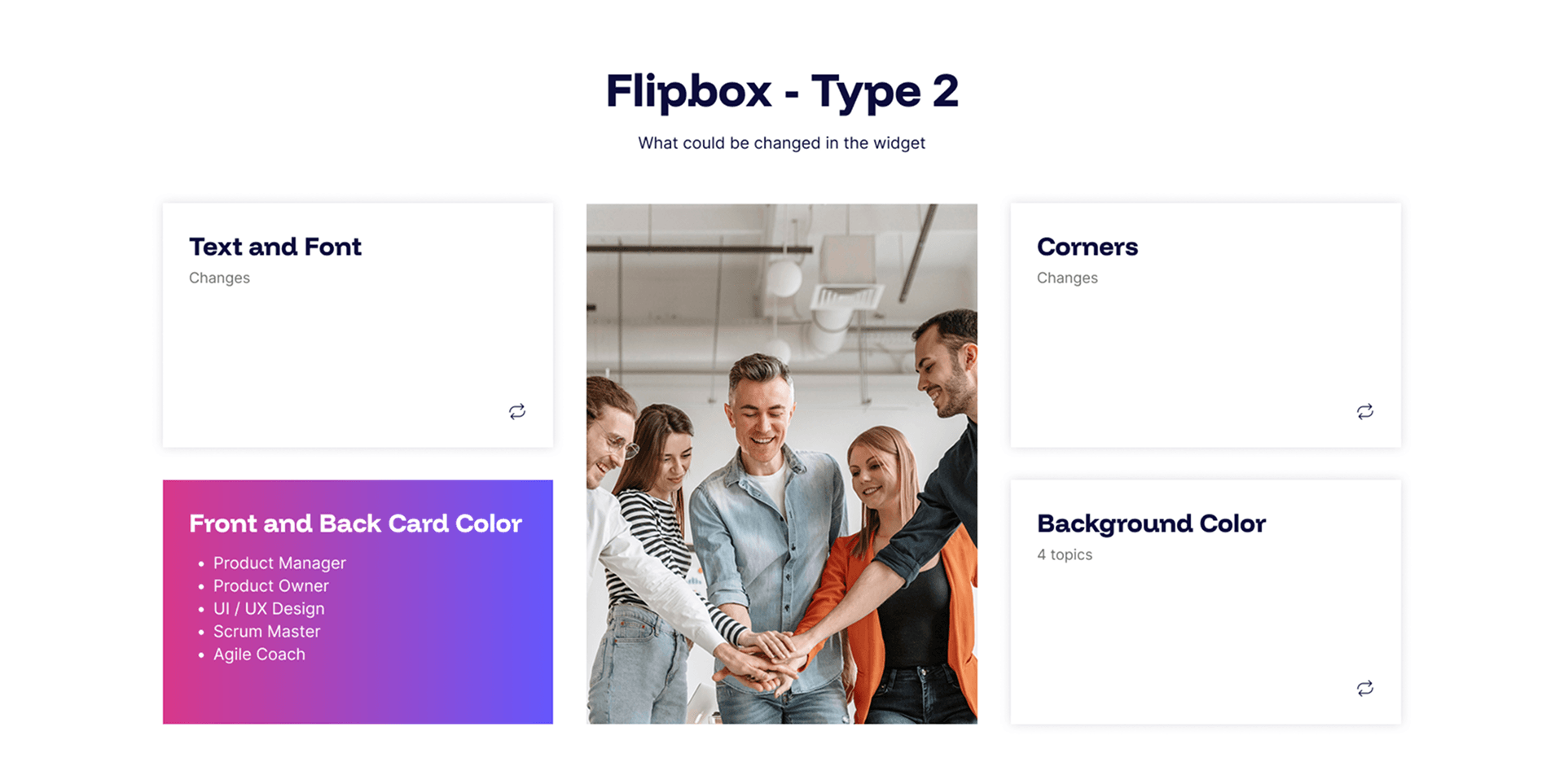
Flipbox Type 2 offers another take on the interactive card format, with a cleaner, image-led design that puts visual impact front and centre.
Every layout is fully responsive and optimised for mobile, SEO, and AI visibility. No coding required, just add your content in the admin panel and let your pages do the talking.
Flipbox 3 Example
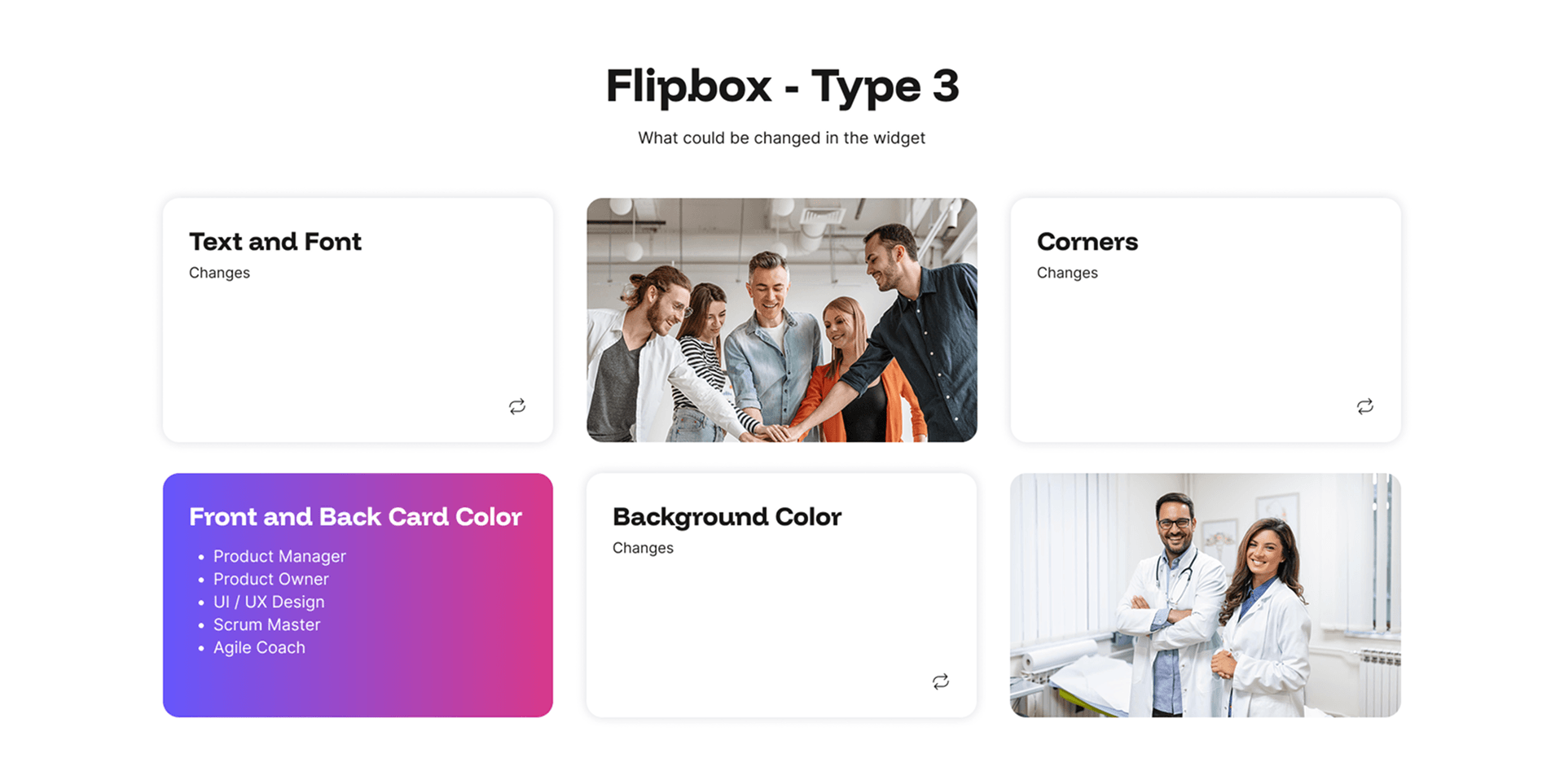
Flipbox Type 3 brings another distinct visual style to the interactive card family, combining bold imagery with a clean layout that works beautifully across services, sectors, process steps, case studies, testimonials, and downloadable resources.
Every layout is fully responsive and optimised for mobile, SEO, and AI visibility. No coding required, just add your content in the admin panel and let your pages do the talking.
Flipbox type 4 Example
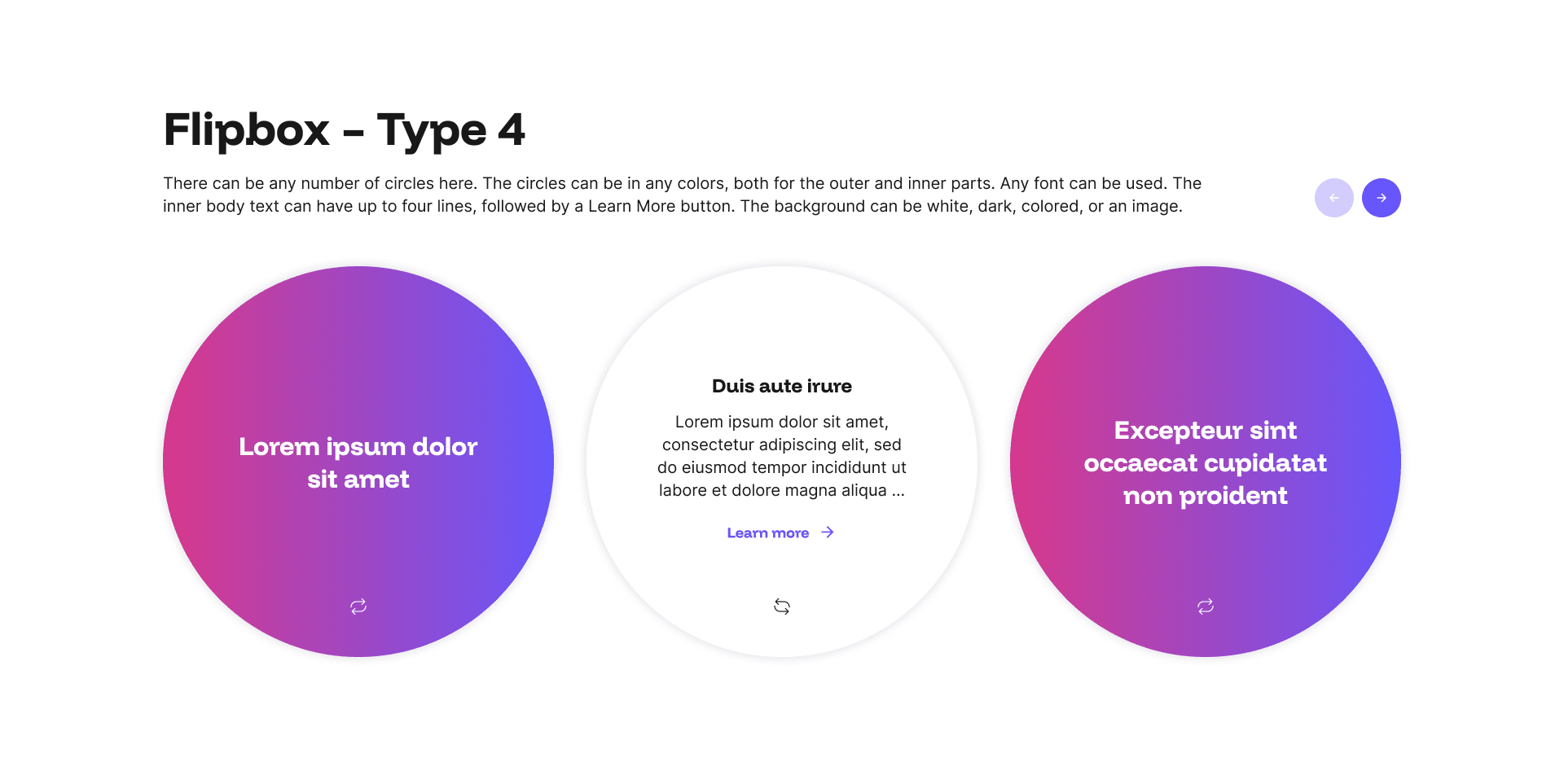
Flipbox Type 4 takes a distinctive approach to the interactive card format, presenting content within bold circular cards that flip to reveal further detail on hover.
Every layout is fully responsive and optimised for mobile, SEO, and AI visibility. No coding required, just add your content in the admin panel and let your pages do the talking.
Flipbox Type 5 Example
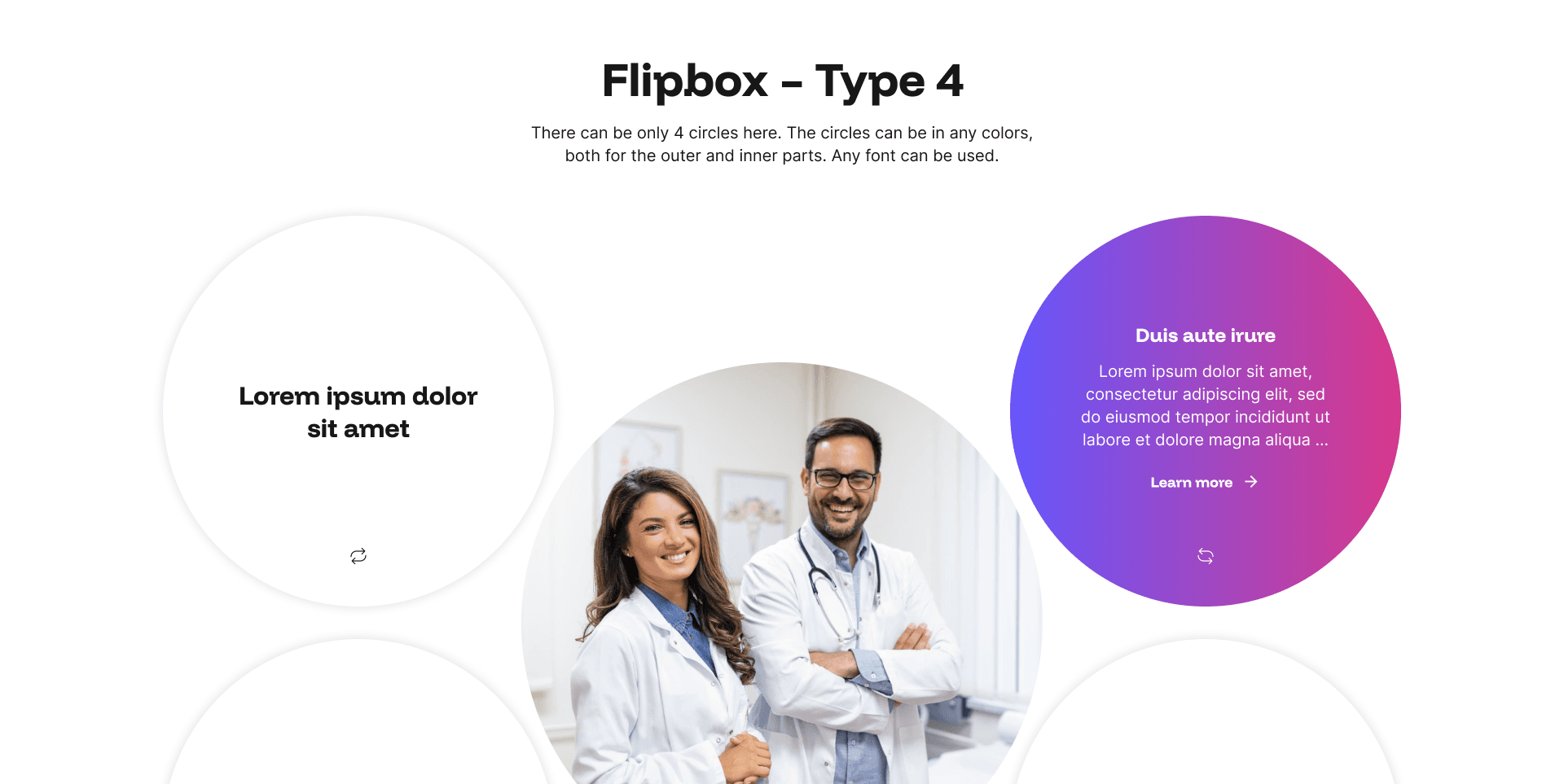
Flipbox Type 5 offers a bold circular image take on the interactive card format, pairing a full-bleed image with a clean headline on the front, then flipping to reveal a concise summary and call to action.
Every layout is fully responsive and optimised for mobile, SEO, and AI visibility. No coding required, just add your content in the admin panel and let your pages do the talking.
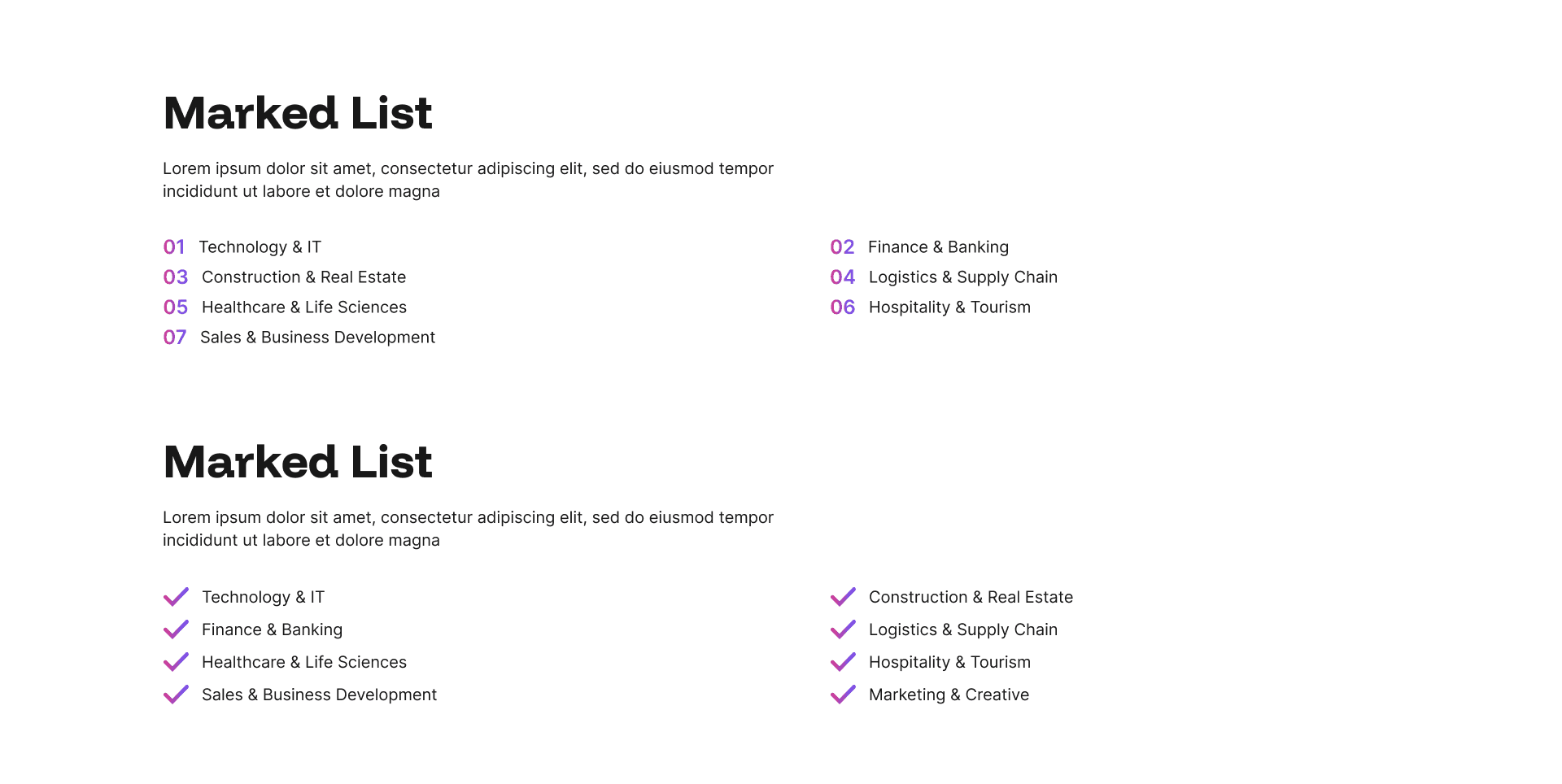
8: List 1 Example
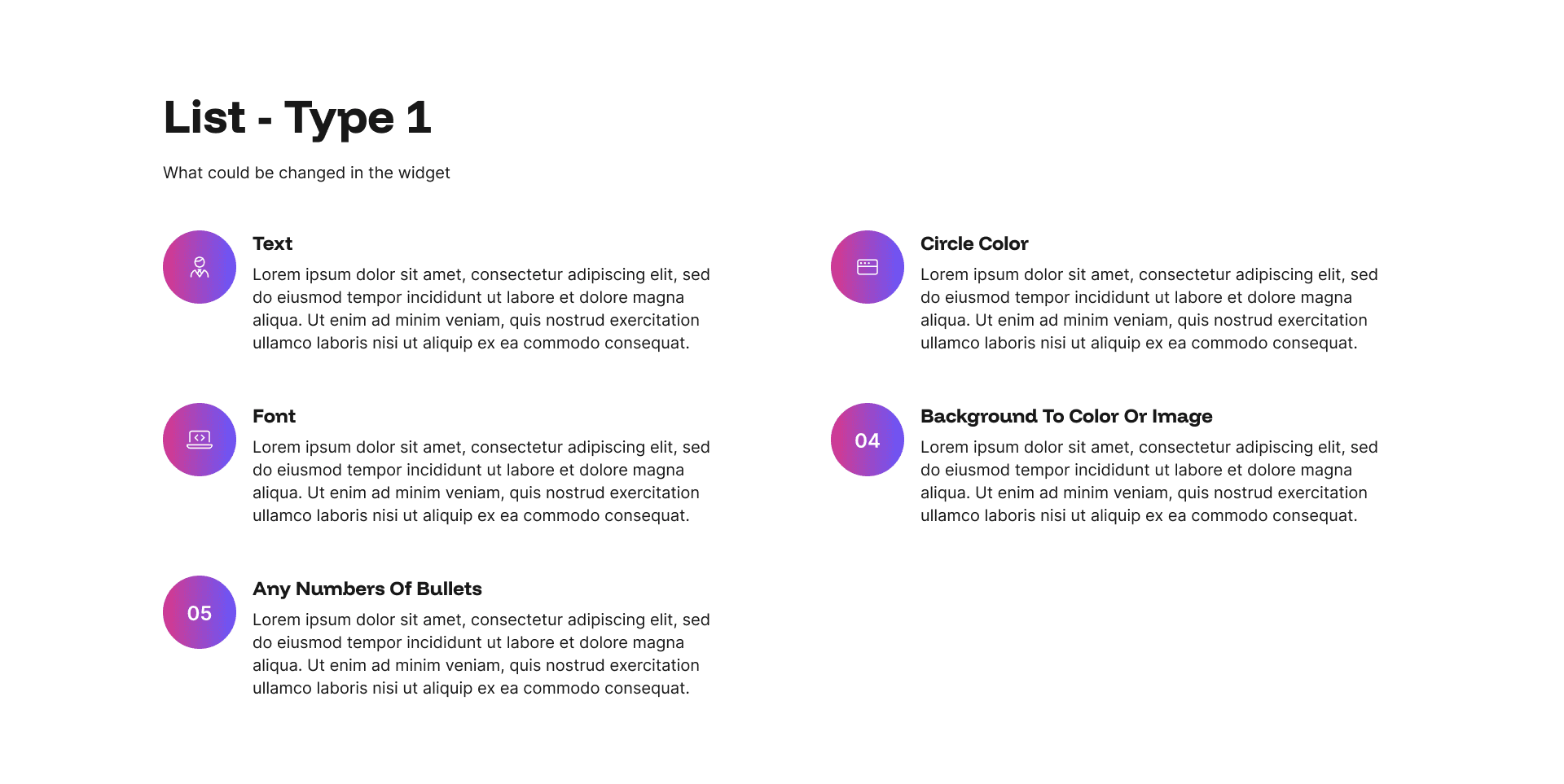
The List Type 1 widget is a versatile and structured way to present sequential or grouped content on any page.
Every layout is fully responsive and optimised for mobile, SEO, and AI visibility. No coding required, just add your content in the admin panel and let your pages do the talking.
List 2 Example
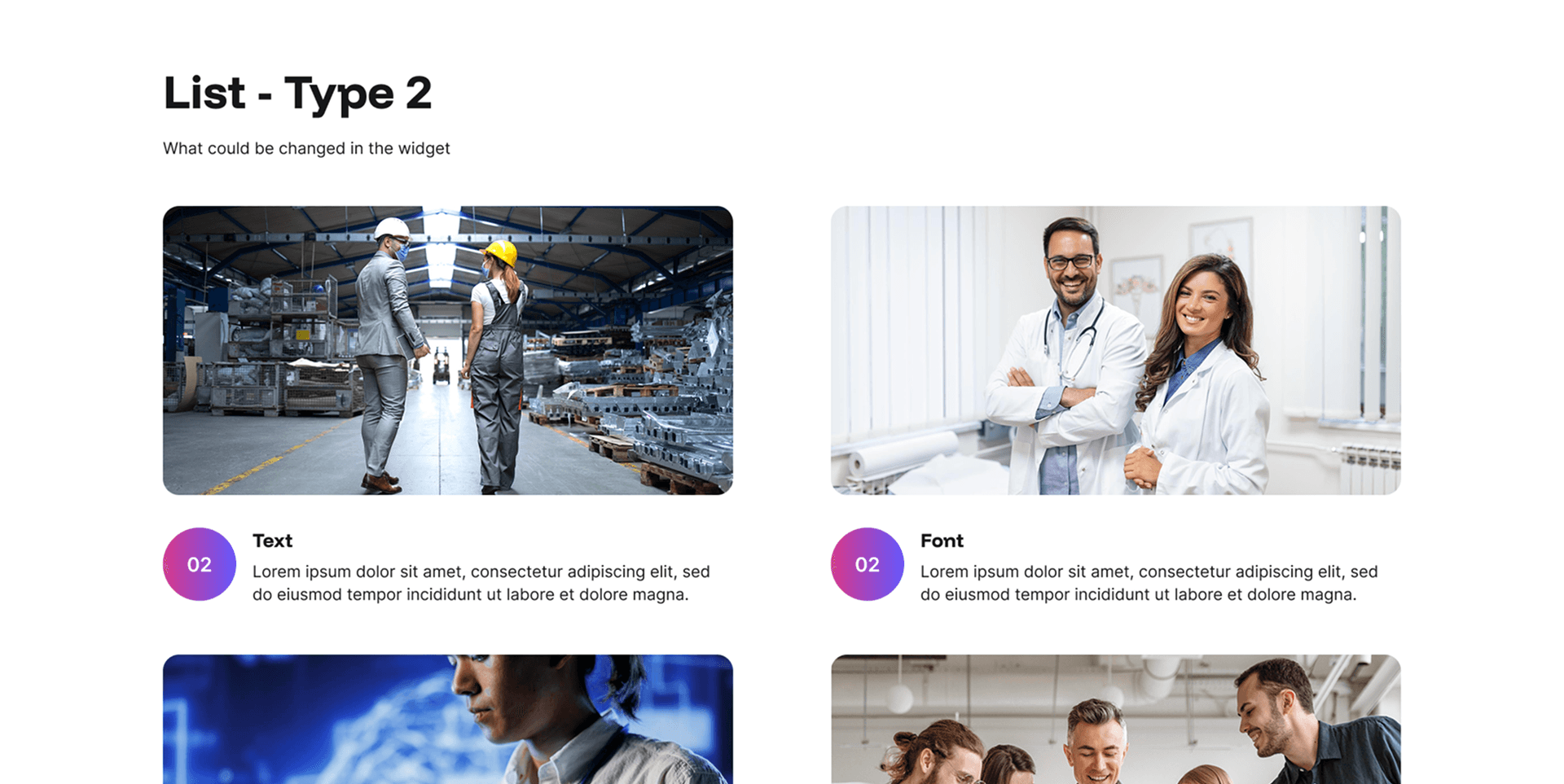
List Type 2 takes the structured list format and pairs each item with a large, bold image, creating a much more visual and immersive layout than its text-focused counterpart.
Every layout is fully responsive and optimised for mobile, SEO, and AI visibility. No coding required, just add your content in the admin panel and let your pages do the talking.
List 3 Example
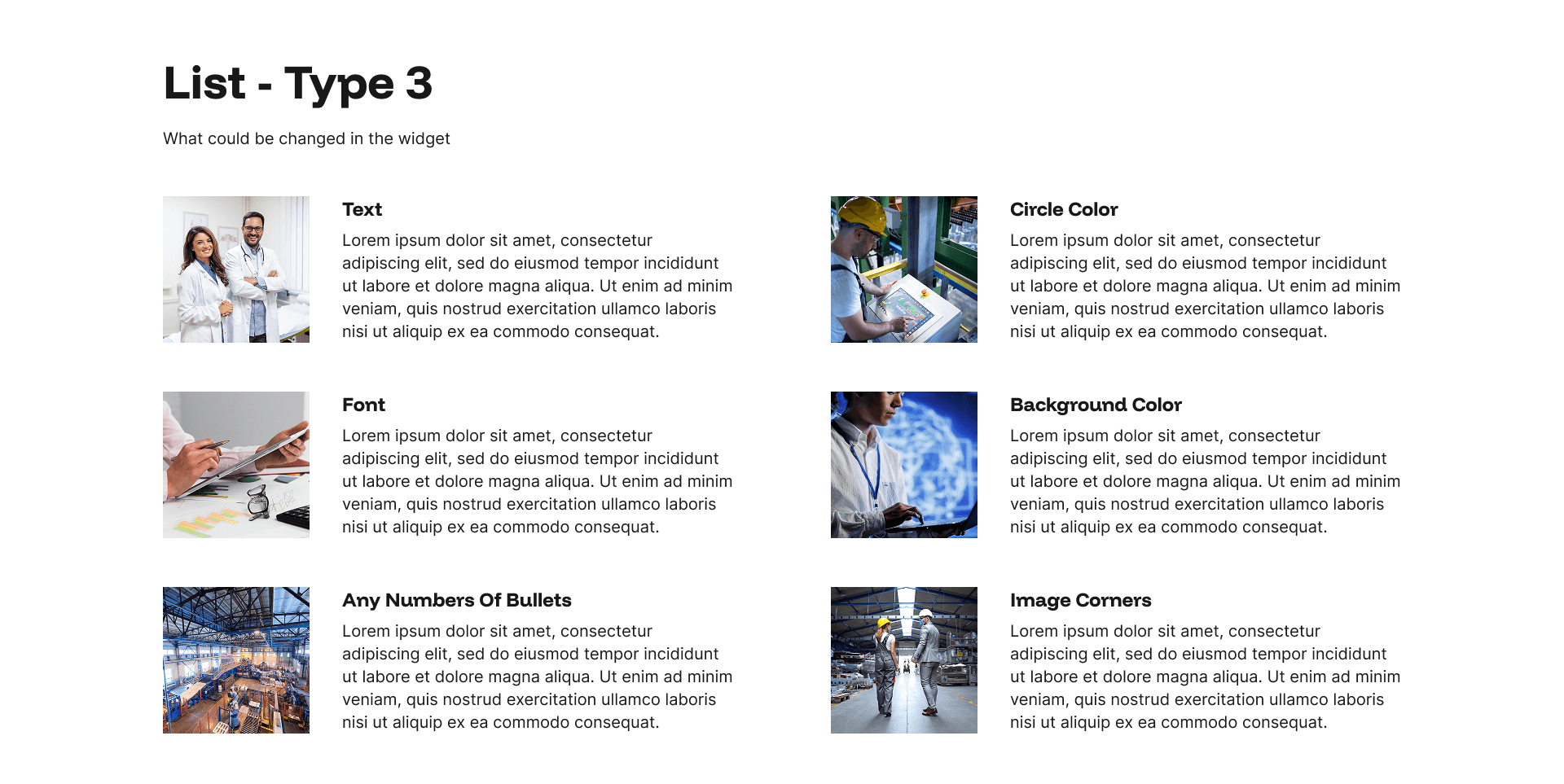
List Type 3 uses small square images positioned alongside each list item, adding just the right amount of visual support without letting imagery overpower the content.
Every layout is fully responsive and optimised for mobile, SEO, and AI visibility. No coding required, just add your content in the admin panel and let your pages do the talking.
List Type 4 Example
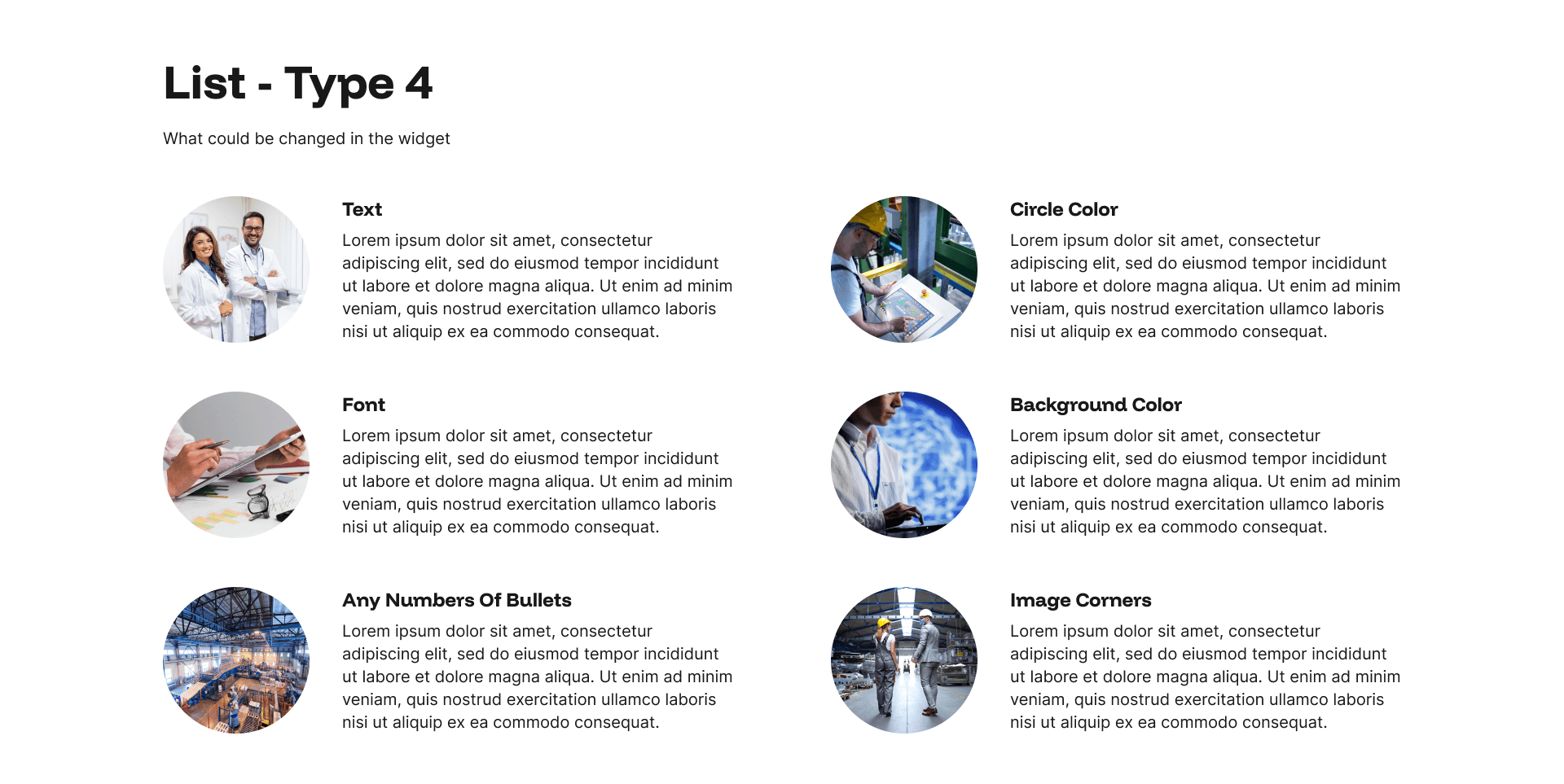
List Type 4 uses small circular images alongside each list item, giving the layout a softer to square or rectangular image formats.
Every layout is fully responsive and optimised for mobile, SEO, and AI visibility. No coding required, just add your content in the admin panel and let your pages do the talking.
Spotlight Track 1 Example
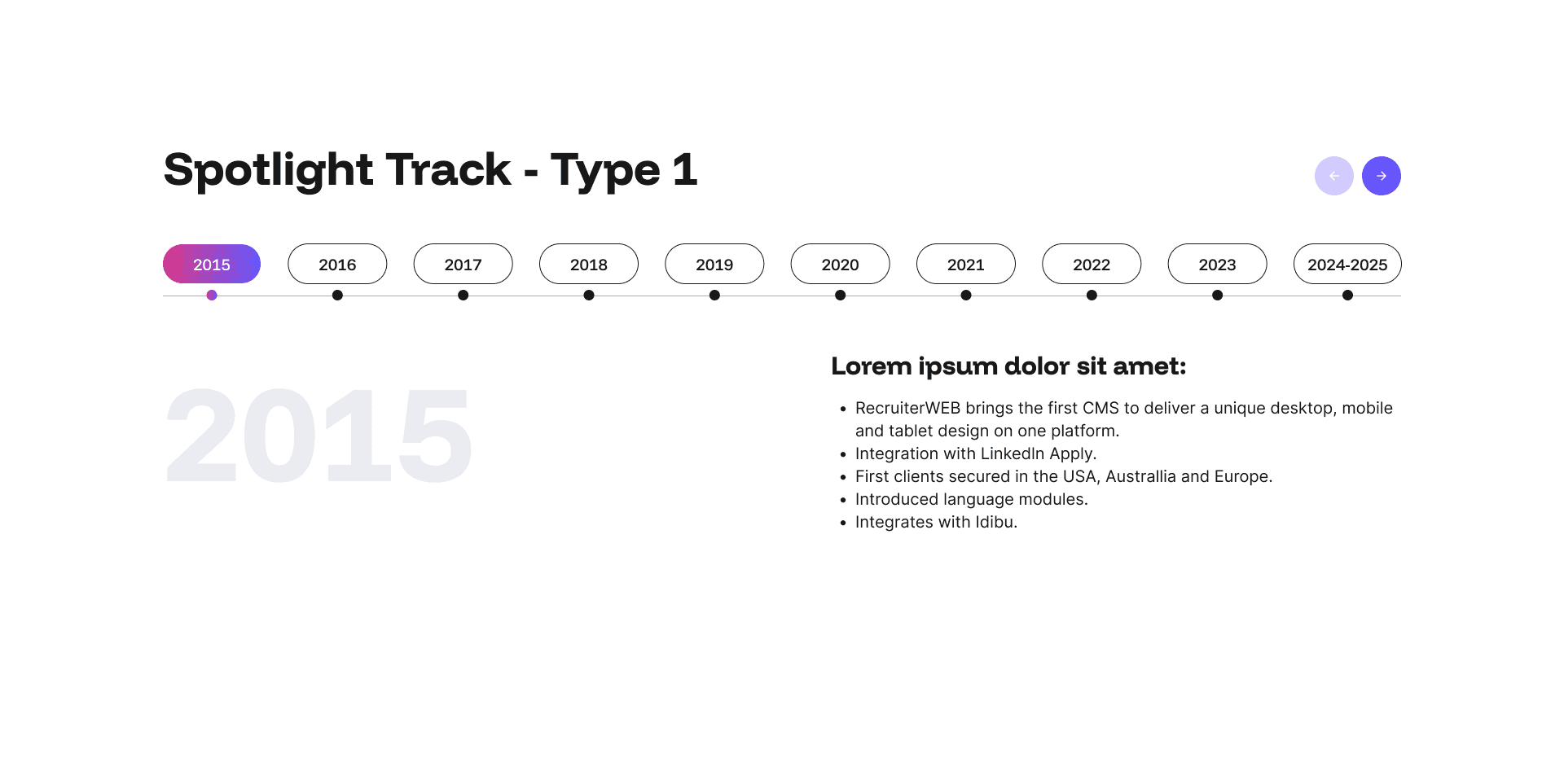
The Spotlight Track widget is a sleek interactive slider that works equally well as a timeline or a tabbed information spotlight.
Every layout is fully responsive and optimised for mobile, SEO, and AI visibility. No coding required, just add your content in the admin panel and let your pages do the talking.
Spotlight Track 2 Example
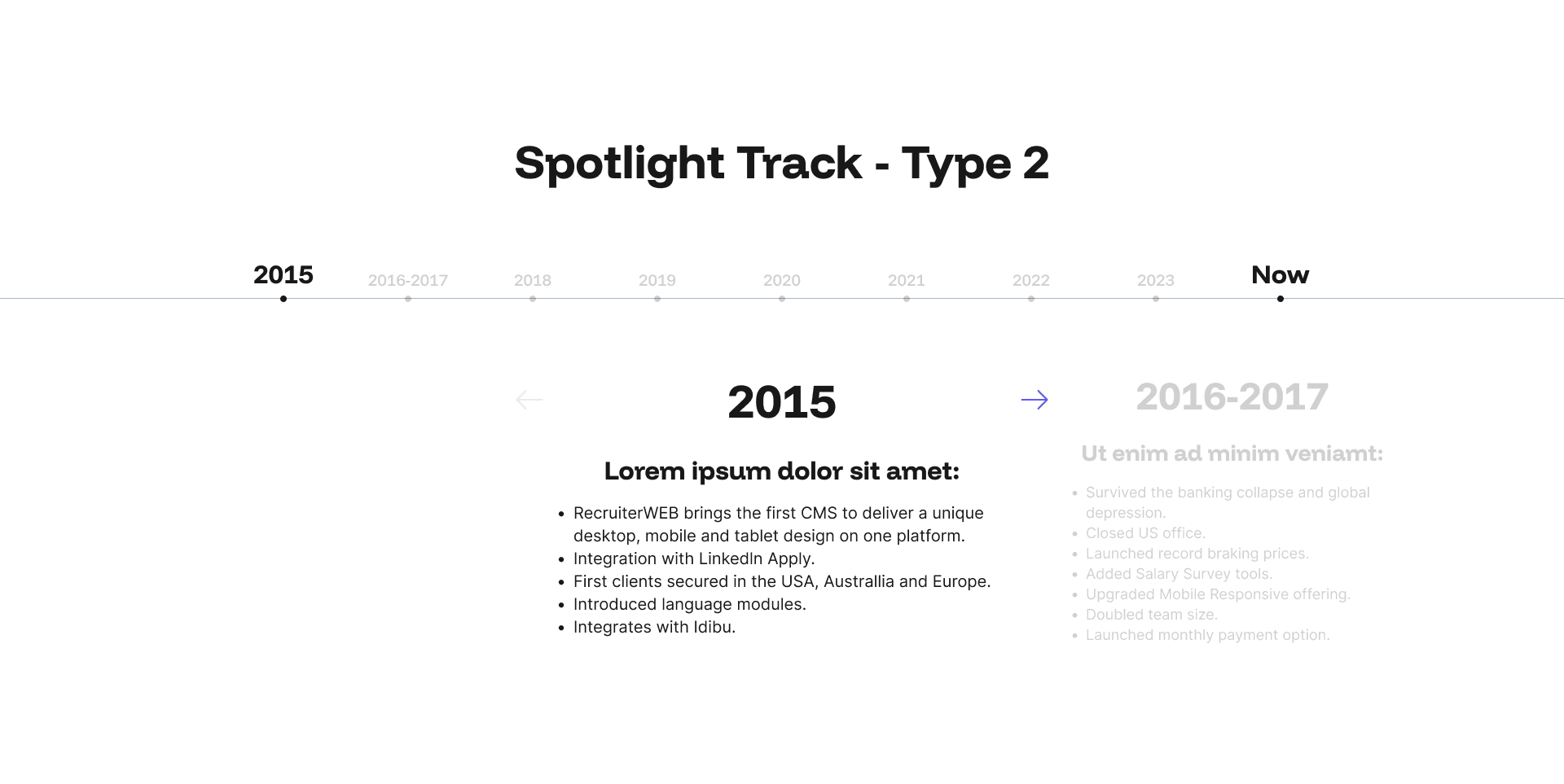
2nd alternative Spotlight Track widget is a sleek interactive slider that works equally well as a timeline or a tabbed information spotlight.
Every layout is fully responsive and optimised for mobile, SEO, and AI visibility. No coding required, just add your content in the admin panel and let your pages do the talking.
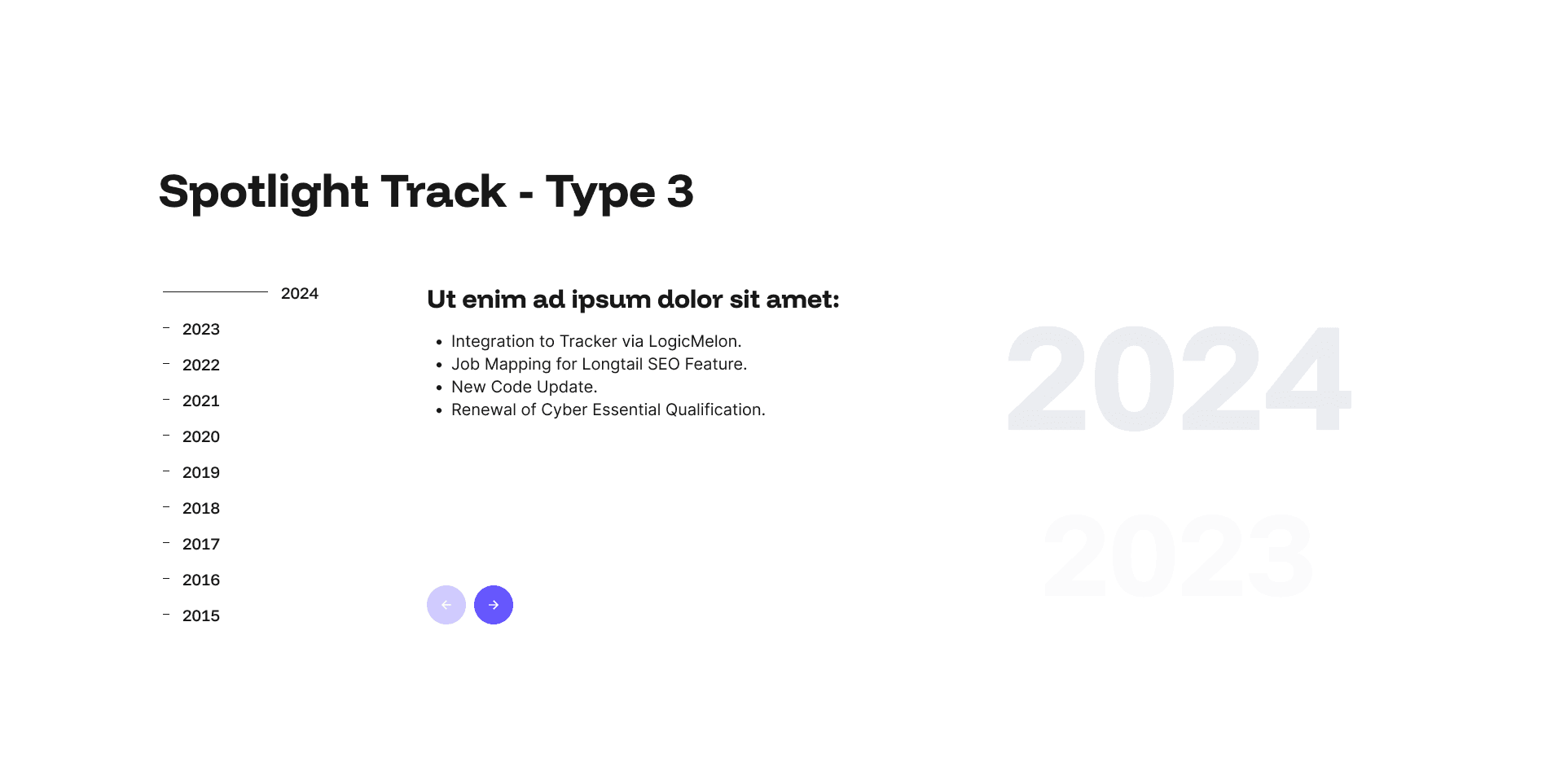
Spotlight Track 3 Example
3rd alternative, Spotlight Track widget, is a sleek interactive slider that works equally well as a timeline or a tabbed information spotlight.
Every layout is fully responsive and optimised for mobile, SEO, and AI visibility. No coding required, just add your content in the admin panel and let your pages do the talking.
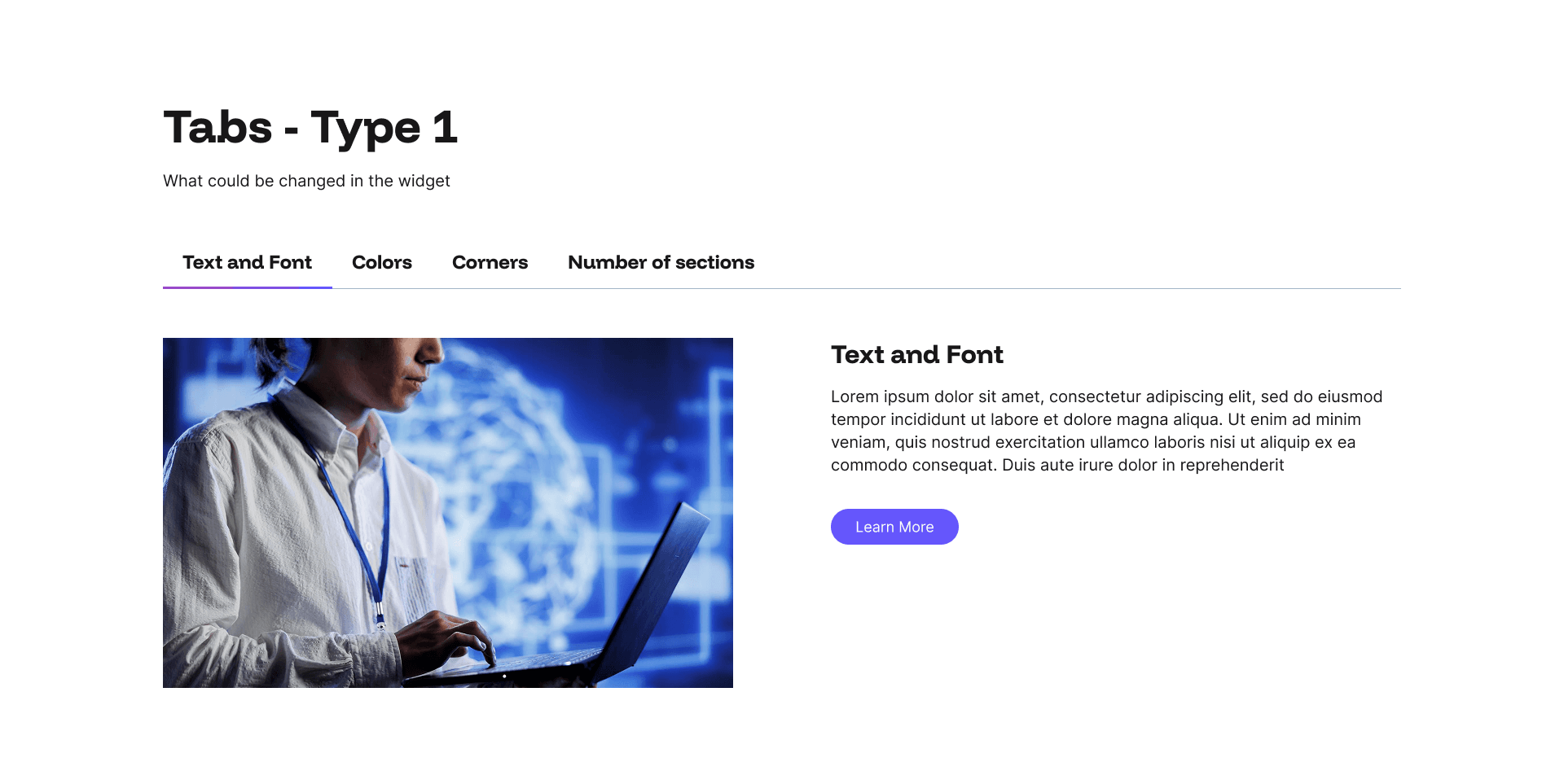
Tabs 1 Example
The Tabs Type 1 widget is a versatile image-and-content slider that brings pages to life with rich, structured storytelling.
Every layout is fully responsive and optimised for mobile, SEO, and AI visibility. No coding required, just add your content in the admin panel and let your pages do the talking.
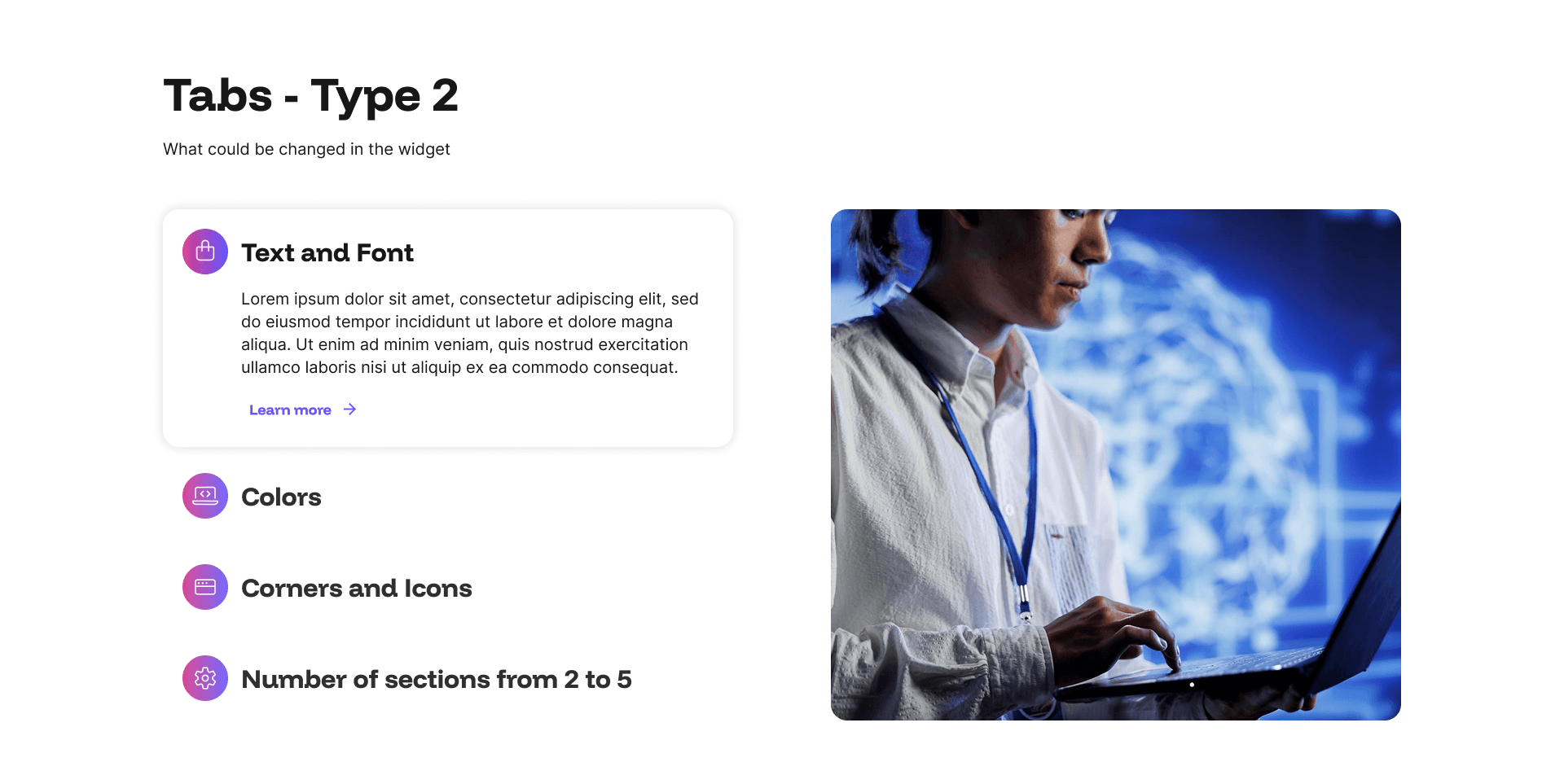
Tabs 2 Example
The Tabs Type 2 is another versatile image-and-content slider that brings pages to life with rich, structured storytelling.
Every layout is fully responsive and optimised for mobile, SEO, and AI visibility. No coding required, just add your content in the admin panel and let your pages do the talking.
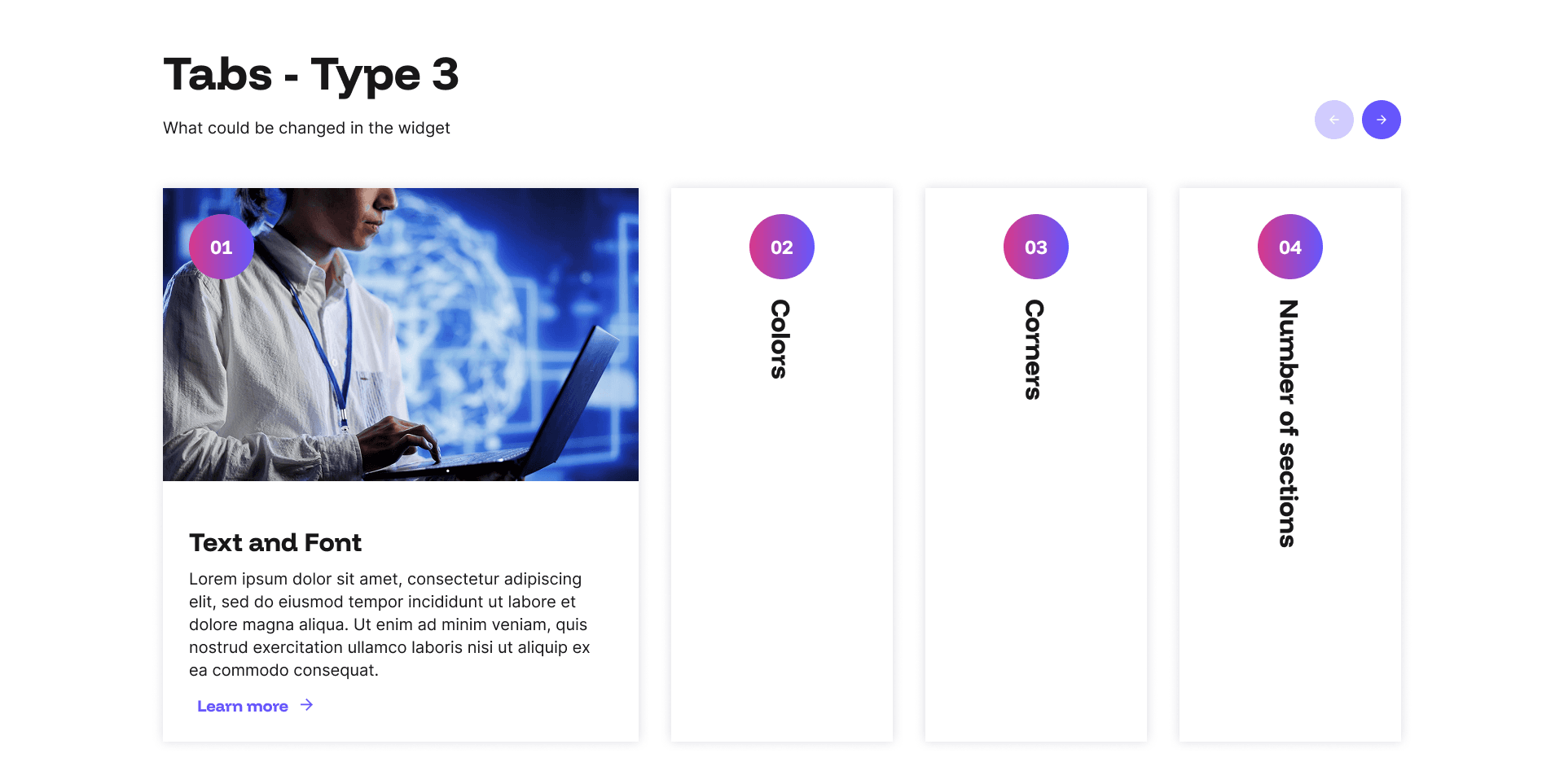
Tabs 3 Example
The Tabs Type 3 is another versatile image-and-content slider that brings pages to life with rich, structured storytelling.
Every layout is fully responsive and optimised for mobile, SEO, and AI visibility. No coding required, just add your content in the admin panel and let your pages do the talking.
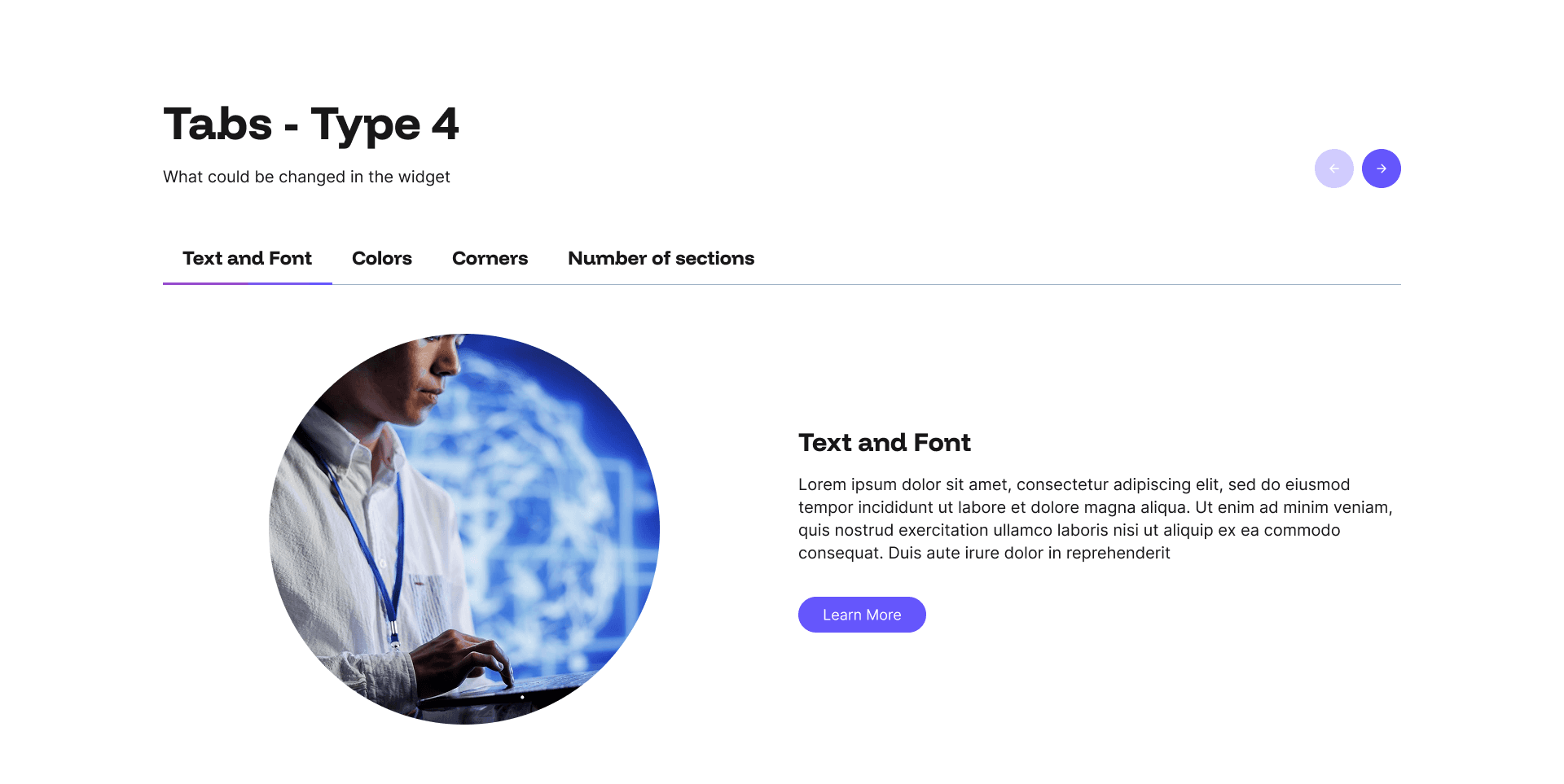
Tabs Type 4 Example
The Tabs Type 4 is a circular, versatile image-and-content slider that brings pages to life with rich, structured storytelling.
Every layout is fully responsive and optimised for mobile, SEO, and AI visibility. No coding required, just add your content in the admin panel and let your pages do the talking.
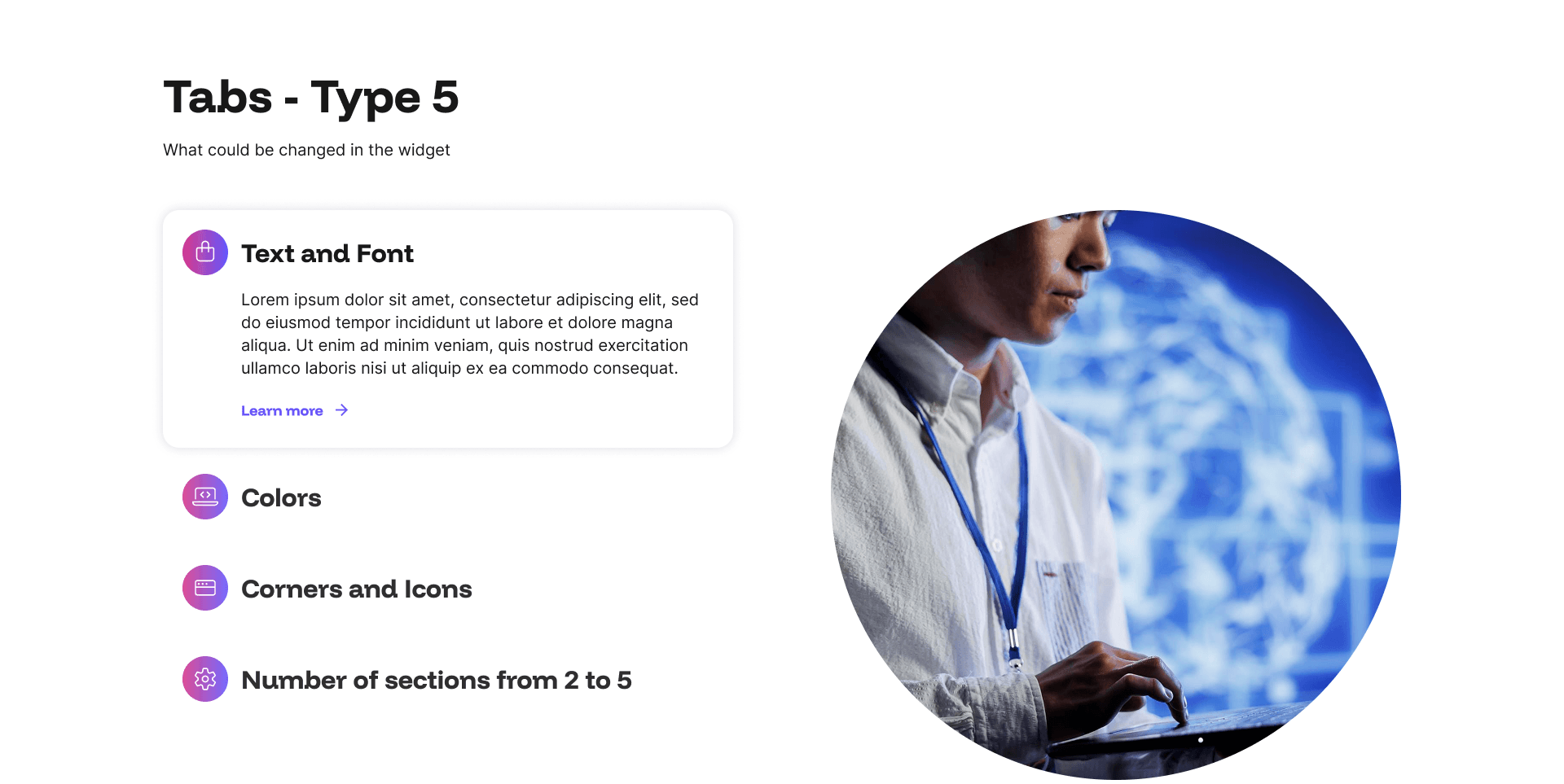
Tabs Type 5 Example
The Tabs Type 5 is a circular, versatile image-and-content slider that brings pages to life with rich, structured storytelling.
Every layout is fully responsive and optimised for mobile, SEO, and AI visibility. No coding required, just add your content in the admin panel and let your pages do the talking.
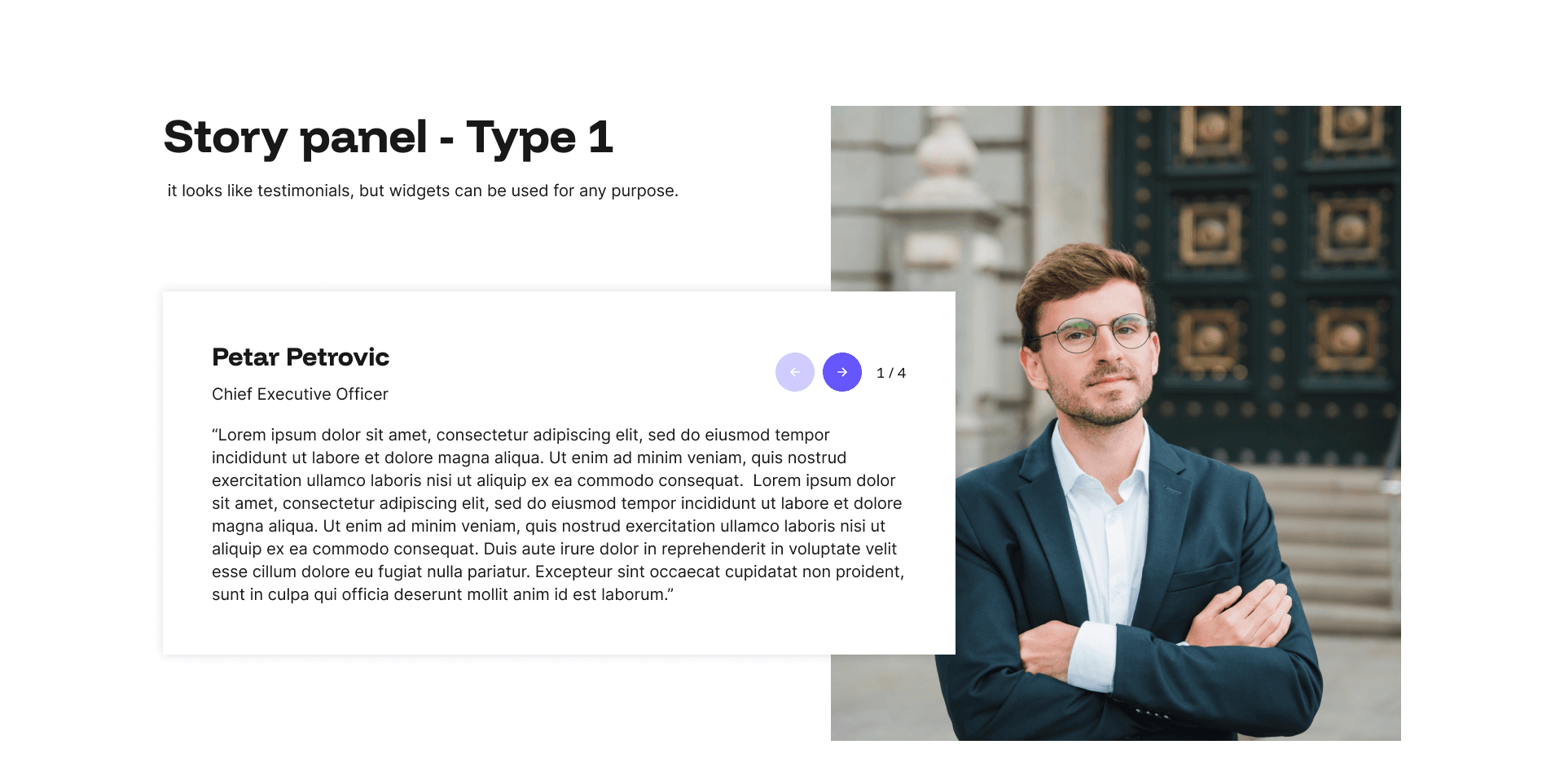
Story Panel 1 Example
The Story Panel widget is a paginated content slider that pairs a portrait image with a name, job title, and supporting text, making it a natural fit for testimonials, team spotlights, candidate stories, or client case studies.
Every layout is fully responsive and optimised for mobile, SEO, and AI visibility. No coding required, just add your content in the admin panel and let your pages do the talking.
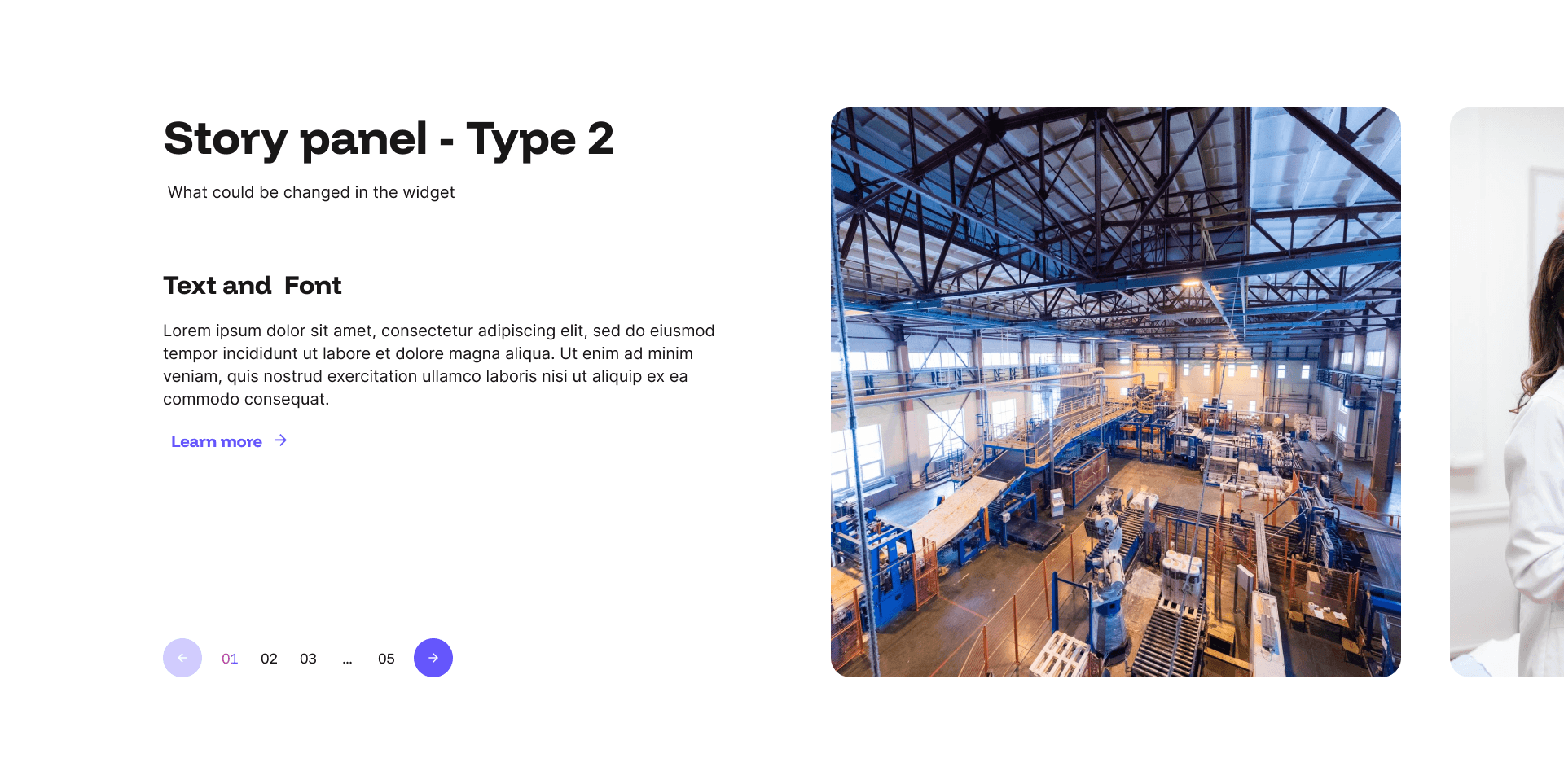
Story Panel 2 Example
Another Story Panel widget is a paginated content slider that pairs a portrait image with a name, job title, and supporting text, making it a natural fit for testimonials, team spotlights, candidate stories, or client case studies.
Every layout is fully responsive and optimised for mobile, SEO, and AI visibility. No coding required, just add your content in the admin panel and let your pages do the talking.
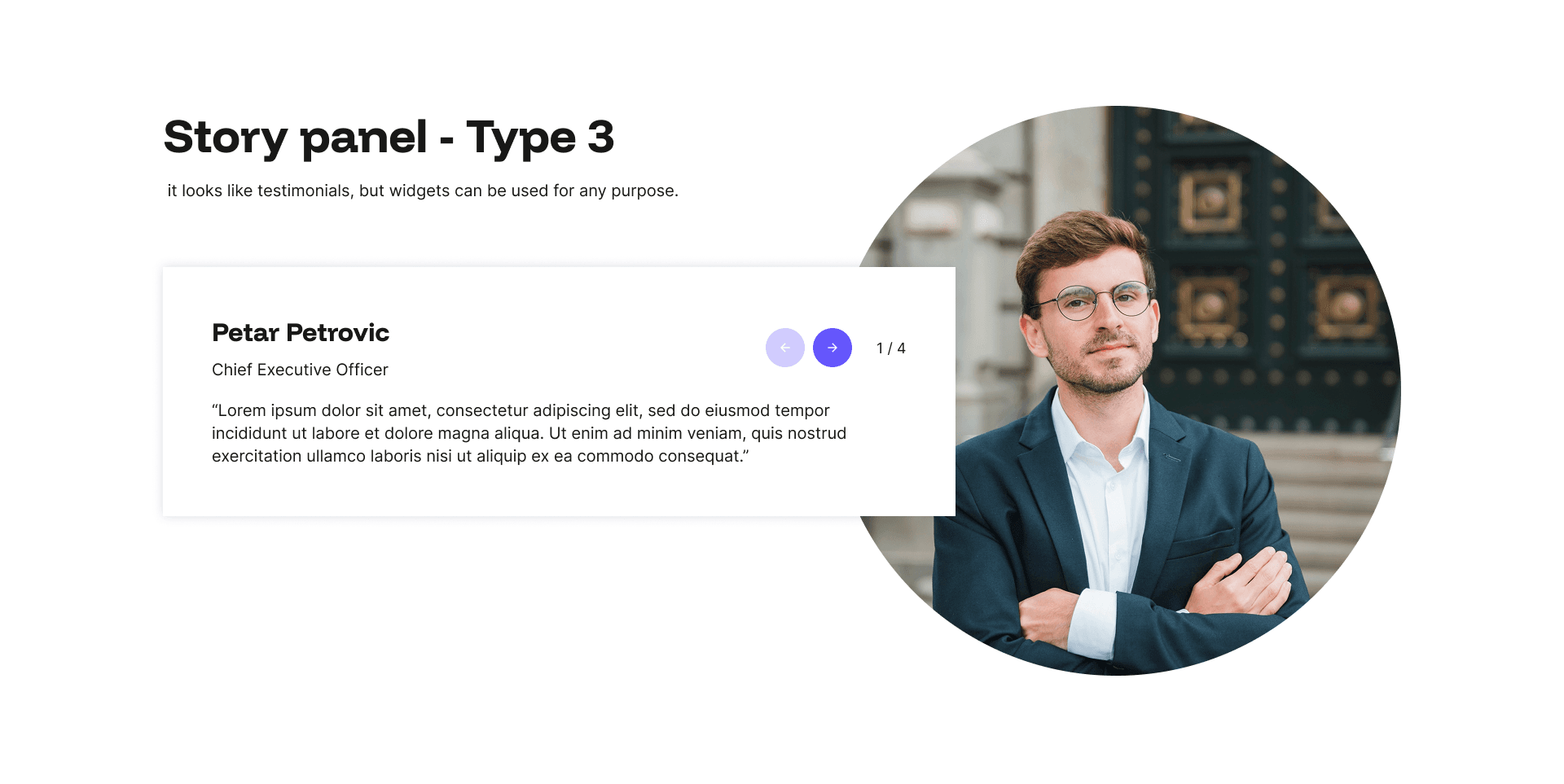
Story Panel 3
A circular Story Panel widget is a paginated content slider that pairs a portrait image with a name, job title, and supporting text, making it a natural fit for testimonials, team spotlights, candidate stories, or client case studies.
Every layout is fully responsive and optimised for mobile, SEO, and AI visibility. No coding required, just add your content in the admin panel and let your pages do the talking.
Logo Group 1 Example
The Logo Group widget is a clean and professional way to showcase the clients, partners, or accreditations that add credibility to your business. Display multiple logos in a tidy grid layout, with optional introductory text and a call to action to give the panel context and purpose.
Every layout is fully responsive and optimised for mobile, SEO, and AI visibility. No coding required, just add your content in the admin panel and let your pages do the talking.
Logo Group 2 Example
Another Logo widget to showcase the clients, partners, or accreditations that add credibility to your business. Display multiple logos in a tidy grid layout, with optional introductory text and a call to action to give the panel context and purpose.
Every layout is fully responsive and optimised for mobile, SEO, and AI visibility. No coding required, just add your content in the admin panel and let your pages do the talking.
Logo Group Type 3 Example
Another Logo widget to showcase the clients, partners, or accreditations that add credibility to your business. Display multiple logos in a tidy grid layout, with optional introductory text and a call to action to give the panel context and purpose.
Every layout is fully responsive and optimised for mobile, SEO, and AI visibility. No coding required, just add your content in the admin panel and let your pages do the talking.
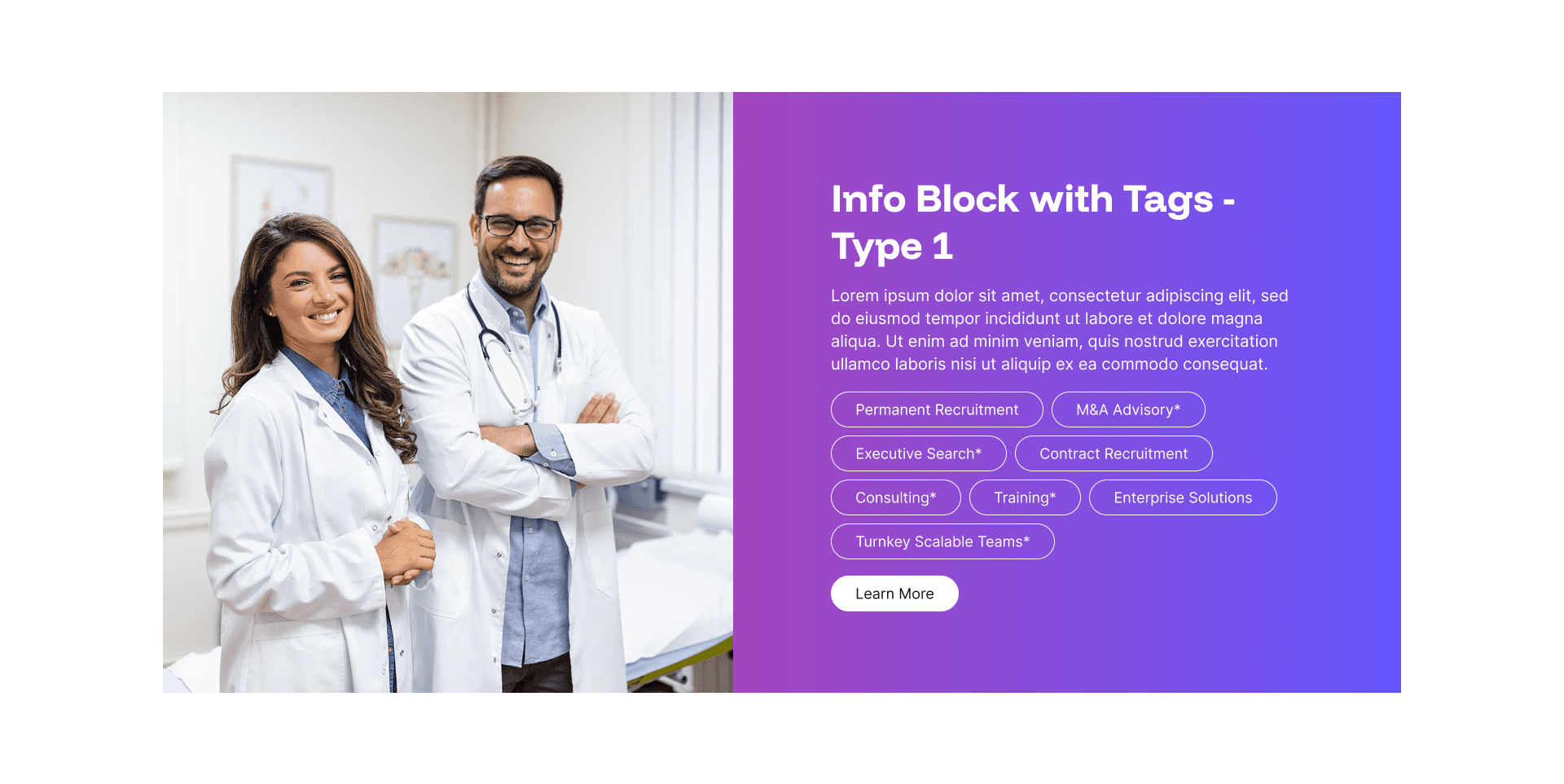
Info Block with Tags 1 Example
The Info Block with Tags widget combines descriptive content with a dynamic set of word tags displayed beneath the text, making it a smart and flexible way to signpost related services, sectors, or specialisms at a glance.
Every layout is fully responsive and optimised for mobile, SEO, and AI visibility. No coding required, just add your content in the admin panel and let your pages do the talking.
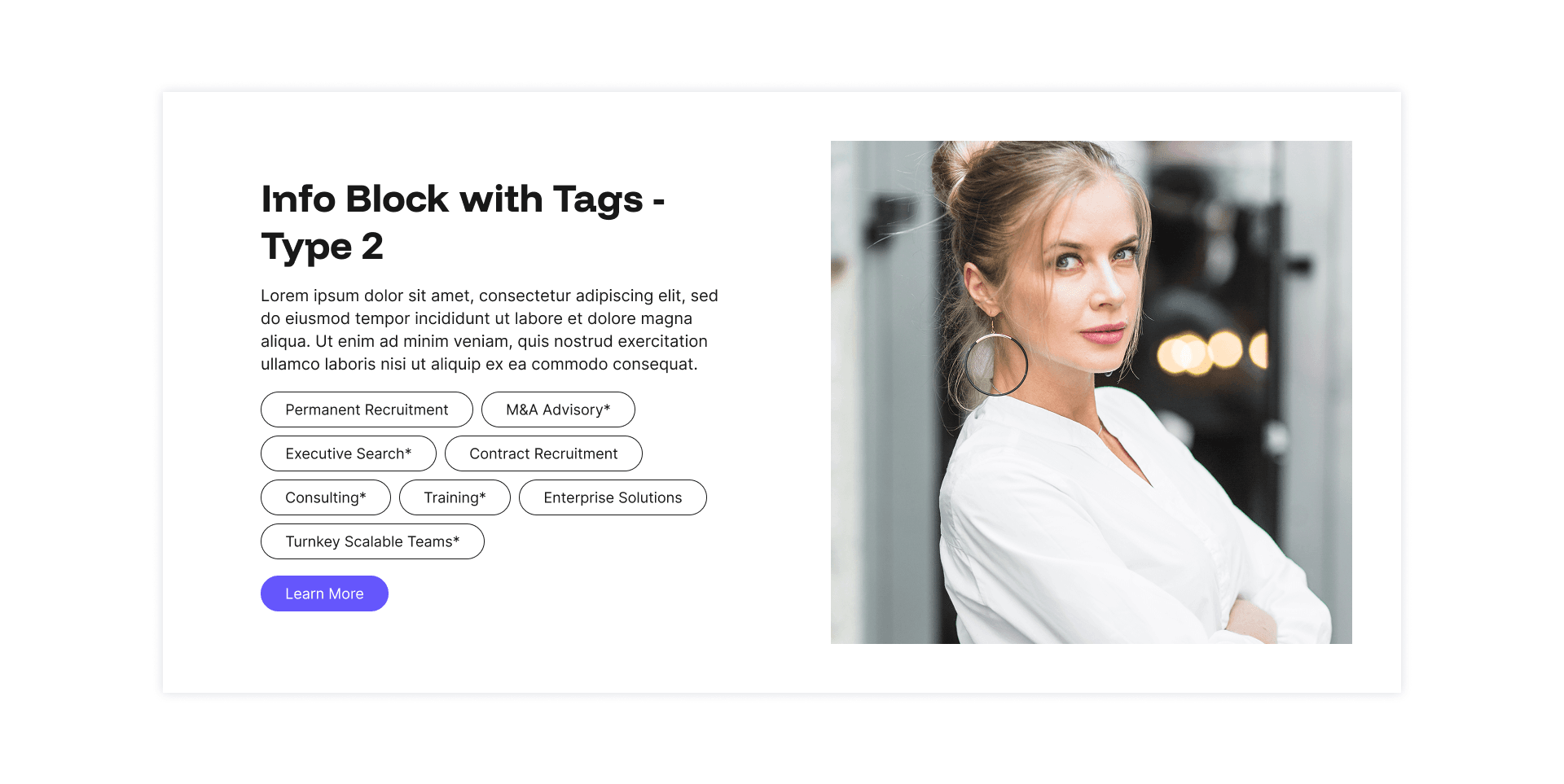
Info Block with Tags 2 Example
Another Info Block with Tags widget combines descriptive content with a dynamic set of word tags displayed beneath the text, making it a smart and flexible way to signpost related services, sectors, or specialisms at a glance.
Every layout is fully responsive and optimised for mobile, SEO, and AI visibility. No coding required, just add your content in the admin panel and let your pages do the talking.
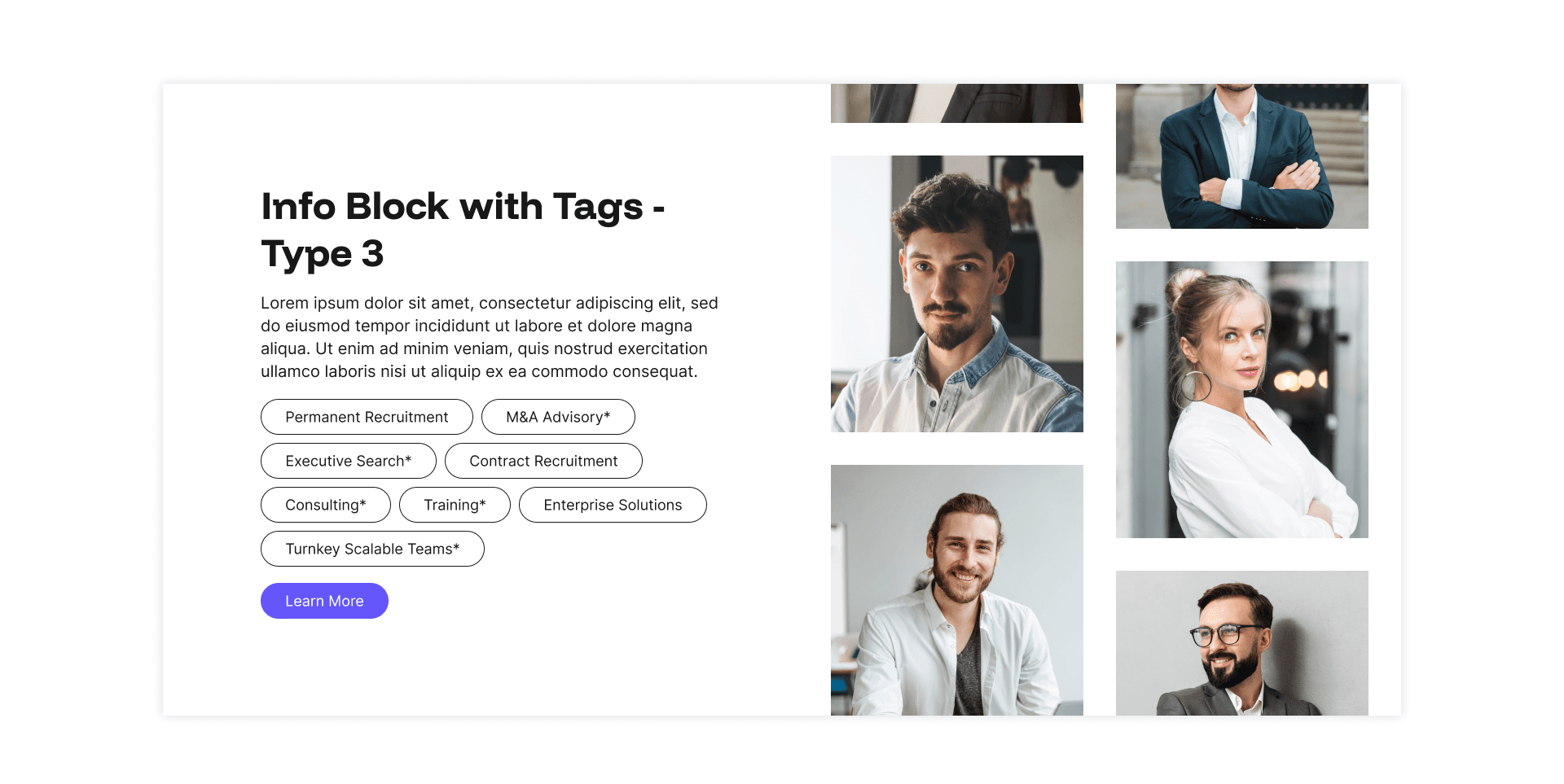
Info Block with Tags 3 Example
A scrolling image strip adds further visual richness to the panel.
Every layout is fully responsive and optimised for mobile, SEO, and AI visibility. No coding required, just add your content in the admin panel and let your pages do the talking.
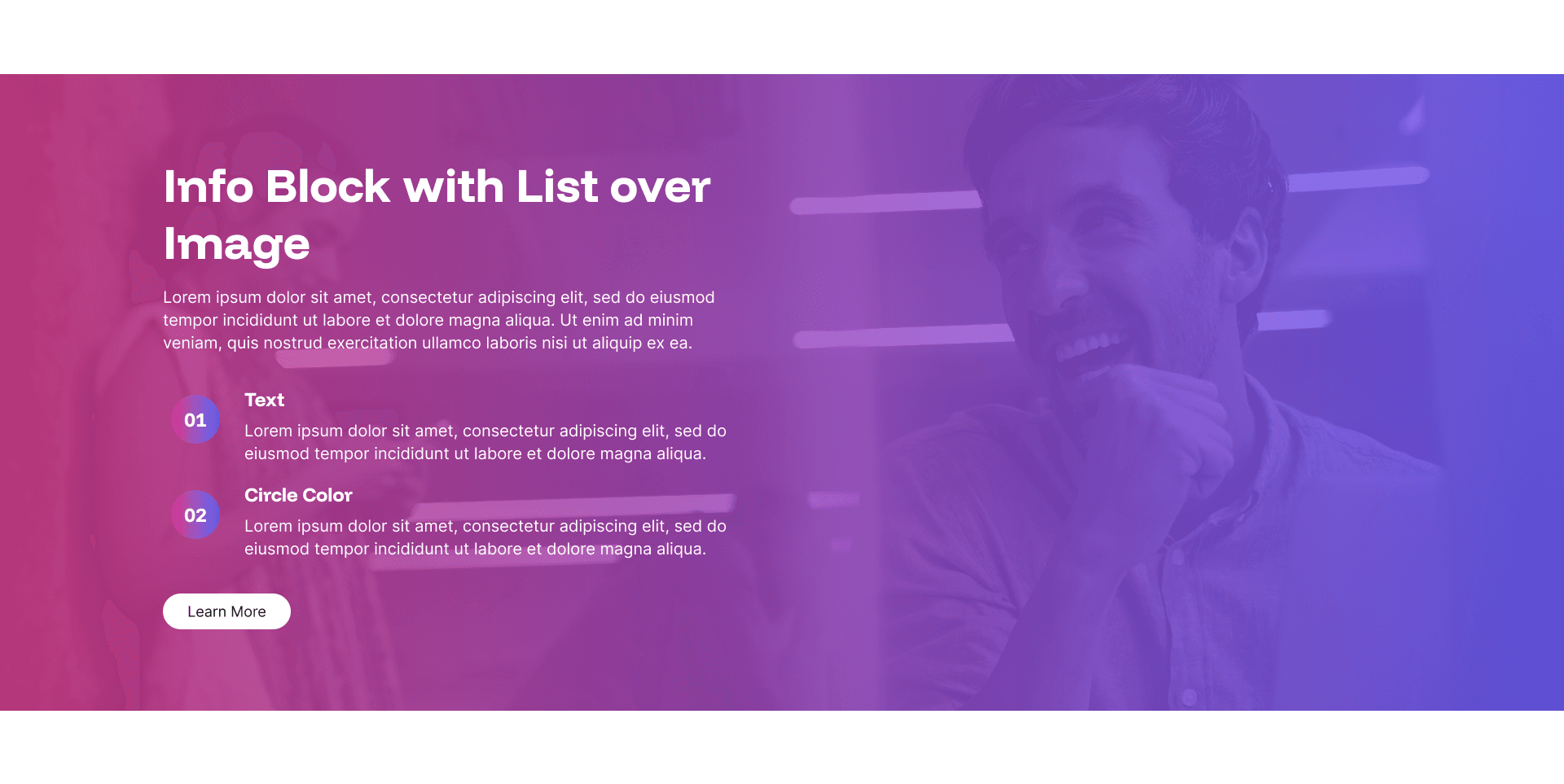
Info Block with List over Image Example
The Info Block with List over Image widget creates a bold, full-width visual impact by layering structured content directly over a background image.
Every layout is fully responsive and optimised for mobile, SEO, and AI visibility. No coding required, just add your content in the admin panel and let your pages do the talking.
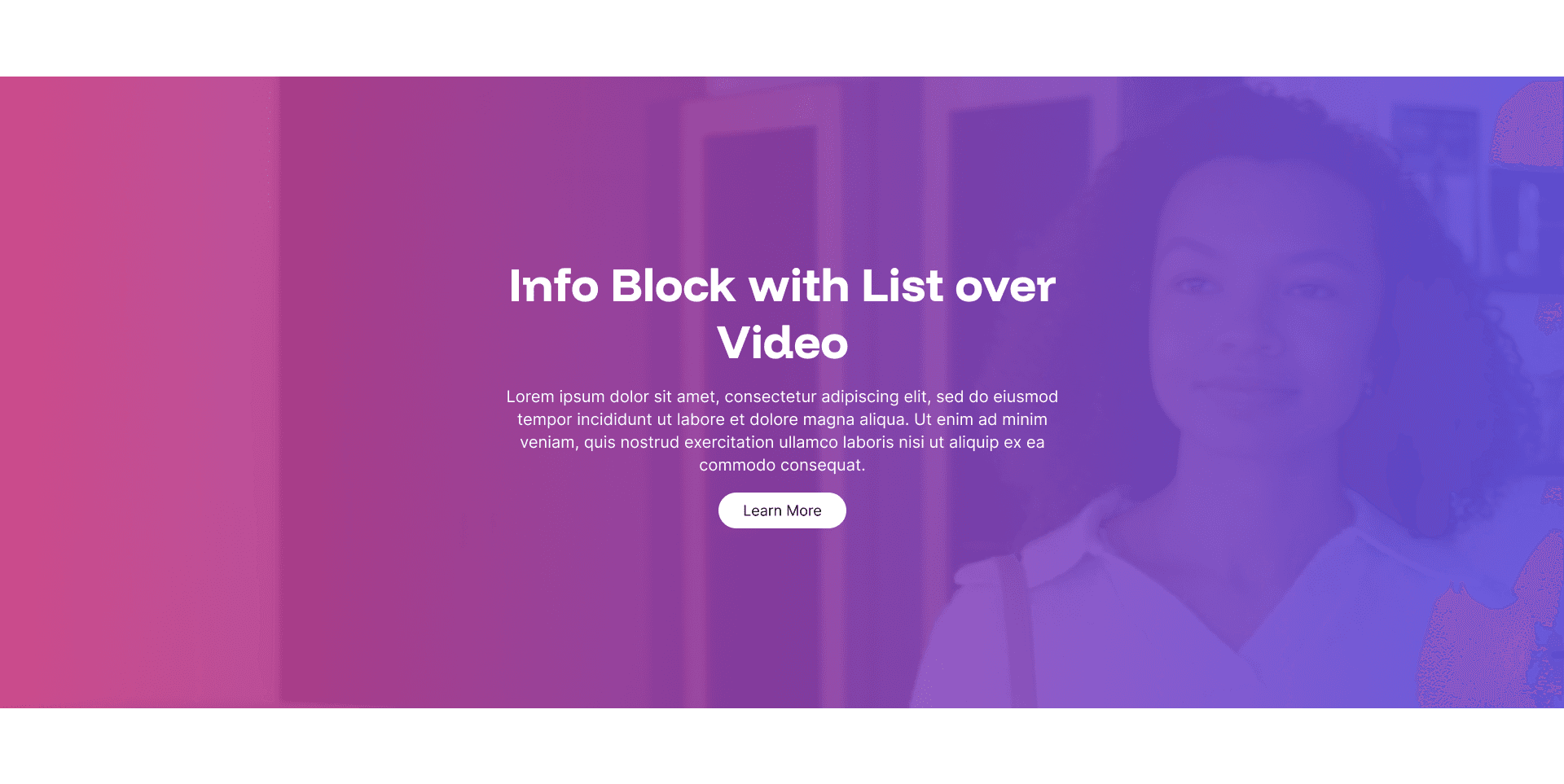
Info Block over Video Example
The Info Block over Video widget is one of the most visually arresting options in the Design Studio library, placing a headline, supporting text, and call to action directly over a full-width autoplaying background video.
Every layout is fully responsive and optimised for mobile, SEO, and AI visibility. No coding required, just add your content in the admin panel and let your pages do the talking.
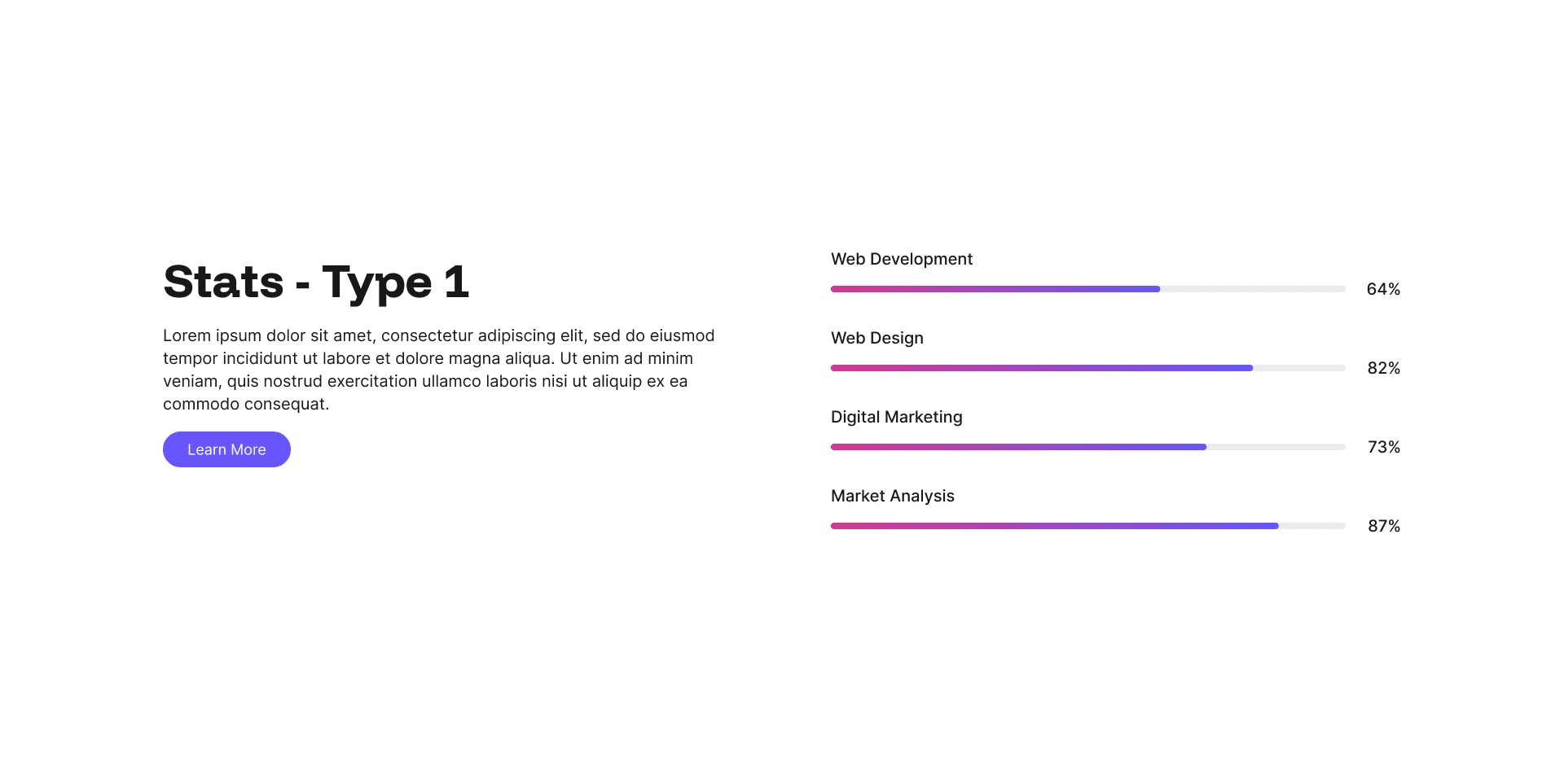
Stats Type 1 Example
The Stats Type 1 widget is a clean and compelling way to showcase performance data, sector expertise, or key business metrics using animated percentage bars.
Every layout is fully responsive and optimised for mobile, SEO, and AI visibility. No coding required, just add your content in the admin panel and let your pages do the talking.
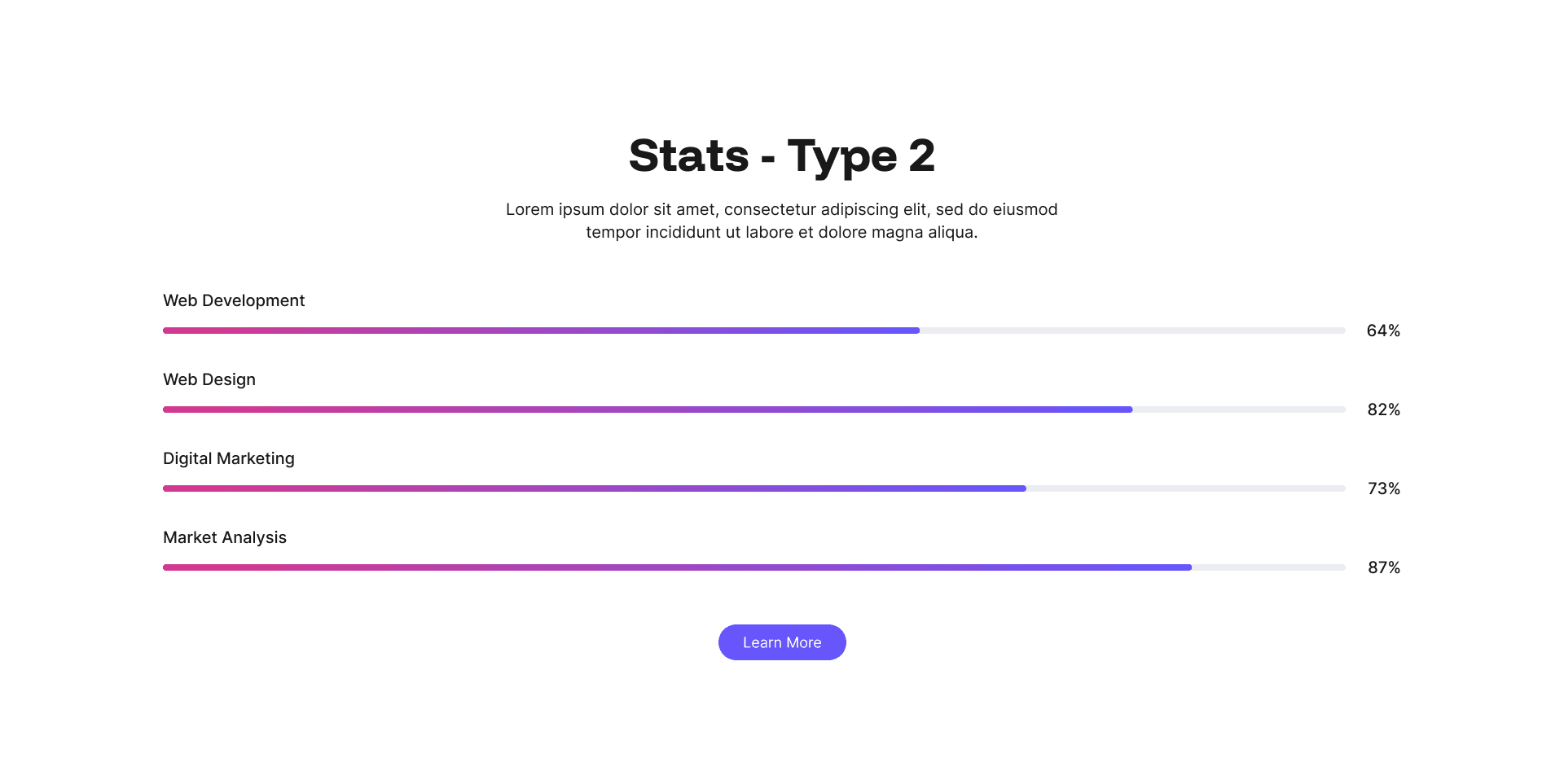
Stats Type 2 Example
Stats Type 2 takes the animated percentage bar format and stretches it to full width, giving each metric far greater visual presence on the page.
Every layout is fully responsive and optimised for mobile, SEO, and AI visibility. No coding required, just add your content in the admin panel and let your pages do the talking.
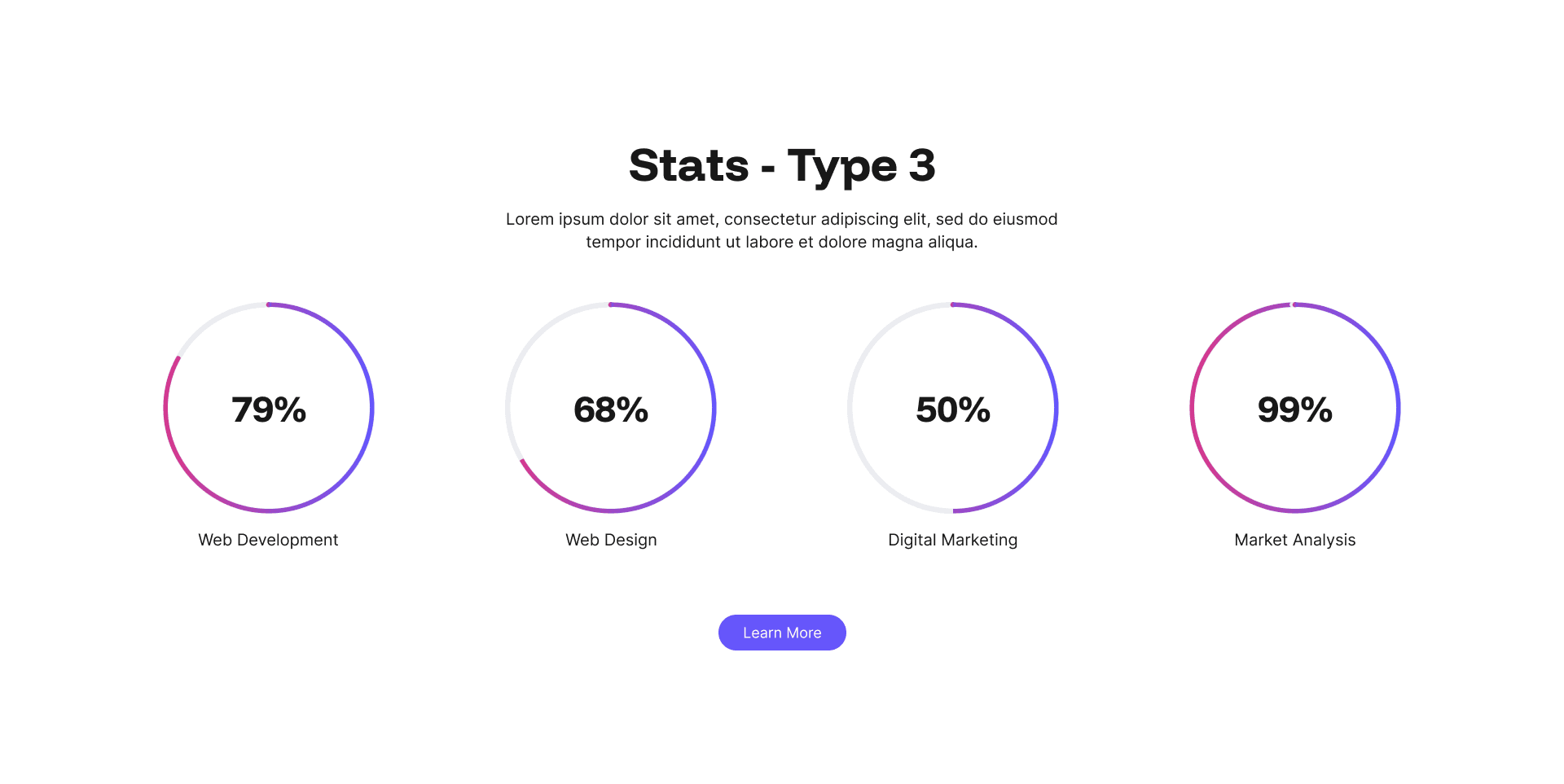
Stats Type 3 Example
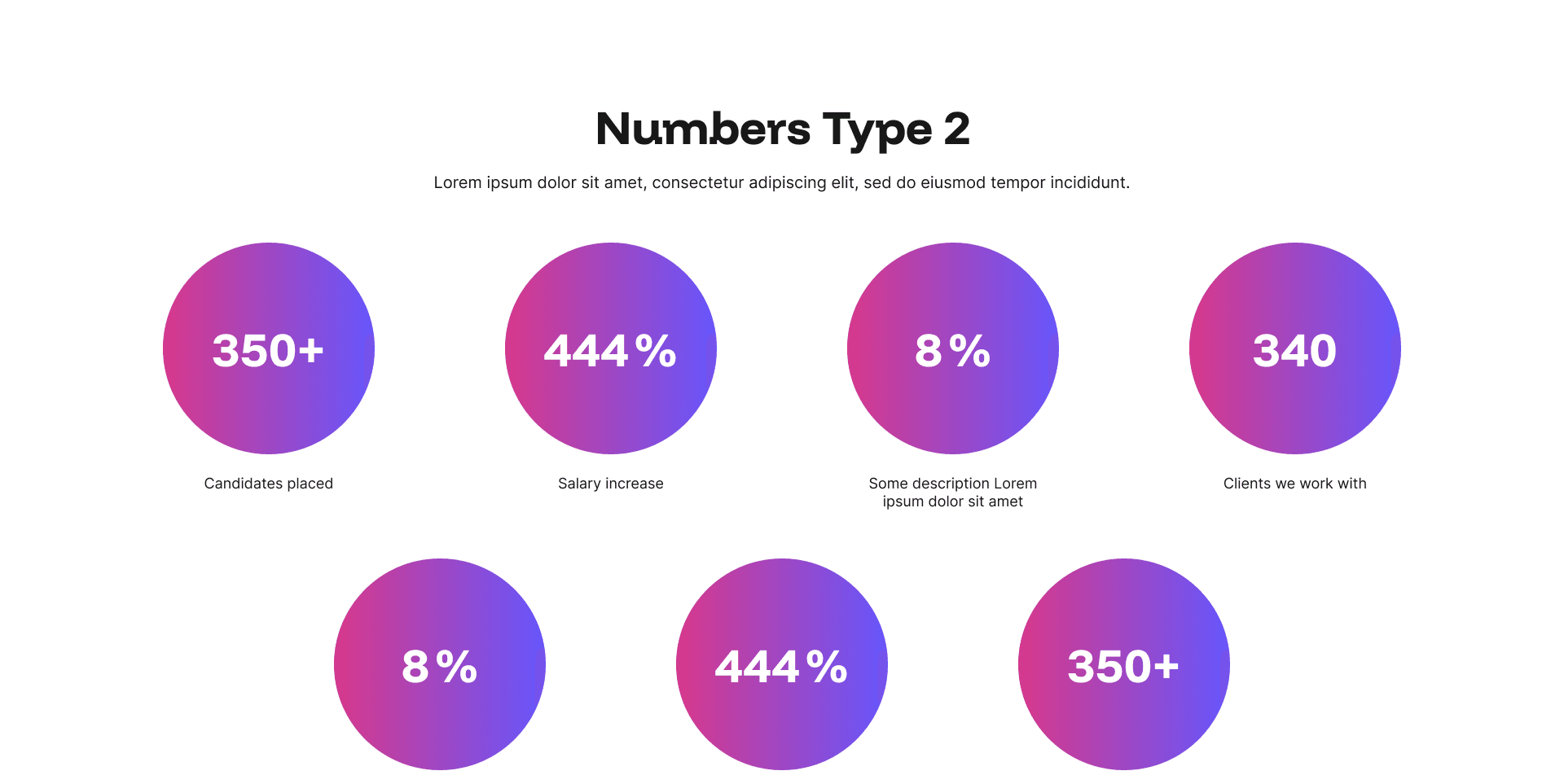
Stats Type 3 presents performance data in animated circular progress indicators, giving your metrics a distinctive and modern look that stands out from the traditional bar format.
Every layout is fully responsive and optimised for mobile, SEO, and AI visibility. No coding required, just add your content in the admin panel and let your pages do the talking.
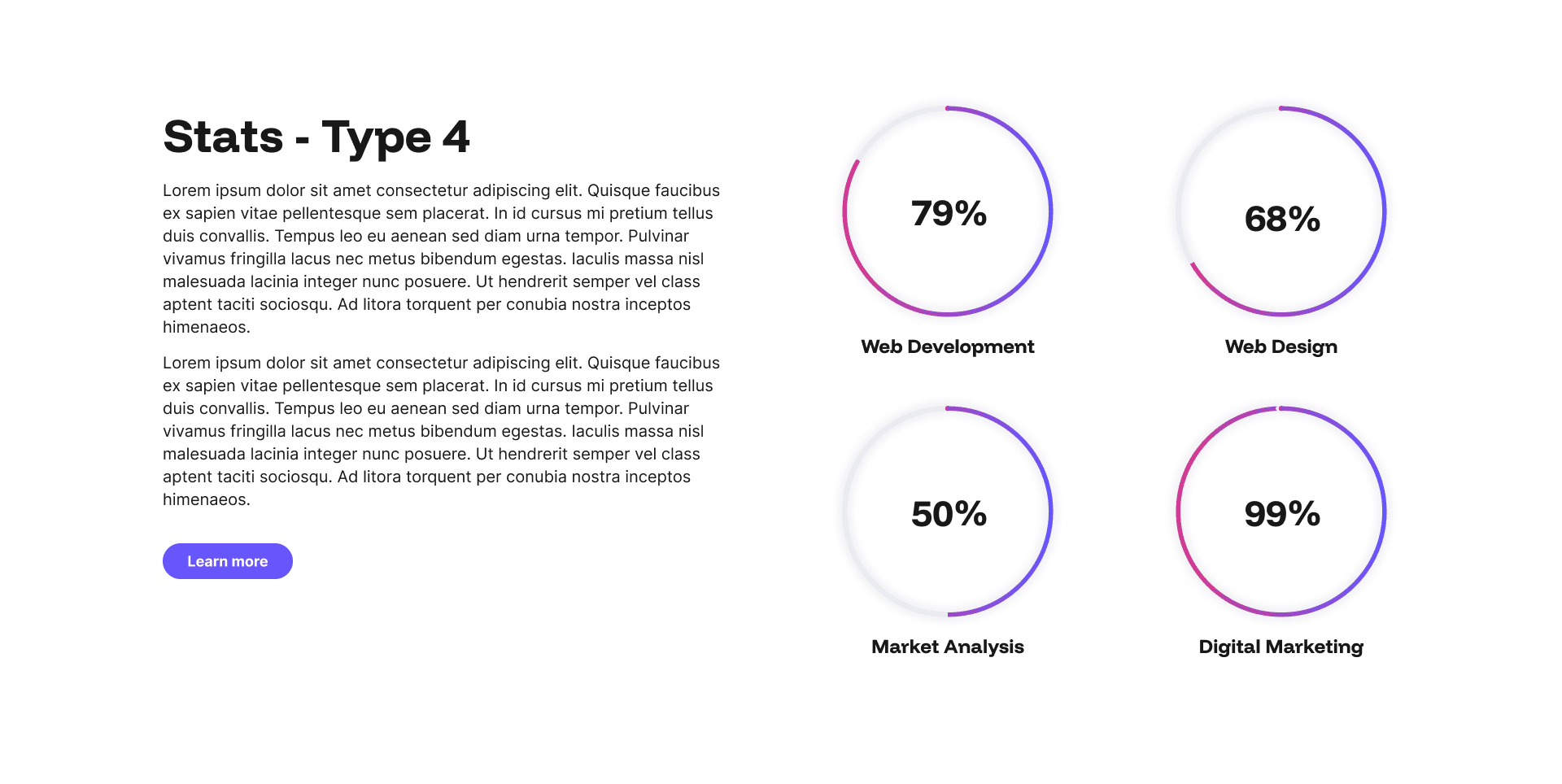
Stats Type 4 Example
Stats Type 4 is the most versatile of the stats widgets, combining bold numerical figures with rich supporting content in a split layout.
Every layout is fully responsive and optimised for mobile, SEO, and AI visibility. No coding required, just add your content in the admin panel and let your pages do the talking.
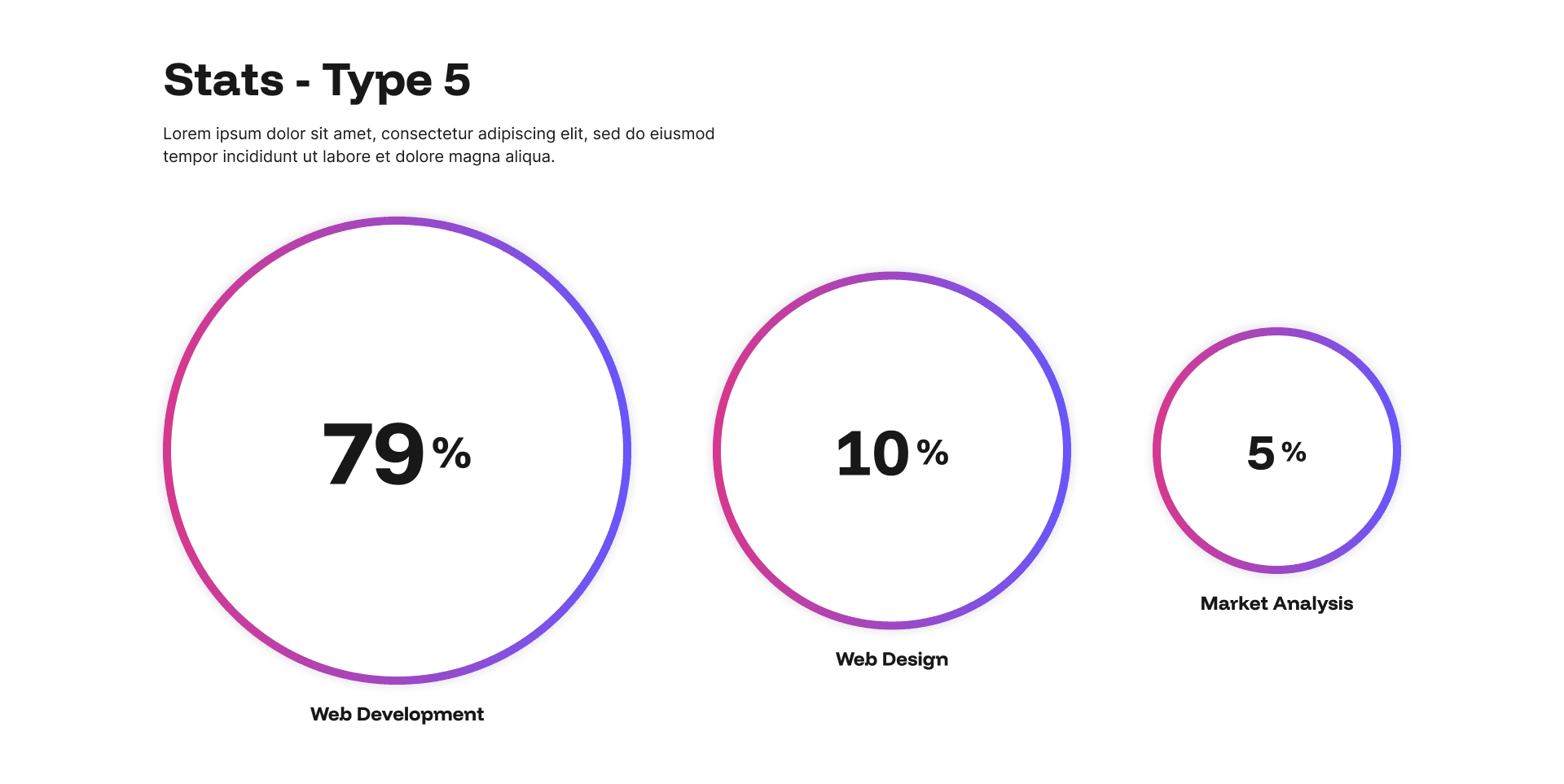
Stats Type 5 Example
Stats Type 5 takes a focused, stripped-back approach to presenting data, displaying three headline figures in a clean, bold layout that lets the numbers do the talking without distraction.
Every layout is fully responsive and optimised for mobile, SEO, and AI visibility. No coding required, just add your content in the admin panel and let your pages do the talking.
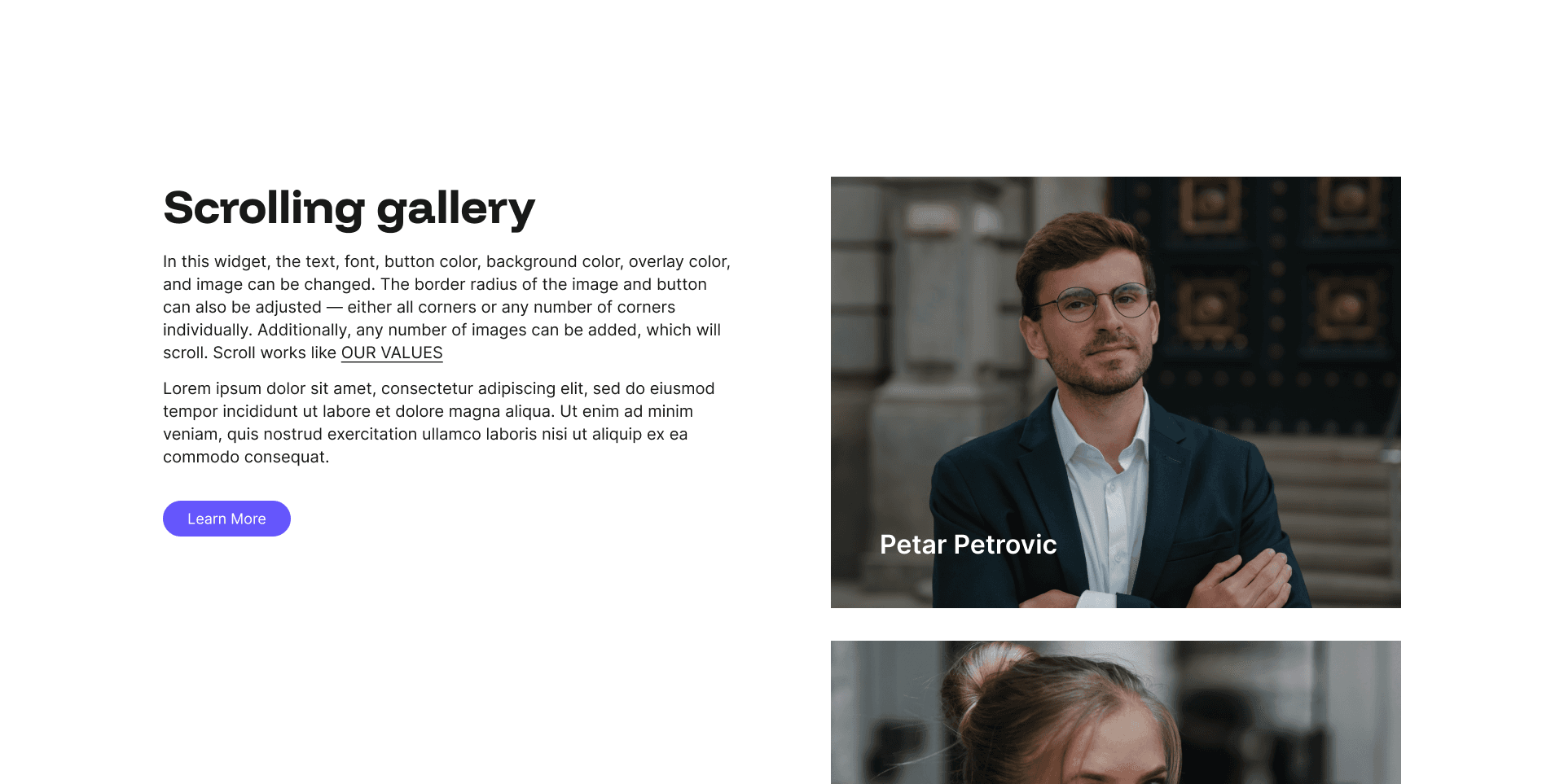
Scrolling Gallery Example
The Scrolling Gallery widget adds dynamic visual movement to any page, displaying a continuous horizontal strip of images that scrolls automatically to create an engaging, living feel.
Every layout is fully responsive and optimised for mobile, SEO, and AI visibility. No coding required, just add your content in the admin panel and let your pages do the talking.
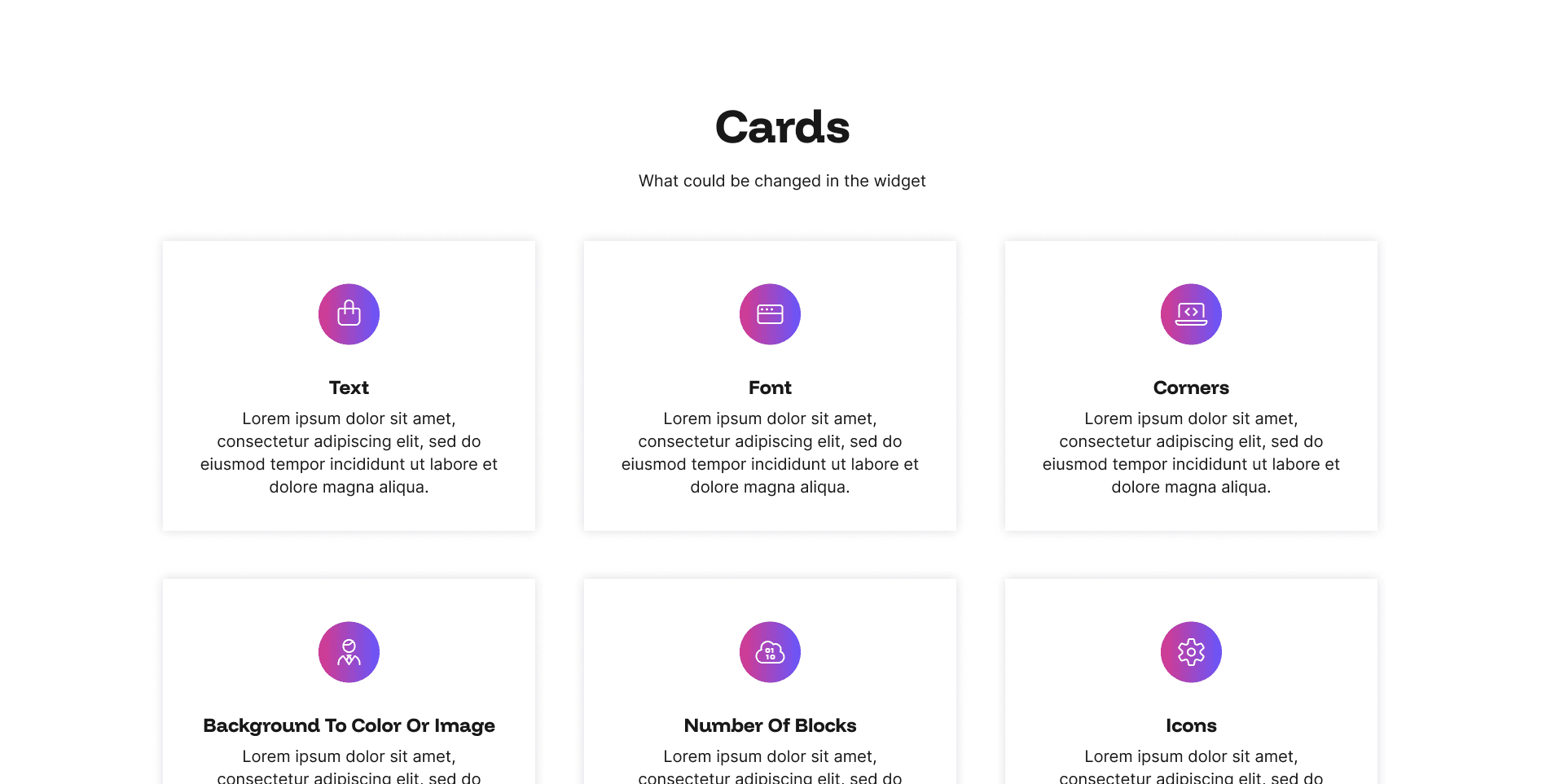
Cards Example
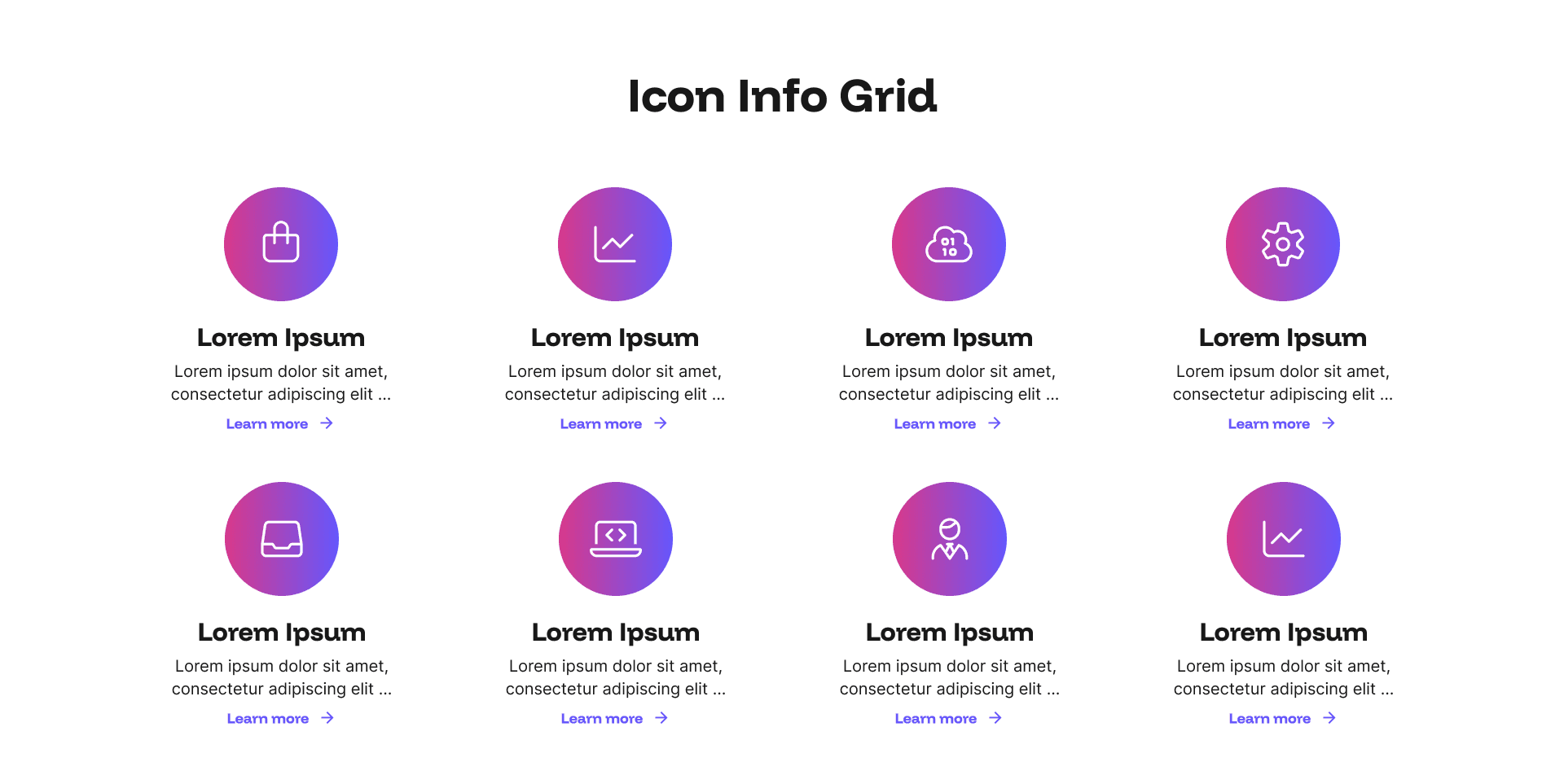
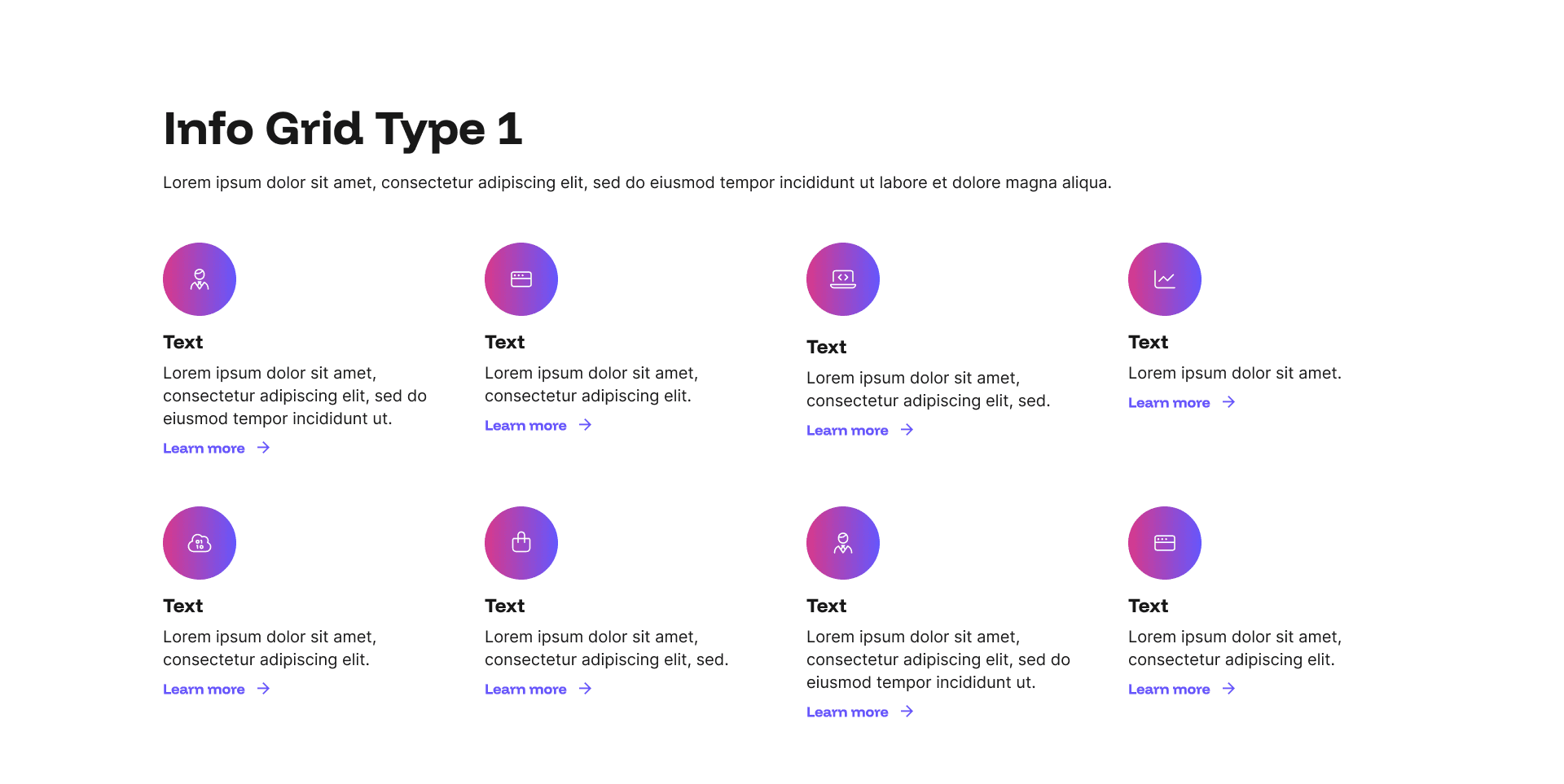
The Cards widget is a flexible, widely used layout for websites that presents content in a clean grid of individual cards, each featuring an icon, a headline, supporting text, and an optional call-to-action link.
Every layout is fully responsive and optimised for mobile, SEO, and AI visibility. No coding required, just add your content in the admin panel and let your pages do the talking.
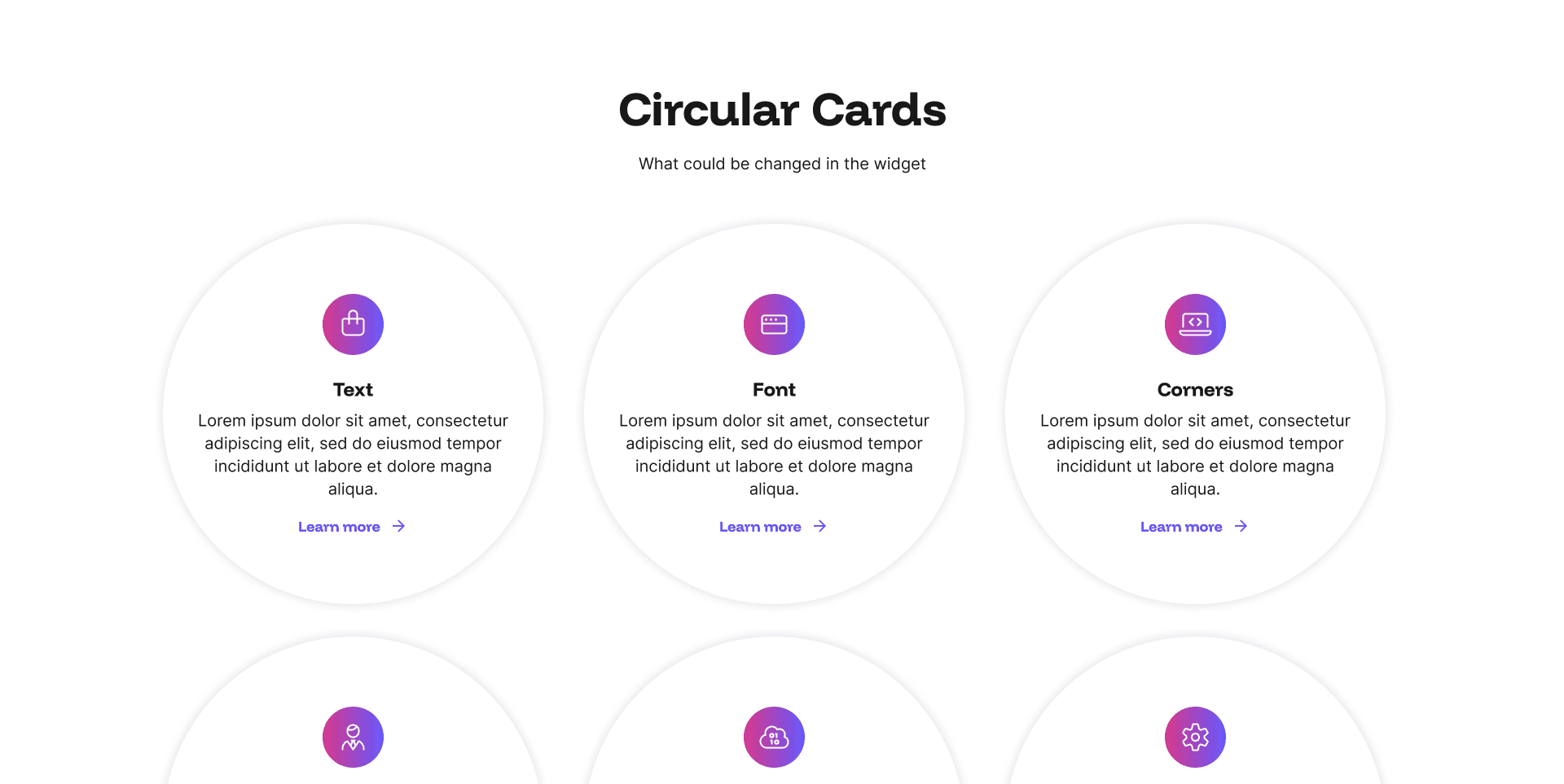
Cards Type 2 Example
The circular icon format gives each card a modern, polished feel that draws the eye and adds visual consistency across the grid. It is ideal for showcasing services, sector specialisms, candidate benefits, reasons to work with you, or any content that benefits from being broken into clearly defined, easily digestible sections.
Every layout is fully responsive and optimised for mobile, SEO, and AI visibility. No coding required, just add your content in the admin panel and let your pages do the talking.
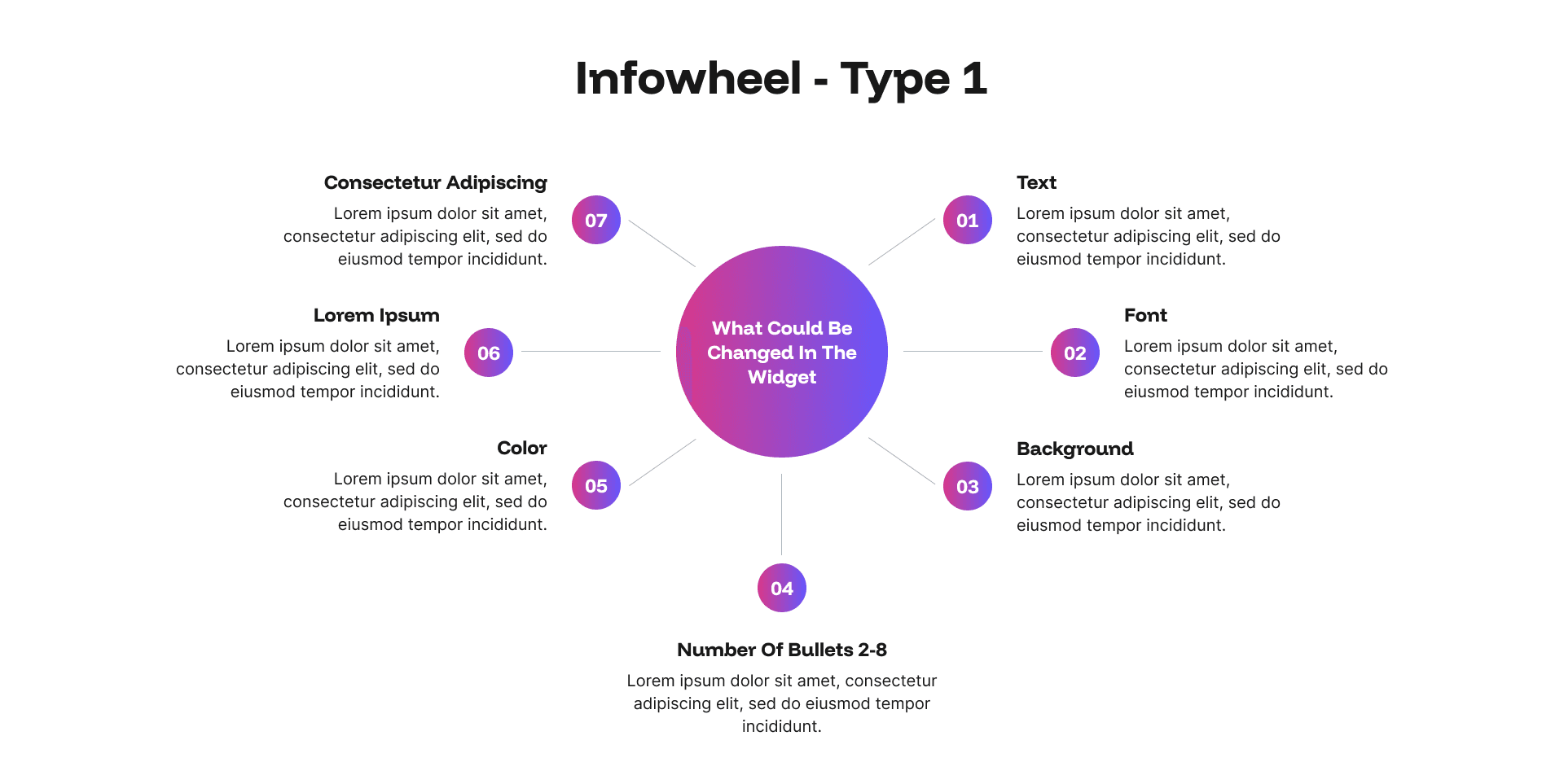
Infowheel Type 1 Example
The Infowheel is one of the most visually distinctive widgets in Design Studio, arranging a series of icon-led or numbered items in a circular spoke layout that radiates outward from a central point.
Every layout is fully responsive and optimised for mobile, SEO, and AI visibility. No coding required, just add your content in the admin panel and let your pages do the talking.
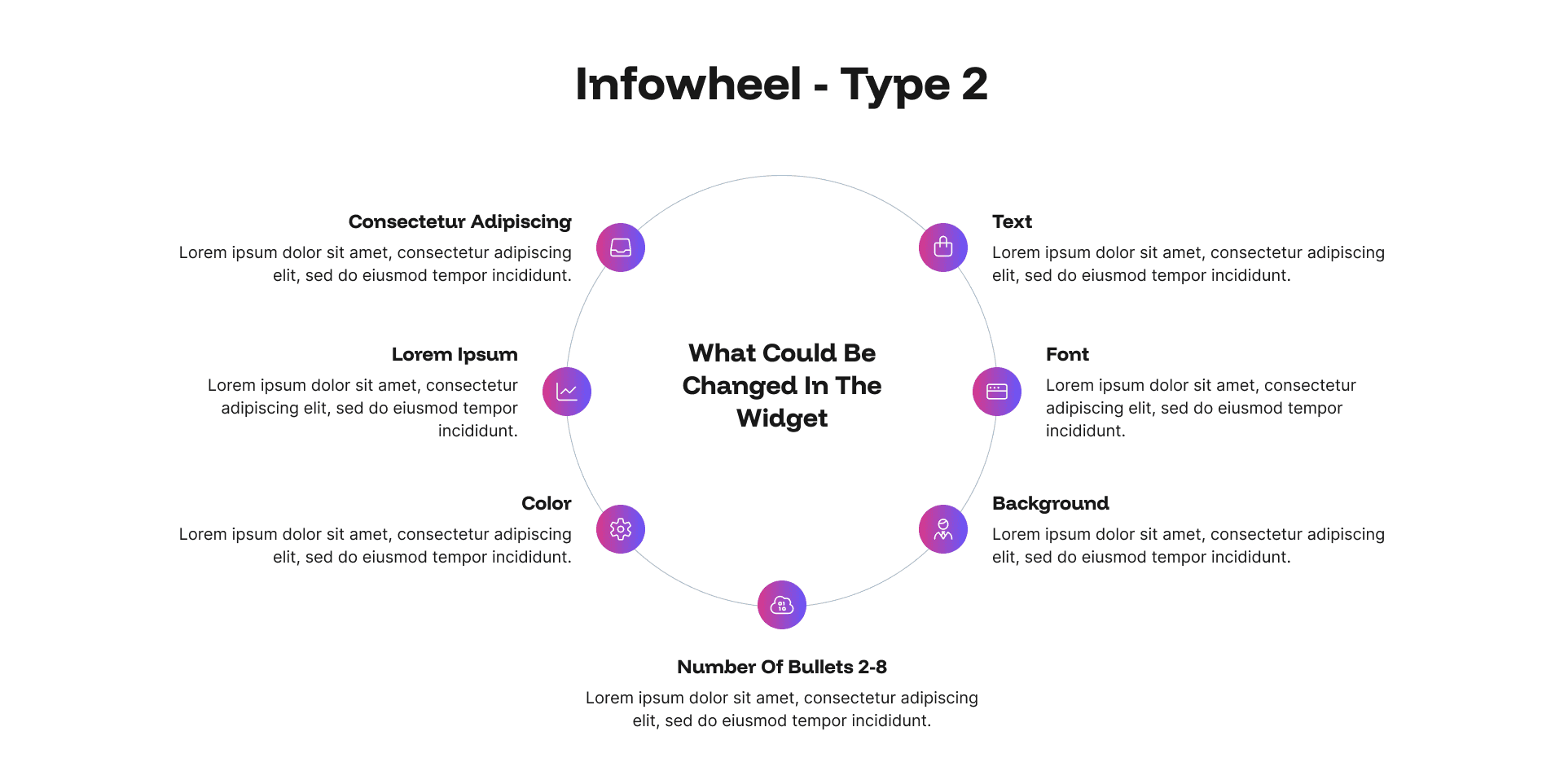
Infowheel Type 2 Example
A second Infowheel widget in Design Studio arranges a series of icon-led or numbered items in a circular spoke layout that radiates outward from a central point.
Every layout is fully responsive and optimised for mobile, SEO, and AI visibility. No coding required, just add your content in the admin panel and let your pages do the talking.
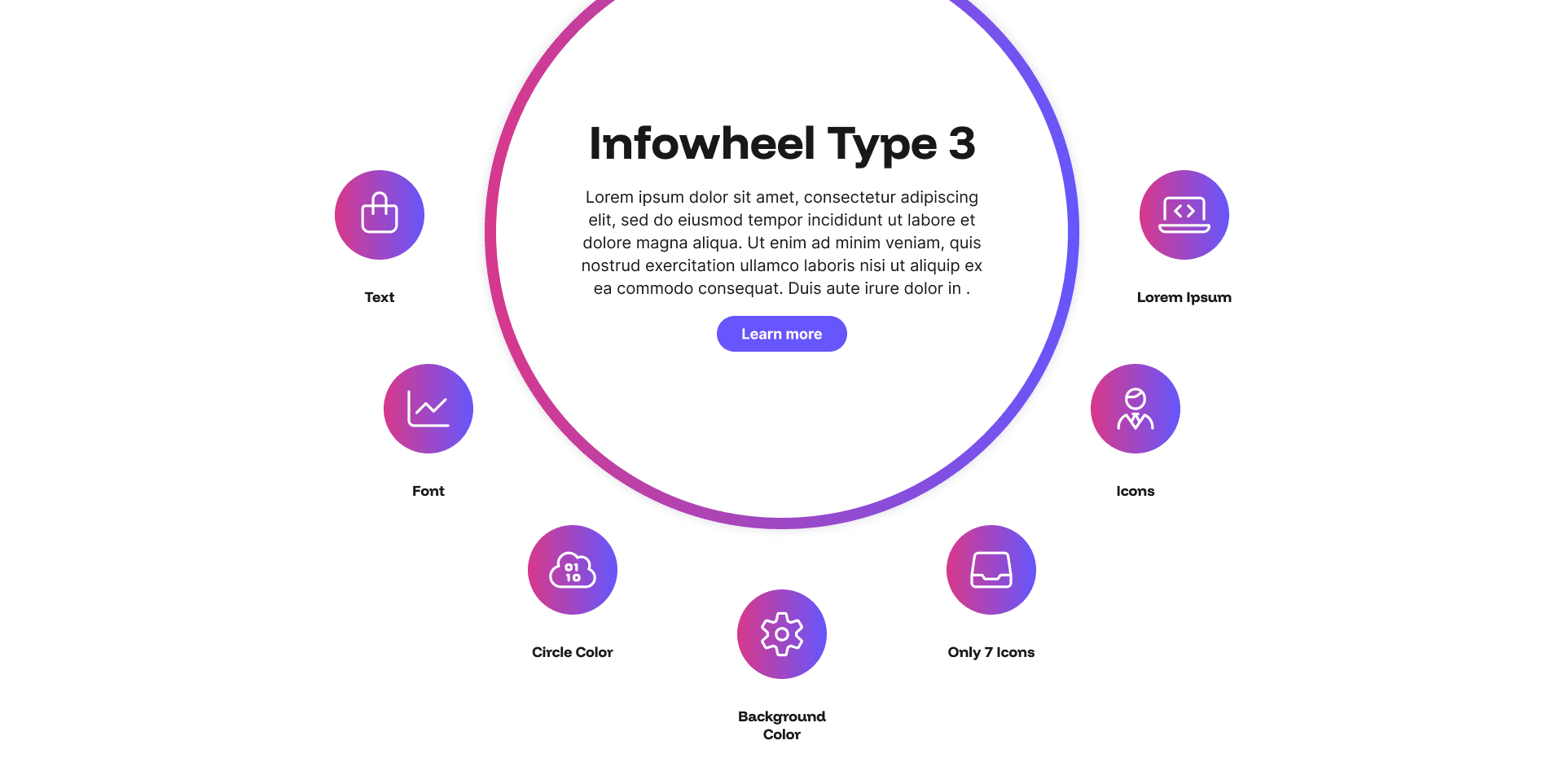
Infowheel Type 3 Example
A third Infowheel widget in Design Studio arranges a series of icon-led or numbered items in a circular spoke layout that radiates outward from a central point.
Every layout is fully responsive and optimised for mobile, SEO, and AI visibility. No coding required, just add your content in the admin panel and let your pages do the talking.
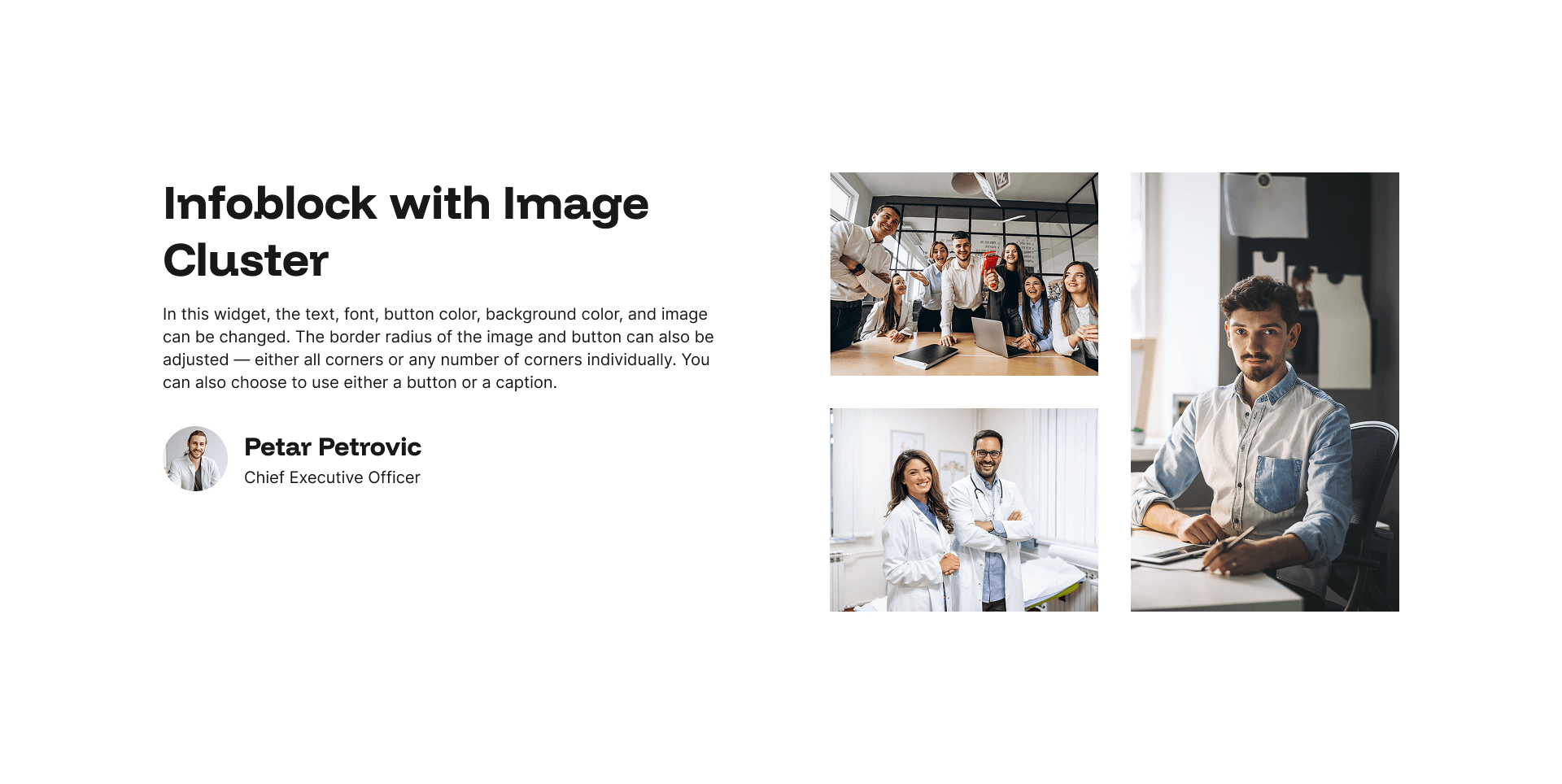
Infoblock with Image Cluster Example
The Info Block with Image Cluster widget combines a text and content panel with a striking cluster of images displayed alongside it, creating a rich, editorial layout that feels far more dynamic than a standard image and text split.
Every layout is fully responsive and optimised for mobile, SEO, and AI visibility. No coding required, just add your content in the admin panel and let your pages do the talking.
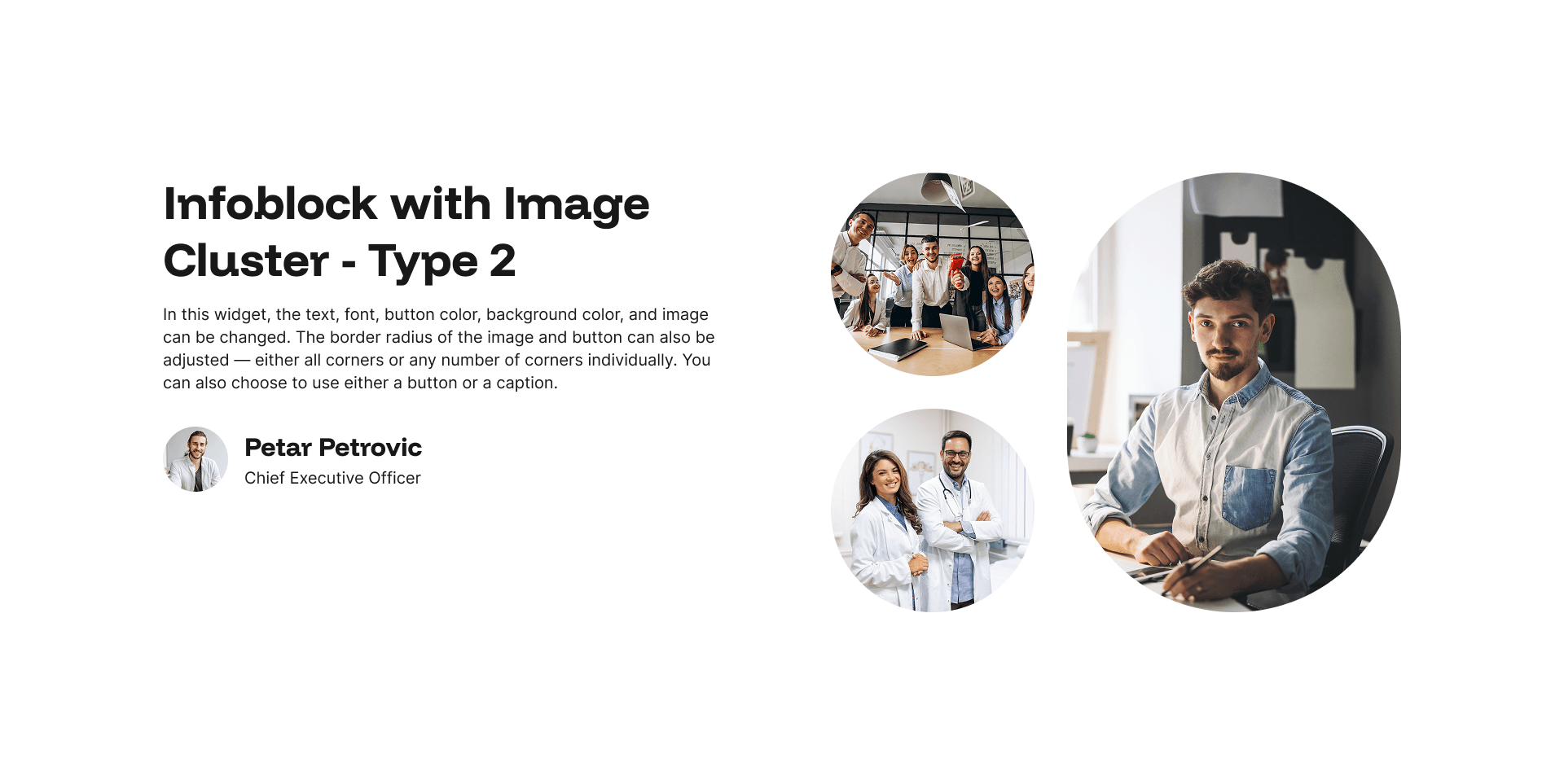
Infoblock with Image Cluster - Type 2 Example
A second Info Block option with a circular Image Cluster widget combines a text-and-content panel with a striking cluster of images displayed alongside it, creating a rich, editorial layout that feels far more dynamic than a standard image-and-text split.
Every layout is fully responsive and optimised for mobile, SEO, and AI visibility. No coding required, just add your content in the admin panel and let your pages do the talking.
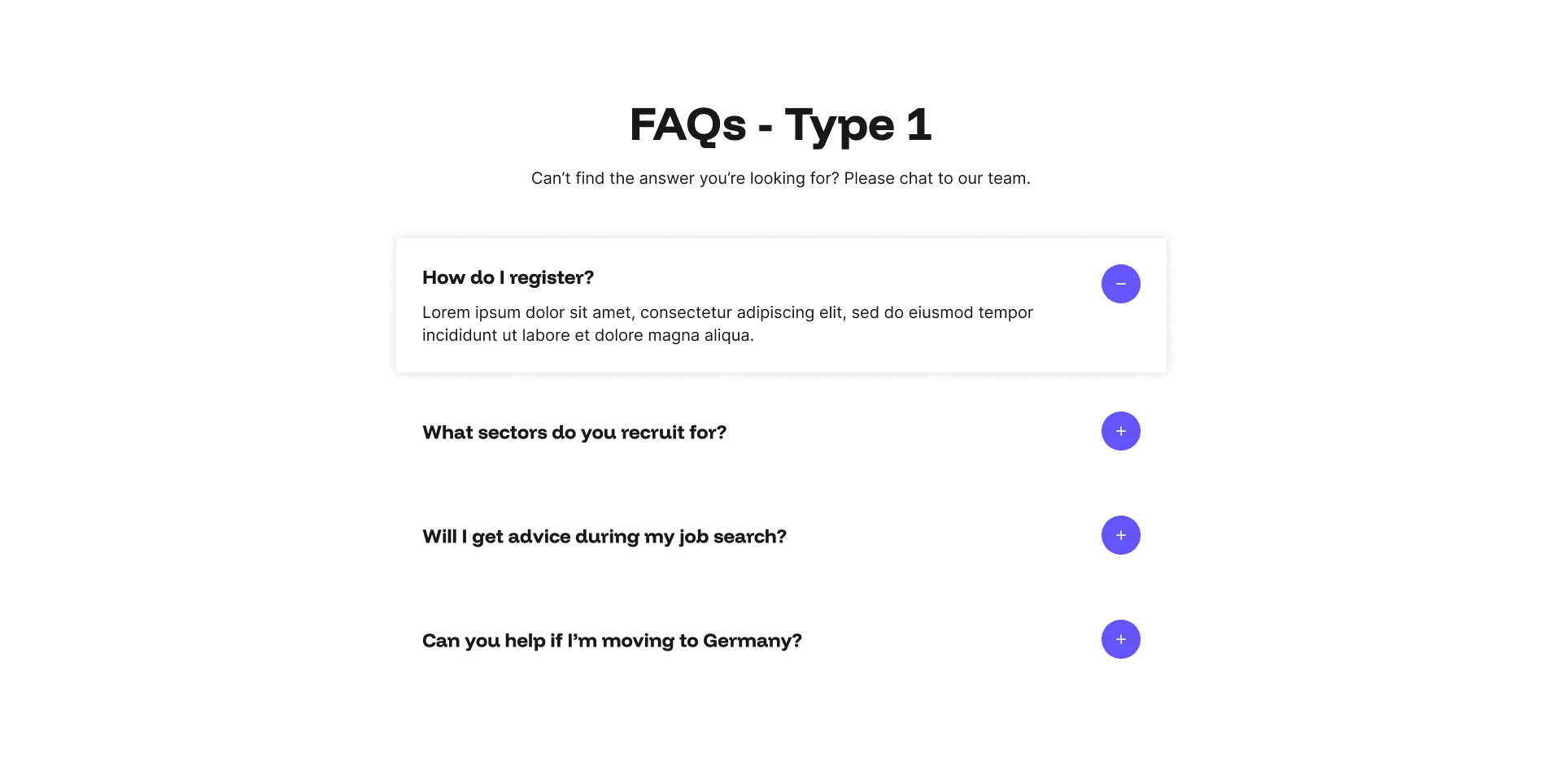
FAQs Type 1 Example
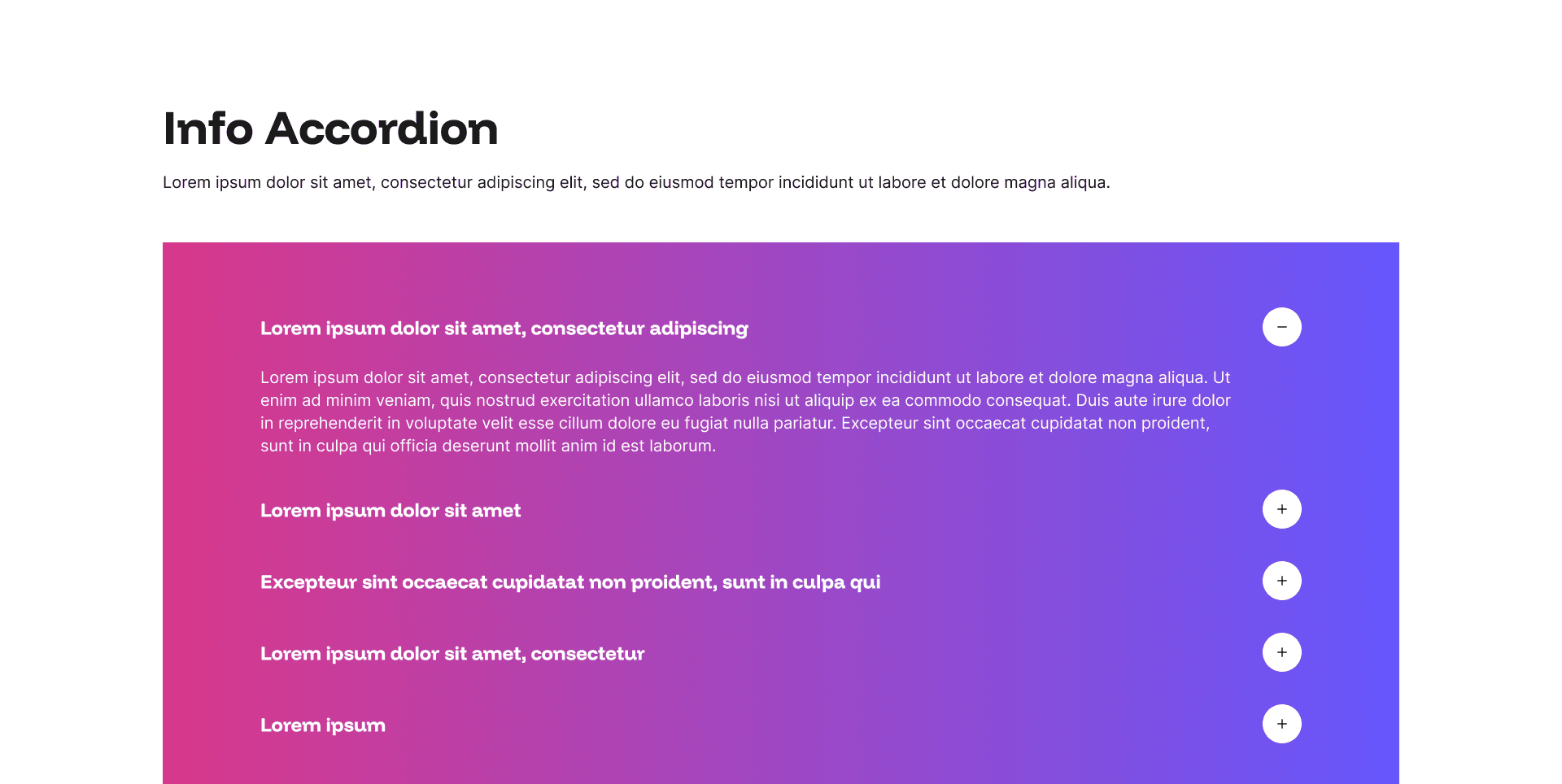
The FAQs widget presents frequently asked questions in a clean, expandable accordion format, allowing visitors to click on any question to reveal the answer beneath without the page becoming cluttered with text.
Every layout is fully responsive and optimised for mobile, SEO, and AI visibility. No coding required, just add your content in the admin panel and let your pages do the talking.
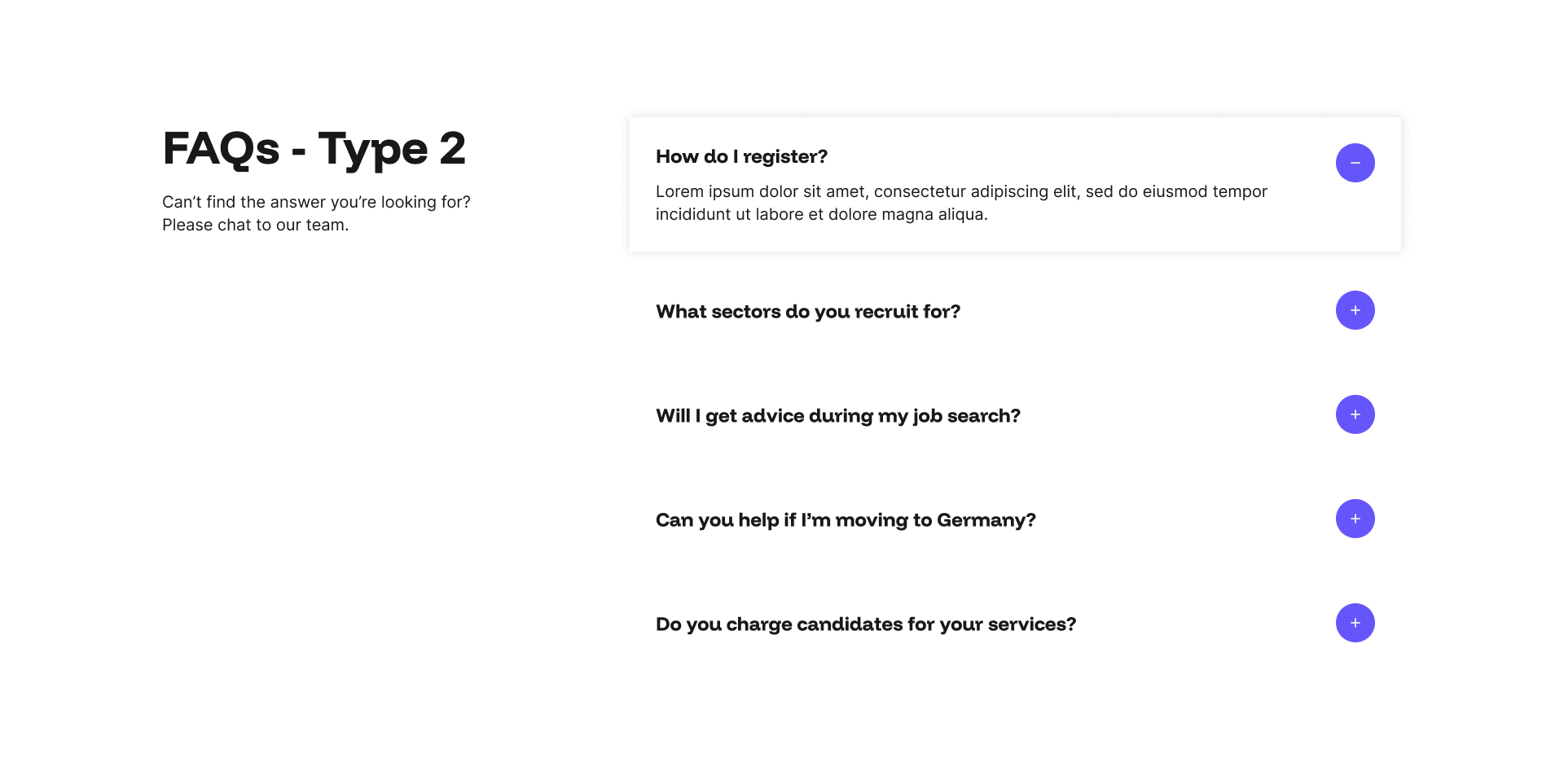
FAQs Type 2 Example
A second FAQs widget option presents frequently asked questions in a clean, expandable accordion format, allowing visitors to click any question to reveal the answer beneath without cluttering the page with text.
Every layout is fully responsive and optimised for mobile, SEO, and AI visibility. No coding required, just add your content in the admin panel and let your pages do the talking.
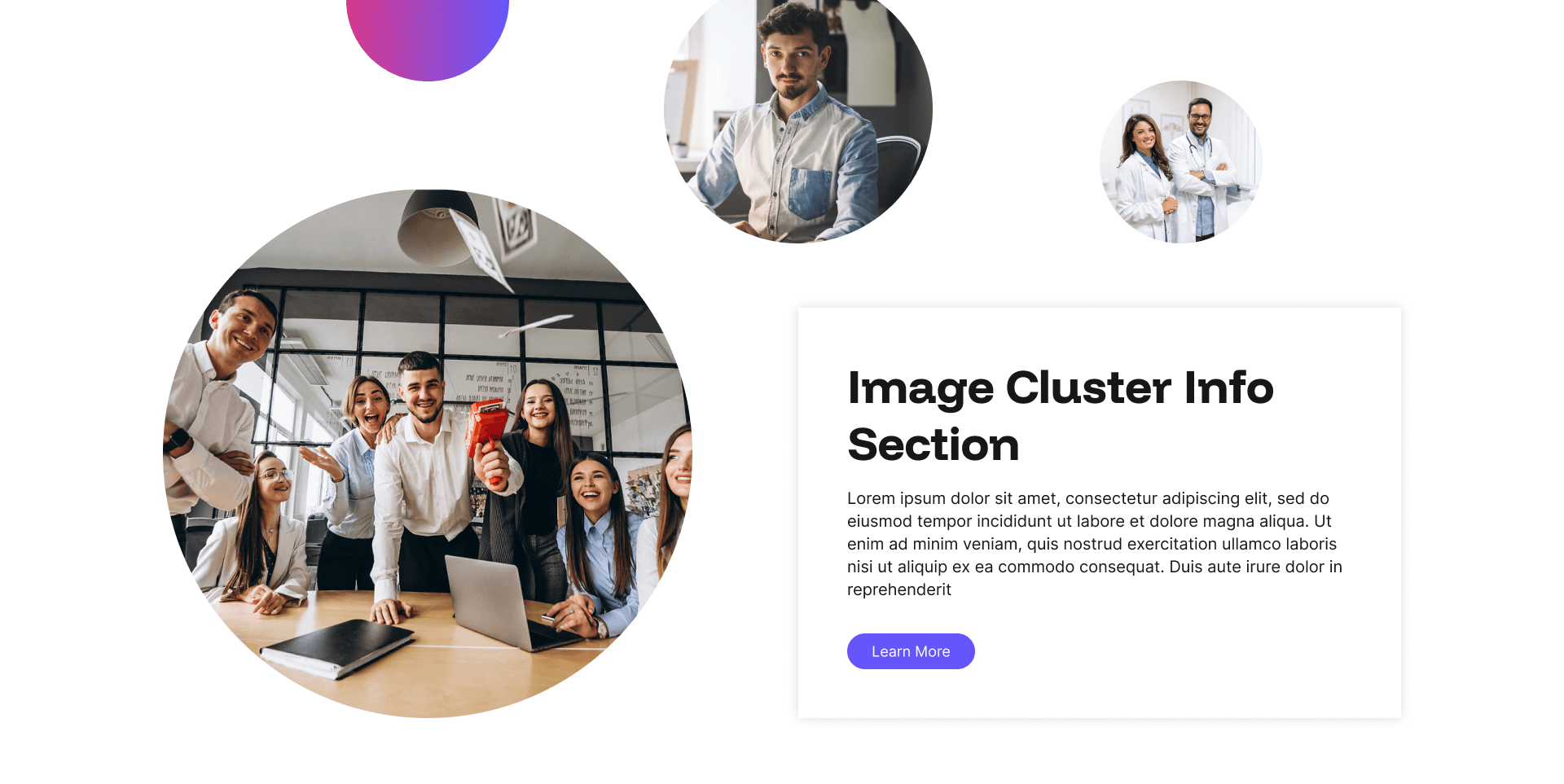
Image Cluster Info Section Example
The Info Card with Image Cluster widget is a visually rich layout that places a bold stack of three images alongside a content card, creating an editorial, magazine-style feel that immediately catches the eye.
Every layout is fully responsive and optimised for mobile, SEO, and AI visibility. No coding required, just add your content in the admin panel and let your pages do the talking.
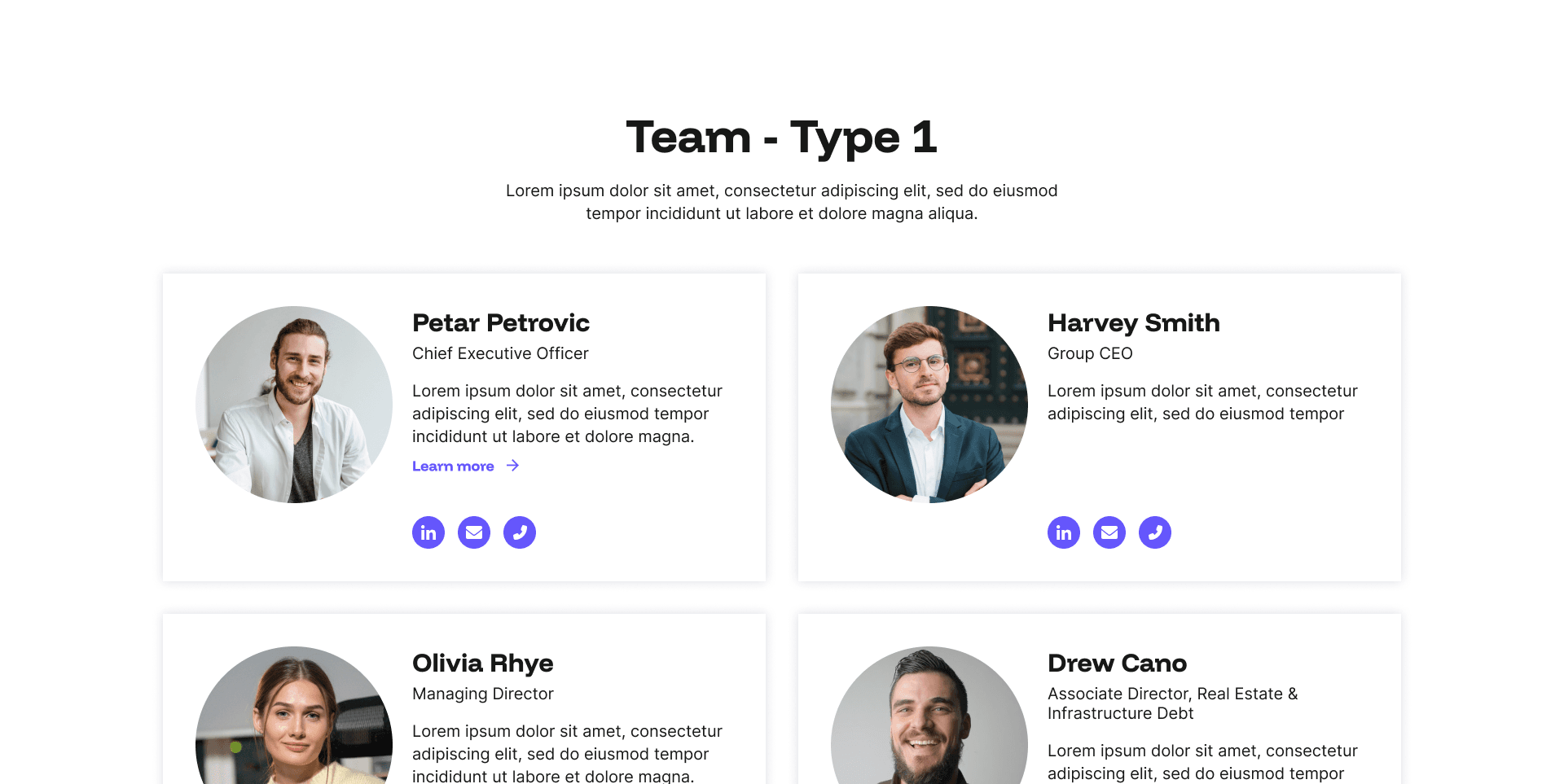
Team Type 1 Example
The Team Type 1 widget is the ideal way to introduce the people behind your recruitment business, displaying each team member in a clean, professional card format featuring their photo, name, job title, a short bio, and an optional link through to their full profile page.
Every layout is fully responsive and optimised for mobile, SEO, and AI visibility. No coding required, just add your content in the admin panel and let your pages do the talking.
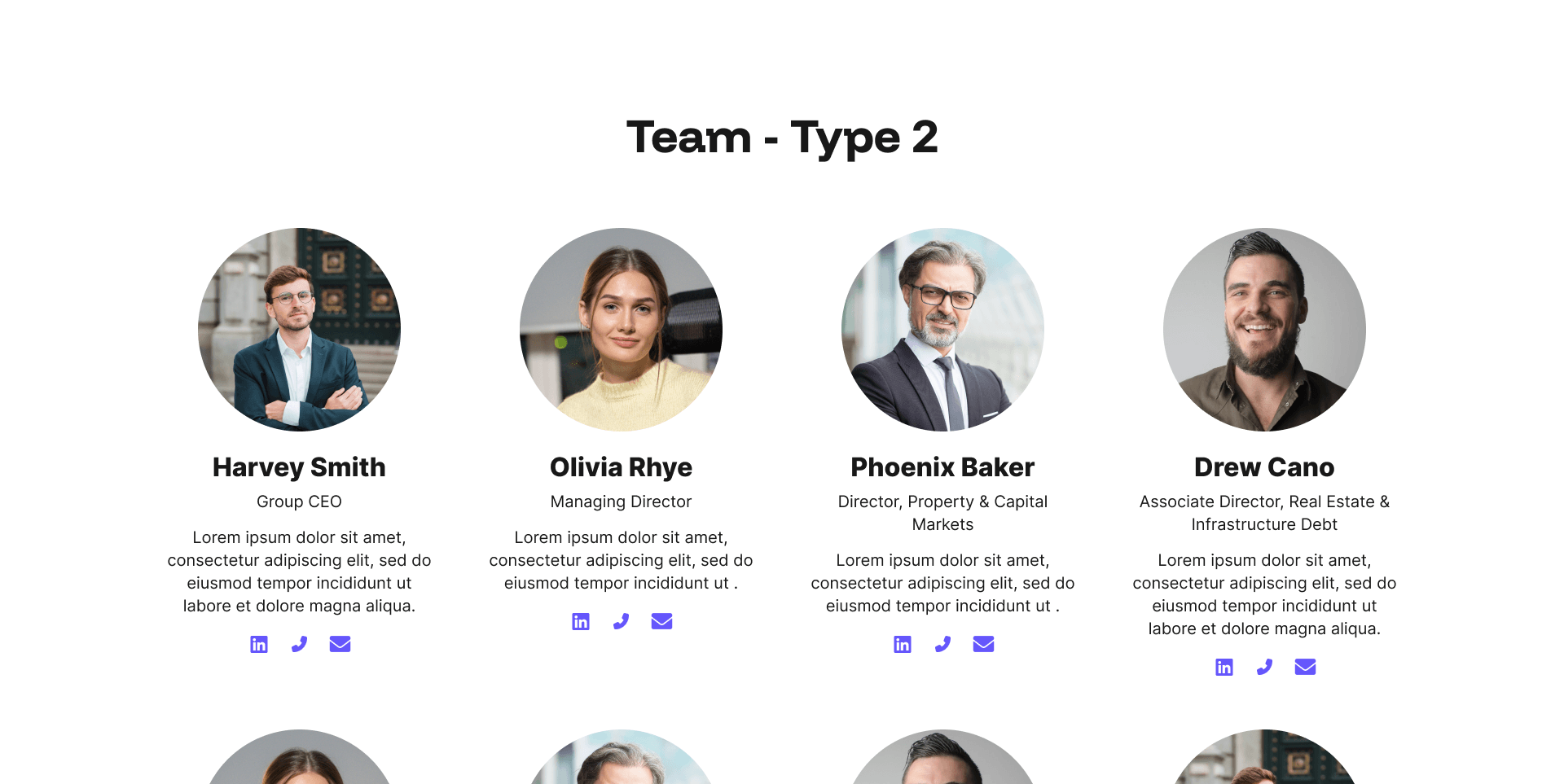
Team Type 2 Example
A second Team Type widget is the ideal way to introduce the people behind your recruitment business, displaying each team member in a clean, professional card format featuring their photo, name, job title, a short bio, and an optional link through to their full profile page.
Every layout is fully responsive and optimised for mobile, SEO, and AI visibility. No coding required, just add your content in the admin panel and let your pages do the talking.
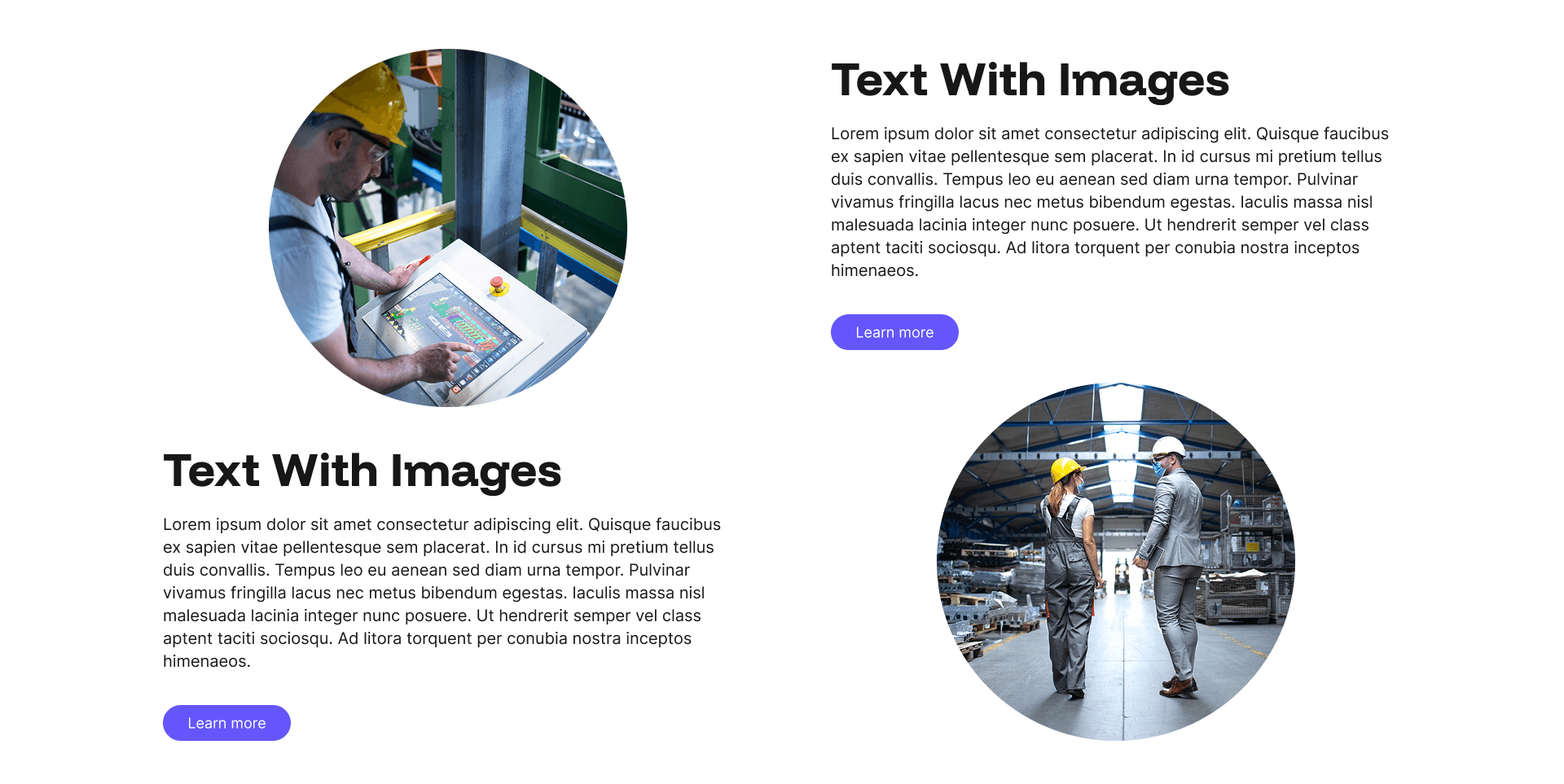
Text with Images Example
The Text with Images widget combines a generous text panel with a pair of beautifully cropped circular images displayed alongside, creating a warm, approachable layout that softens the page and adds a human touch without relying on large, dominant imagery.
Every layout is fully responsive and optimised for mobile, SEO, and AI visibility. No coding required, just add your content in the admin panel and let your pages do the talking.
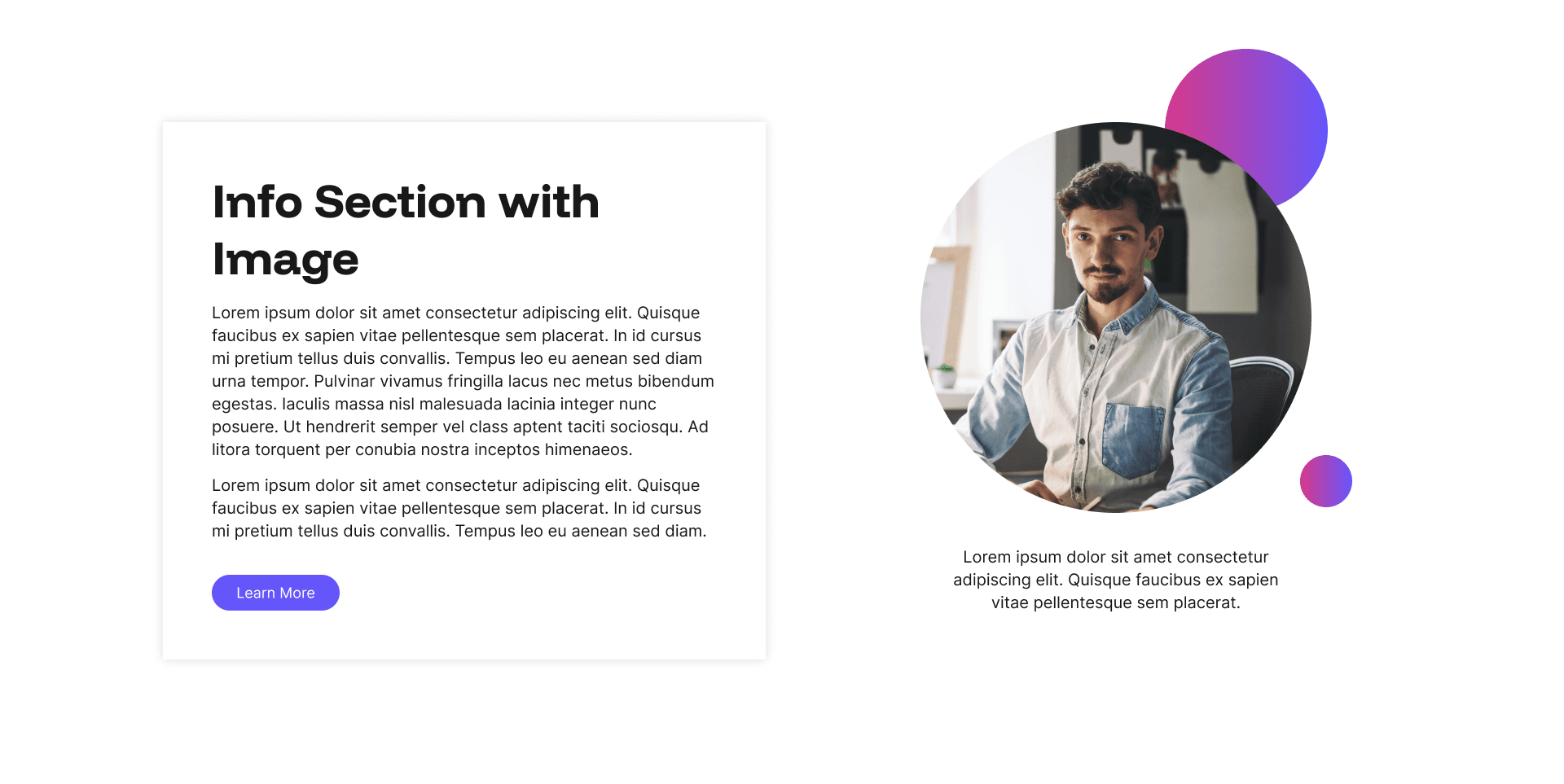
Info Section with Image Example
The Info Section with Imagewidget pairs a bold, stacked group of three images with a content card containing a headline, supporting text, and a call to action, creating a visually rich layout that feels contemporary and editorial.
Every layout is fully responsive and optimised for mobile, SEO, and AI visibility. No coding required, just add your content in the admin panel and let your pages do the talking.
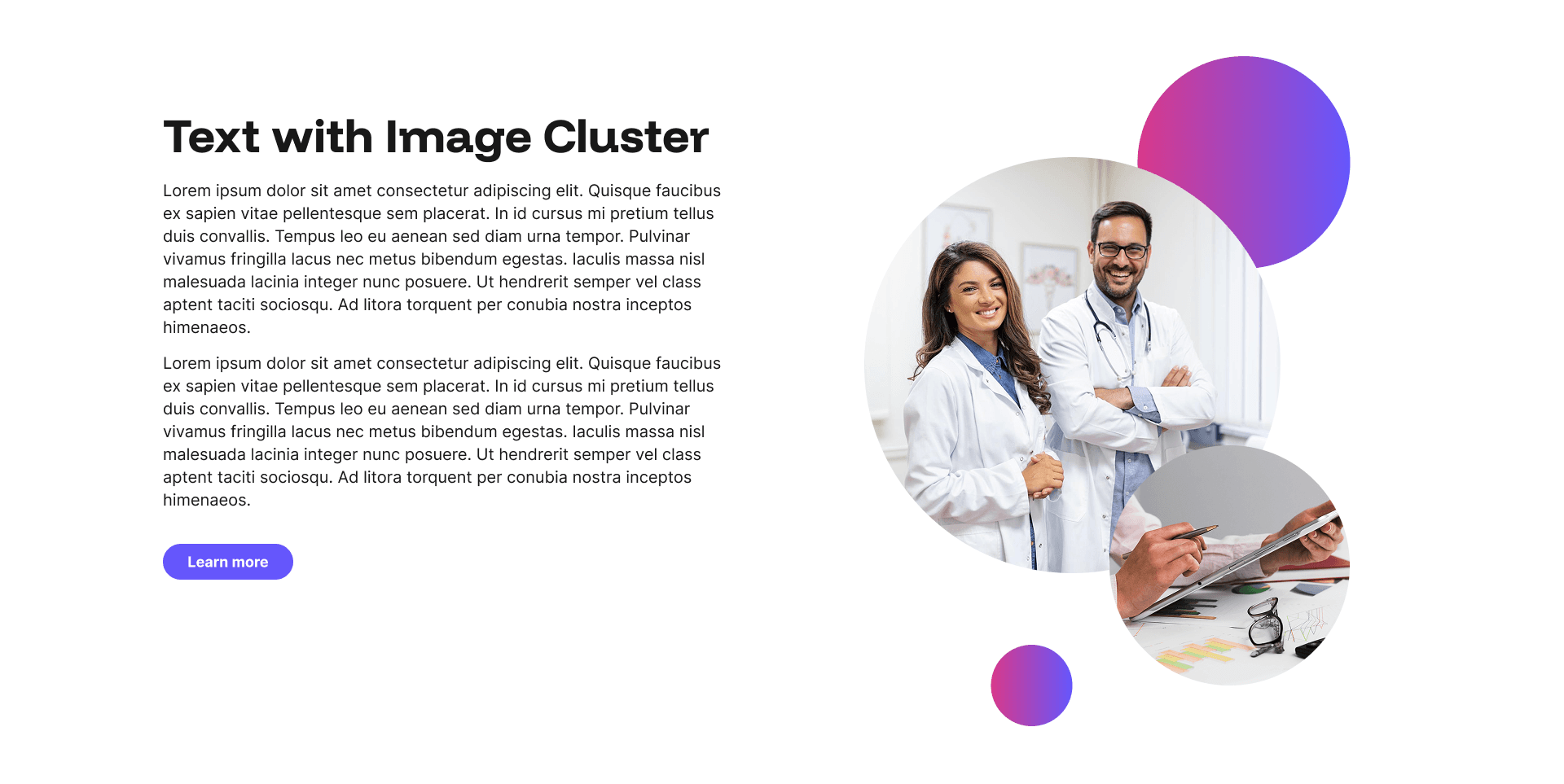
Text with Image Cluster Example
The Text with Image Cluster widget pairs a generous block of text with a dynamic two-image cluster displayed alongside, creating a layout that feels more considered and visually interesting than a conventional single image and text split.
Every layout is fully responsive and optimised for mobile, SEO, and AI visibility. No coding required, just add your content in the admin panel and let your pages do the talking.
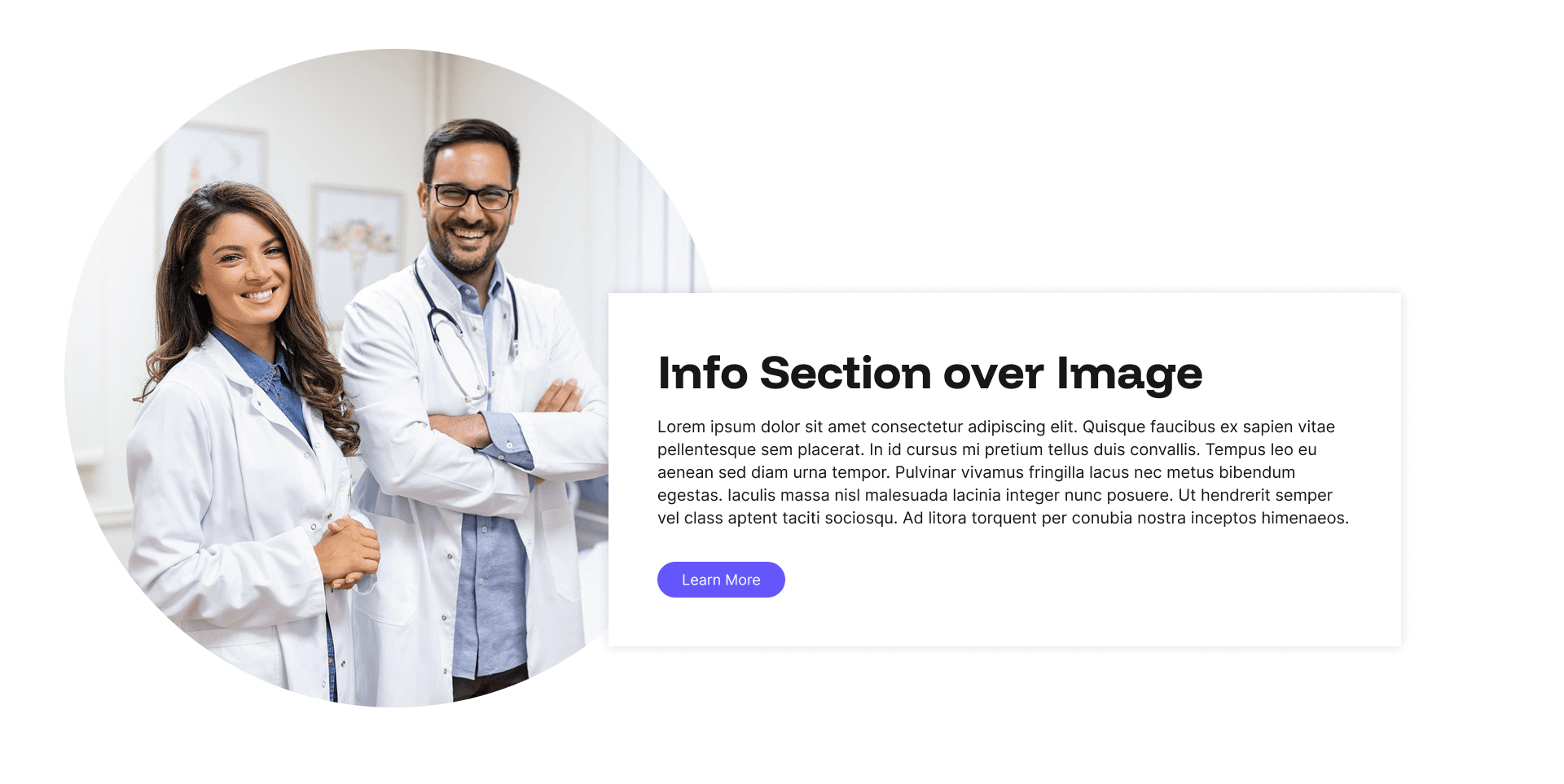
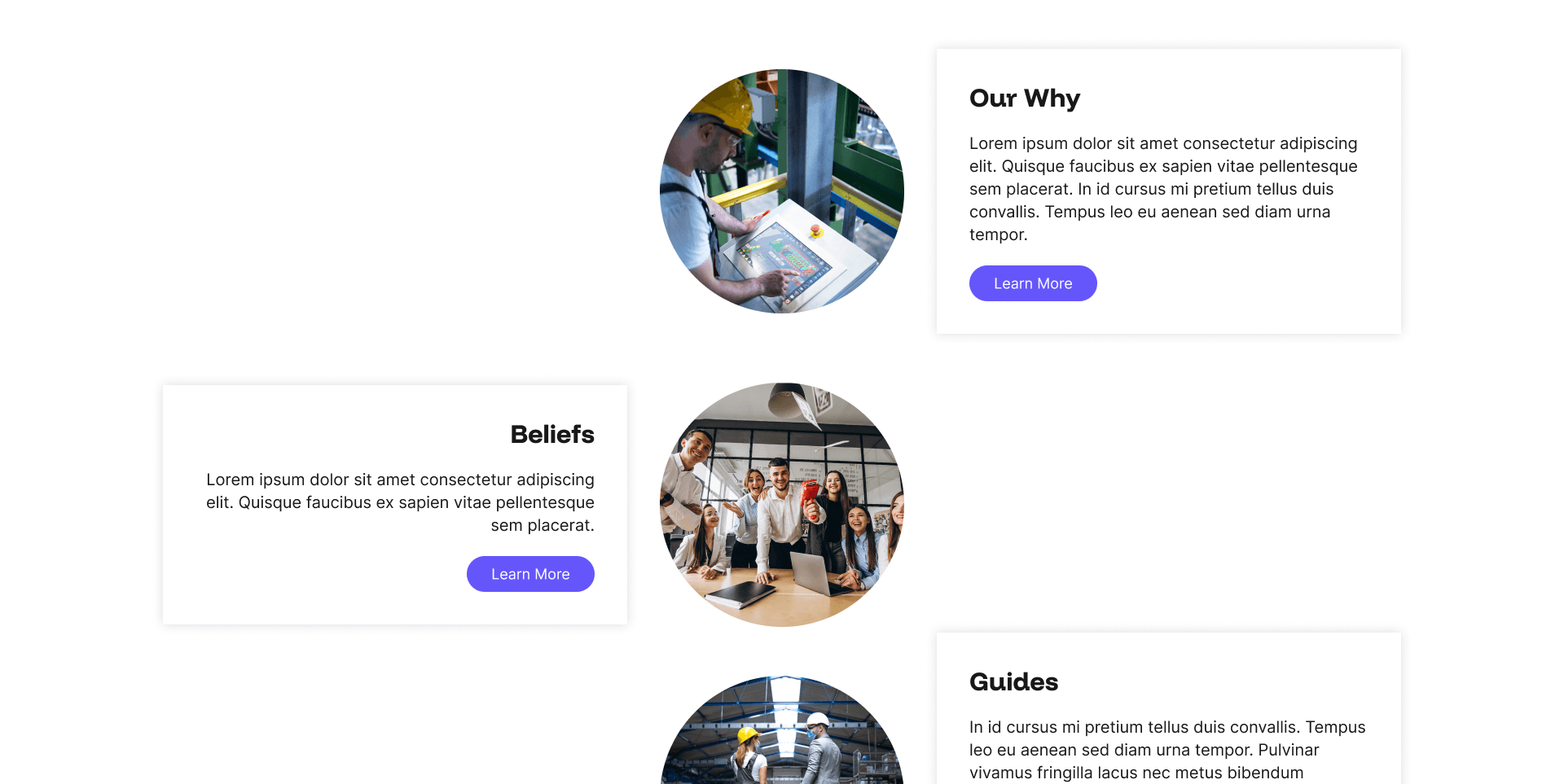
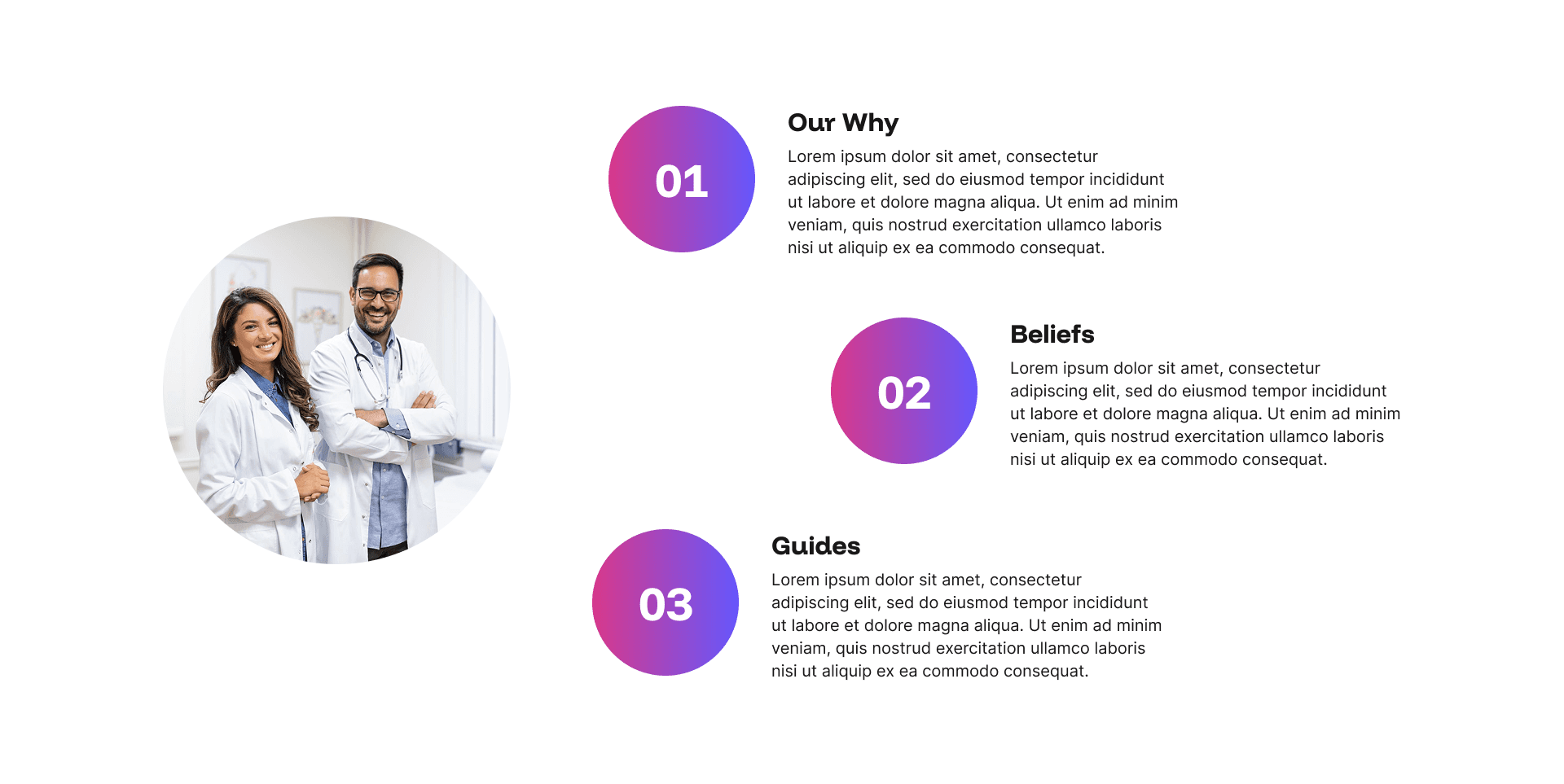
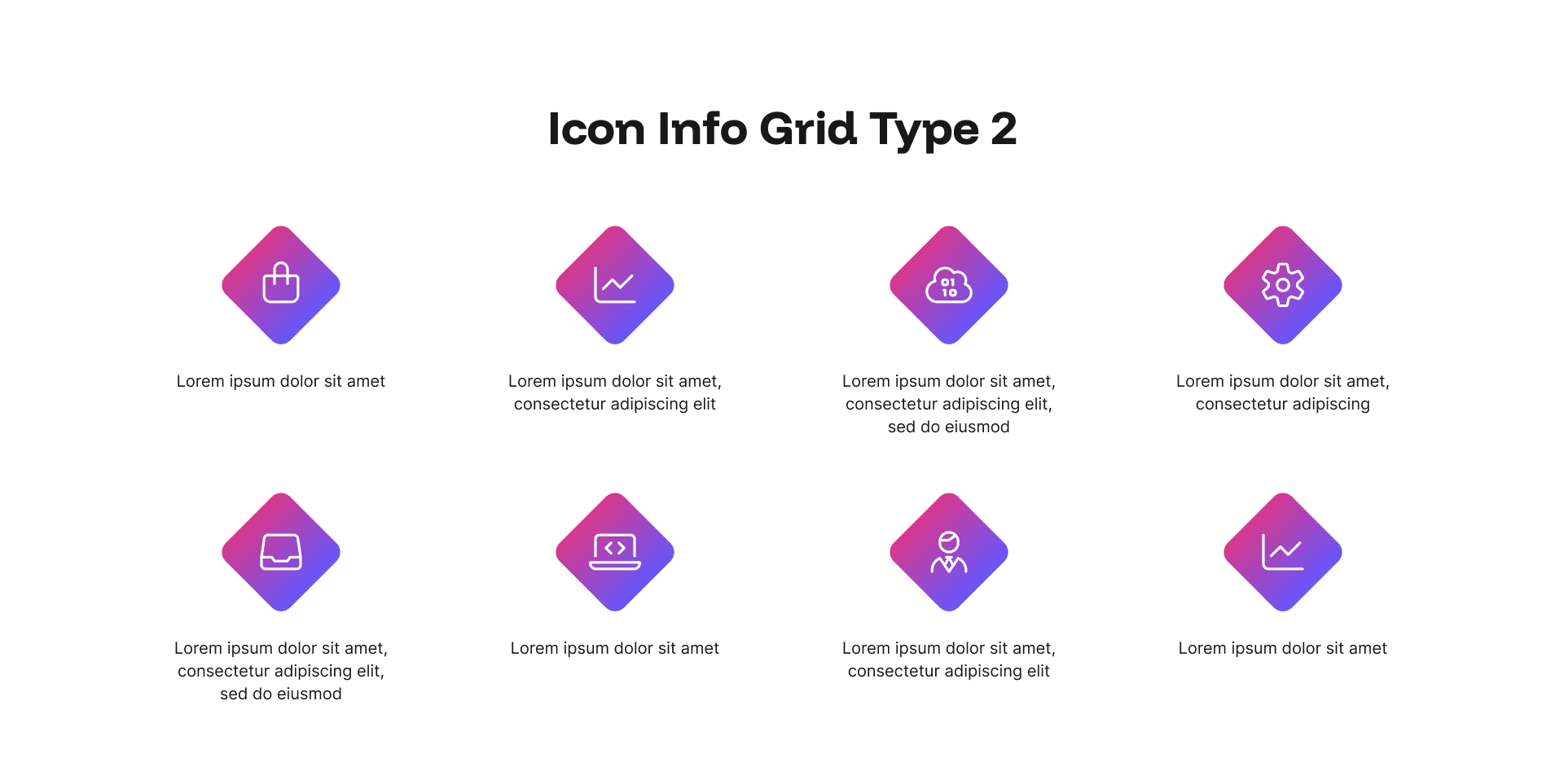
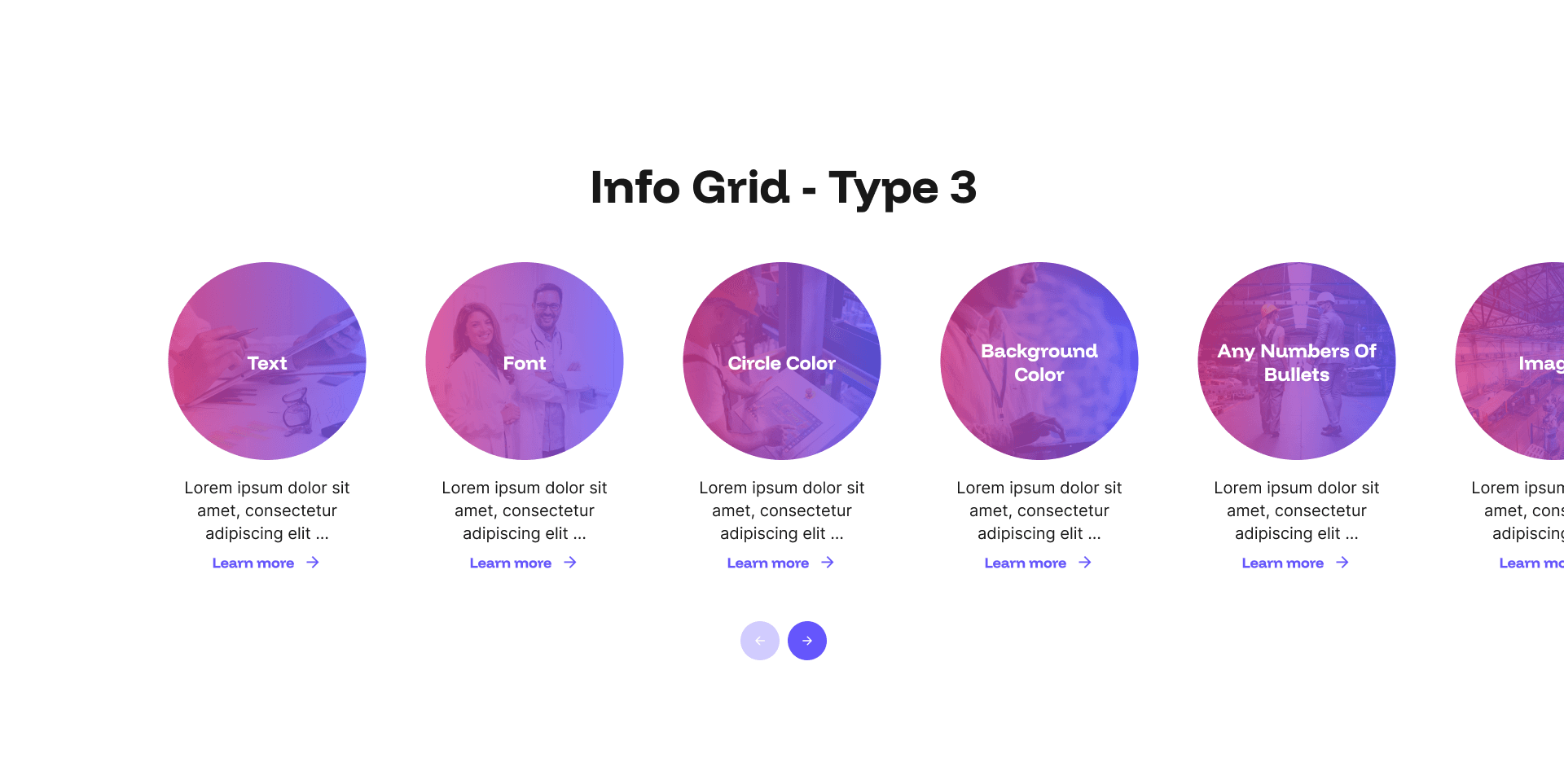
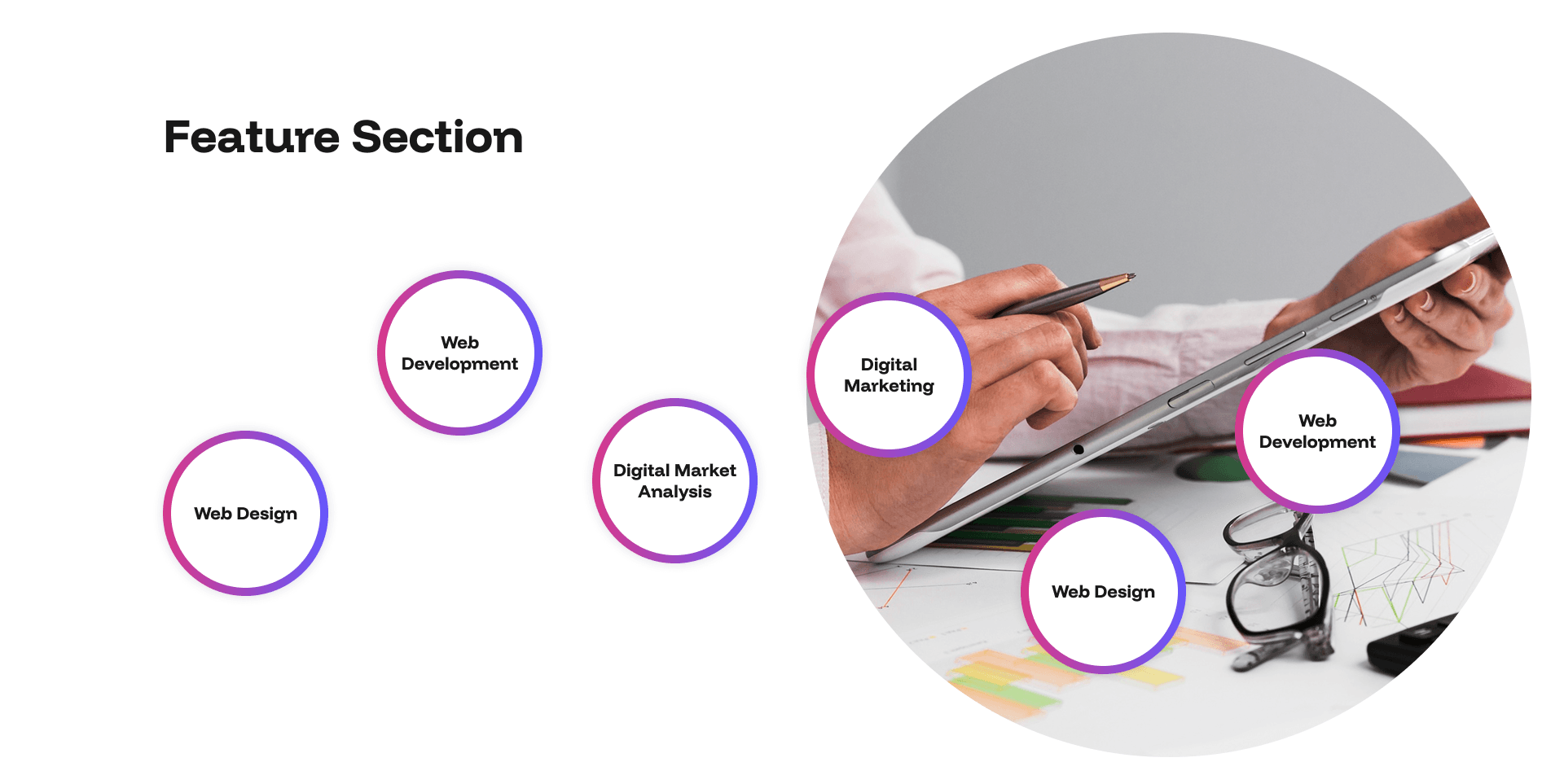
Feature Section Example
View Feature Section Example here
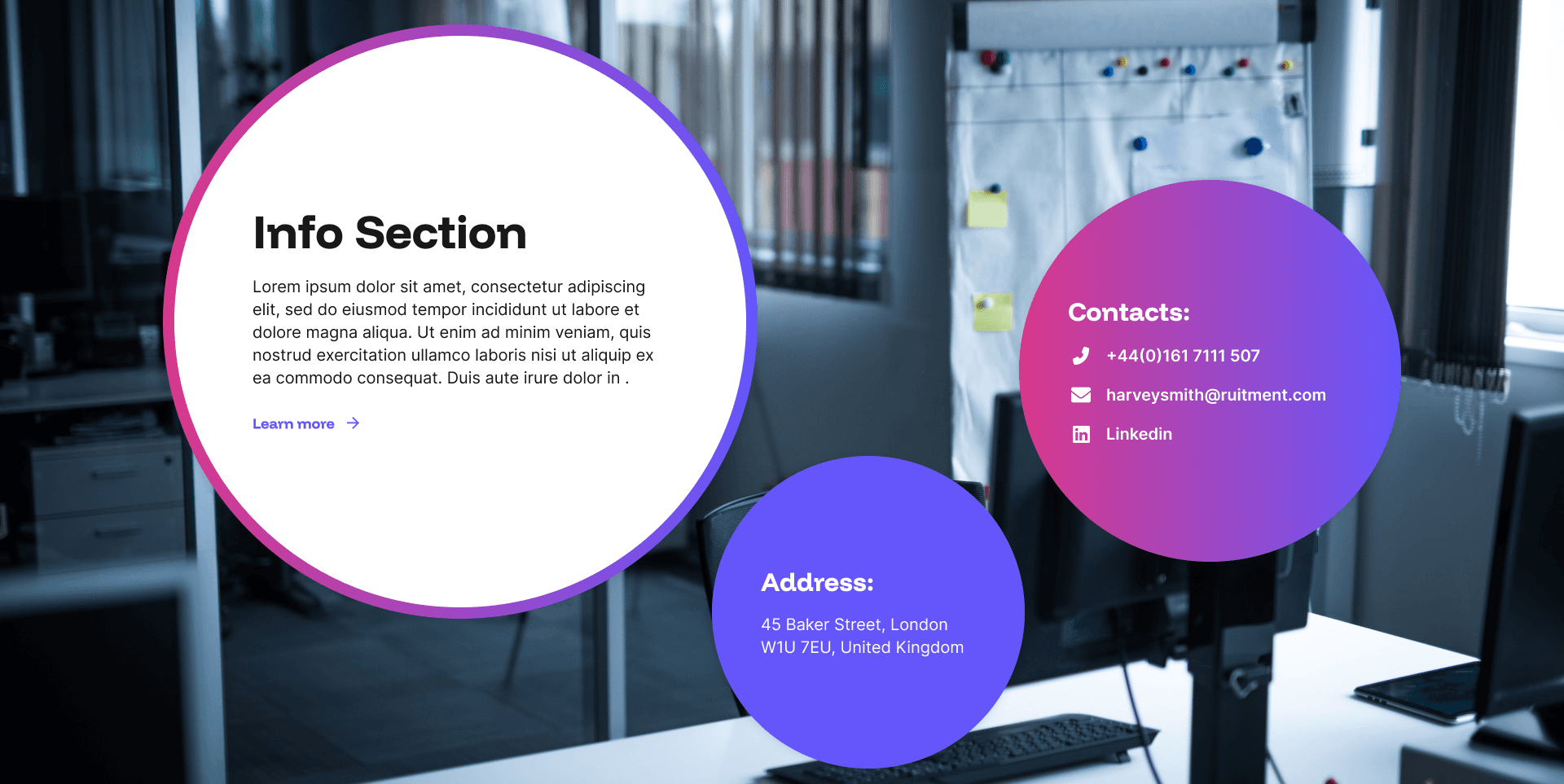
Info Section Example
View Info Section Example here
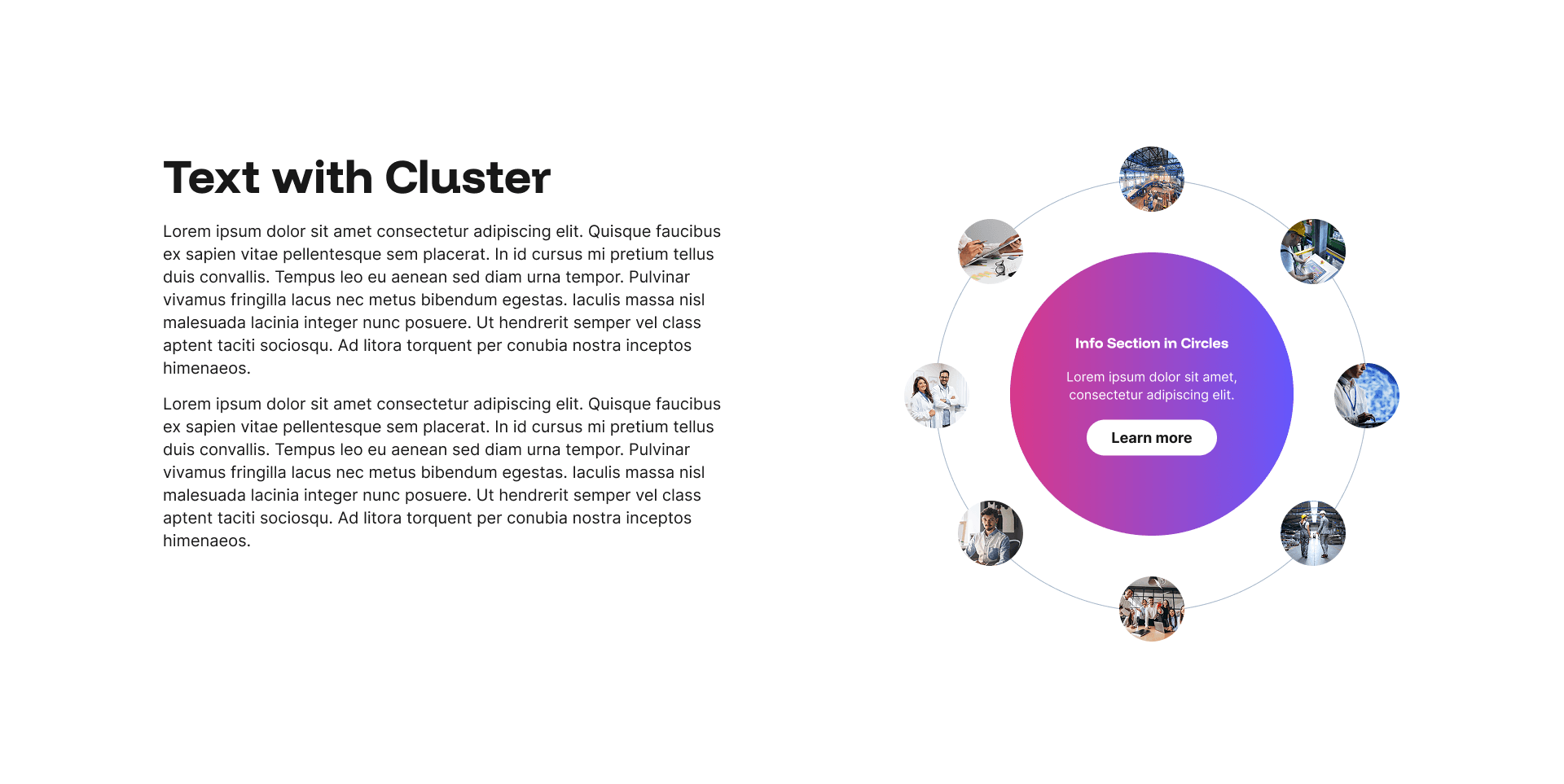
Text with Cluster Example
View Text with Cluster Example here
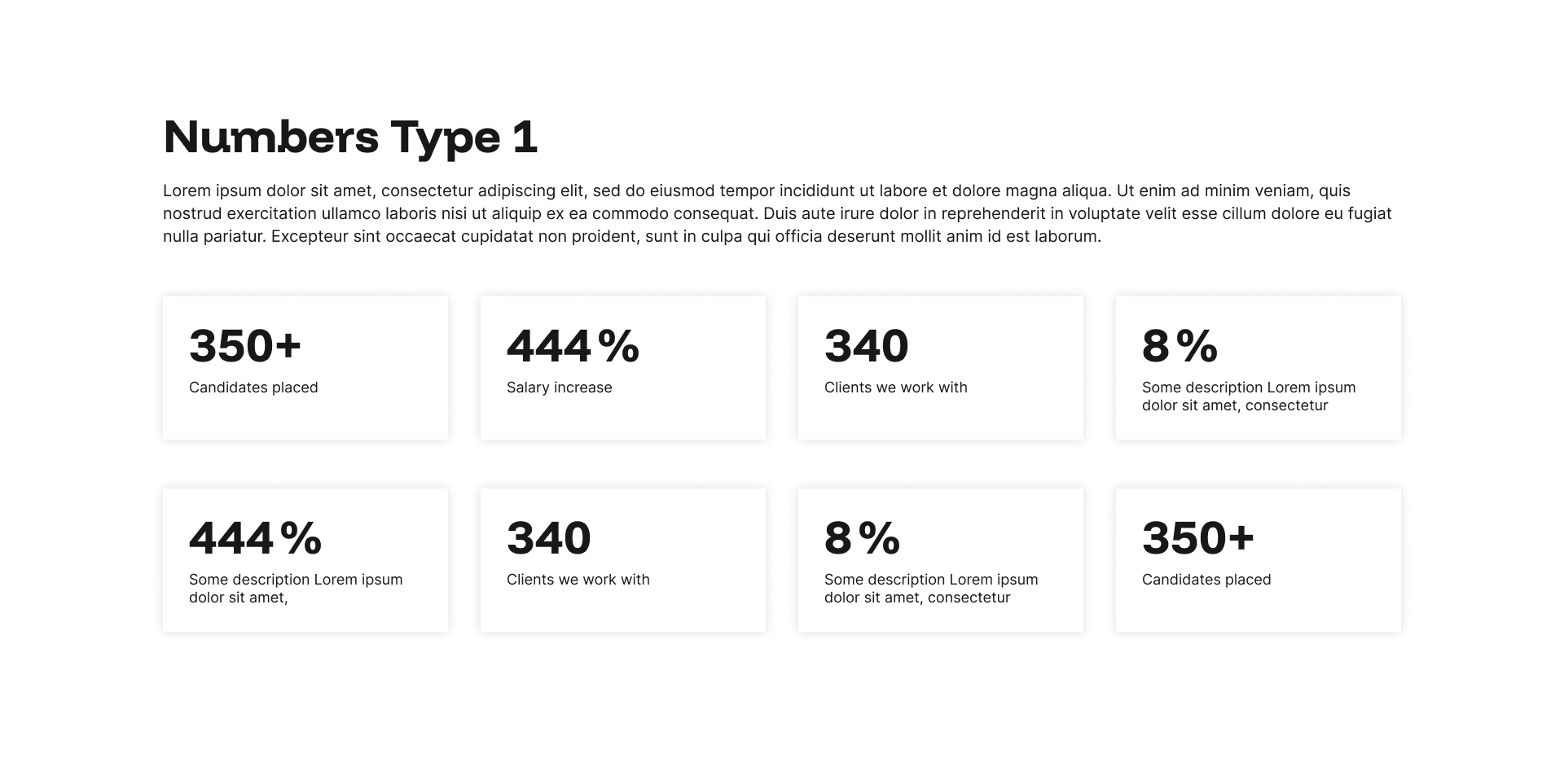
Design Studio Widget Basic Reminders
Here are some basic rules to remember for all Design Studio widgets.
Unlimited use
Pages can have unlimited Design Studio widgets added, so add as many as you need to showcase your content, or let us handle it for you.
Mix the designs
A page can have just one kind of Design Studio widget, or a mixture of different kinds of Design Studio widgets to showcase your content in the best way.
Brand ready
Design Studio widgets are optimised for your brand colours, and you can use them in your core brand colours, optional accent colours, or add an image to the background.
No programming skills are required
All Design Studio widgets take a few seconds to add to the website admin; no programming skills are required.
Easy to use
Step-by-step how-to build tutorials fully support all Design Studio widgets. Installed in seconds, content added in minutes.
Never alone
Comprehensive support is provided for all Design Studio widgets.
Mobile first design
Design Studio widgets are fully optimised for mobile use.
SEO & AI SEO ready
Design Studio widgets are fully optimised for SEO and SEO & AI compatibility.
Part time content/messaging
Design Studio widgets can be hidden if the content is, for example, seasonal or required for a set period.
Use is not mandatory
Use of Design Studio widgets is optional; if you dont want them, you dont have to use them. But of youa re not using them because you are concerned you dont have the design skills, we can do this work with you/for you.
Website Plans

Fully Bespoke Design — £599 + VAT per month
Our designers hand-draw every layout to align with your agency’s specific goals for every page of your website. We do not simply modify a theme; we build a pixel-perfect representation of your unique design goals.
This plan has no build cost and no upfront fees, just a simple, recurring monthly fee.

Semi-Bespoke Design — £299 + VAT per month
Get a homepage that’s designed uniquely for your agency, then build unlimited internal pages using Design Studio. It’s the hybrid option for recruiters who want more than a theme, without the cost and timelines of a fully bespoke design.
This plan has no build cost and no upfront fees, just a simple, recurring monthly fee.
Template Website Designs — £199 + VAT per month
Start with a proven template, then tailor it and build truly unique internal pages with Design Studio.
This plan has no build cost and no upfront fees, just a simple, recurring monthly fee.

Start-Up Recruiter Plan — £149 + VAT per month
Launch your agency with enterprise-grade technology on a bootstrap budget. This plan delivers our most robust features at an entry-level price point, ensuring you don't have to compromise on tech while managing cash flow. It provides the credibility needed to win the attention of clients and candidates without the capital expenditure of a custom build.
This plan has no build cost and no upfront fees, just a simple, recurring monthly fee.

Get a Demo
Talk to a Recruitment Website Specialist
If you’re tired of rebuilding, replatforming, or being boxed in by your website provider, it’s time for something built properly. Use the link below. Or you can:
Call: 07772 777485
Email darren@recruiterweb.co.uk
Connect on LinkedIn